62
Status Icons
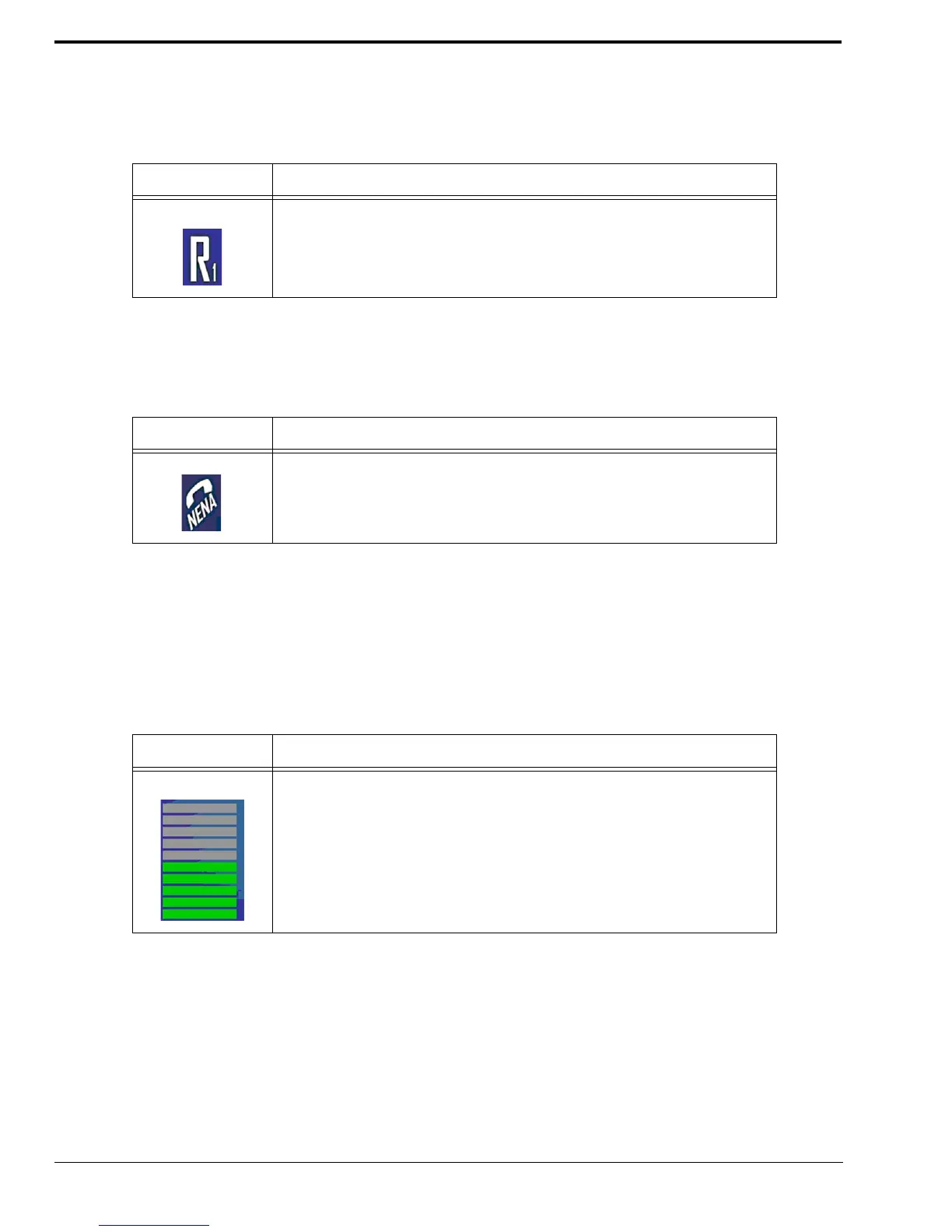
Relay Status Icon
The Relay Status icon indicates the relay controlled device specified by the number on the icon is on. If no relay icon appears,
the relay is off.
NENA Status Icon
The NENA Status icon indicates the NENA is offhook.
Volume Indicator Icon
The Volume Indicator icon indicates the RX level coming out of the controller headset. From the bottom to the top, one (1)
bar is lowest volume and 10 bars is the highest volume. Each increment represent 10% of the total volume. The volume is
controlled with the volume buttons on the front of the ADHB-4.
The default setting is 50%.
To change the controller headset volume, do the following:
> From the front panel, press the up volume button.
The volume in the headset increases.
OR
From the front panel, press the down volume button.
The volume in the headset decreases.
TABLE 6. Relay Status Icon Descriptions
Icon Status Description
When the Relay icon appears, the relay specified by the number has changed
state.
TABLE 7. NENA Status Icon Description
Icon Status Description
When the NENA icon appears on the display, a NENA is offhook and
transmitting.
TABLE 8. Volume Meter Description
Icon Status Description
When audio plays from the controller headset’s earpiece, this setting indicates
the total volume.



 To Next Page