ACT6000 User Guide – January 2021 Page 34 of 52
Real time Loop Resistance Measurement (it requires the ACT-18 optional module)
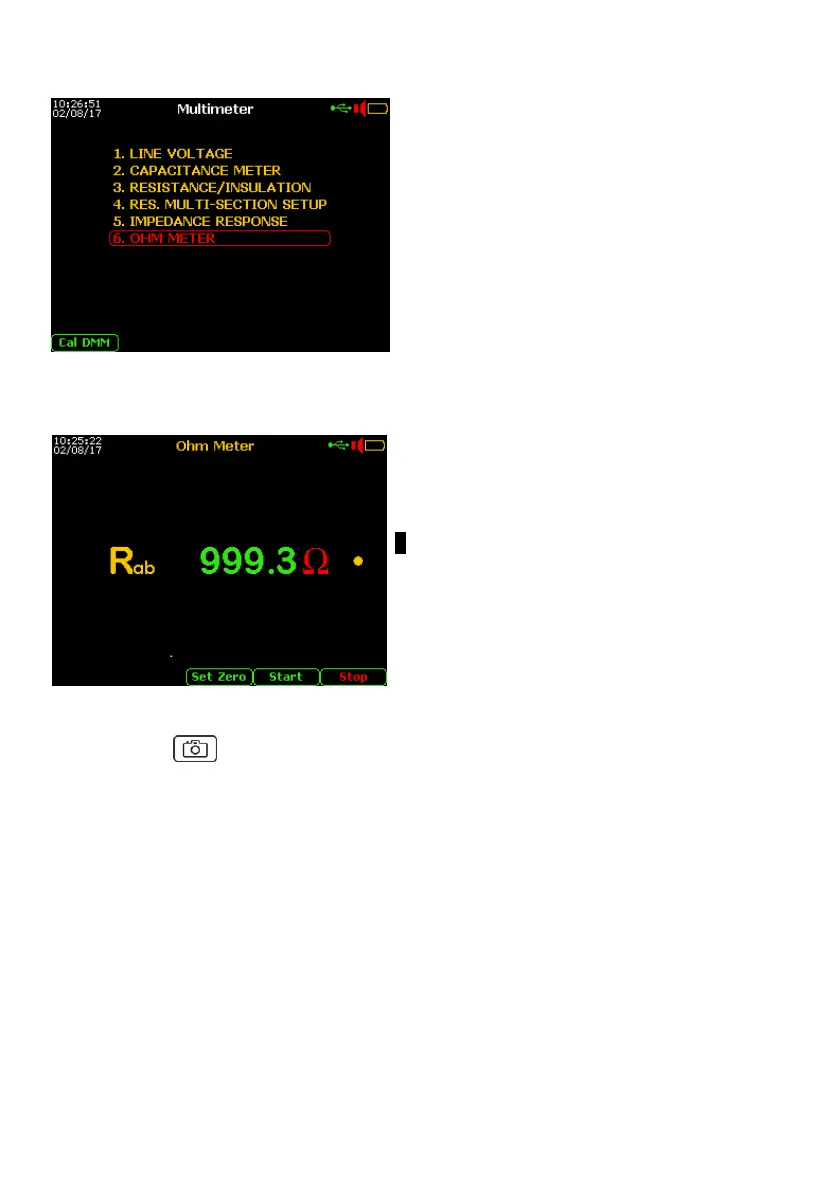
If installed the “Real time Resistance Meter”
ACT-18 optional module, from the Main Menu
select and enter the Digital Multimeter
function, then select 6. OHM METER then
press “Enter”.
To improve the Resistance test accuracy, short the end of the test-cable (a – b points) and
press F1 “Set Zero”.
By the test-cable connect the line to a – b point
of the RTX connector.
Push the F4 “Start” key.
● Rab value still in real-time *
Finished the test push F5 “Stop”
By pushing the “Photo” key, the measurement can be temporarily frozen and the F5
key will allow to save the measurement in the internal memory.
* if found an extraneous voltage over 2.0 Volt, the test will be blocked !



 To Next Page