8 Using the product
19
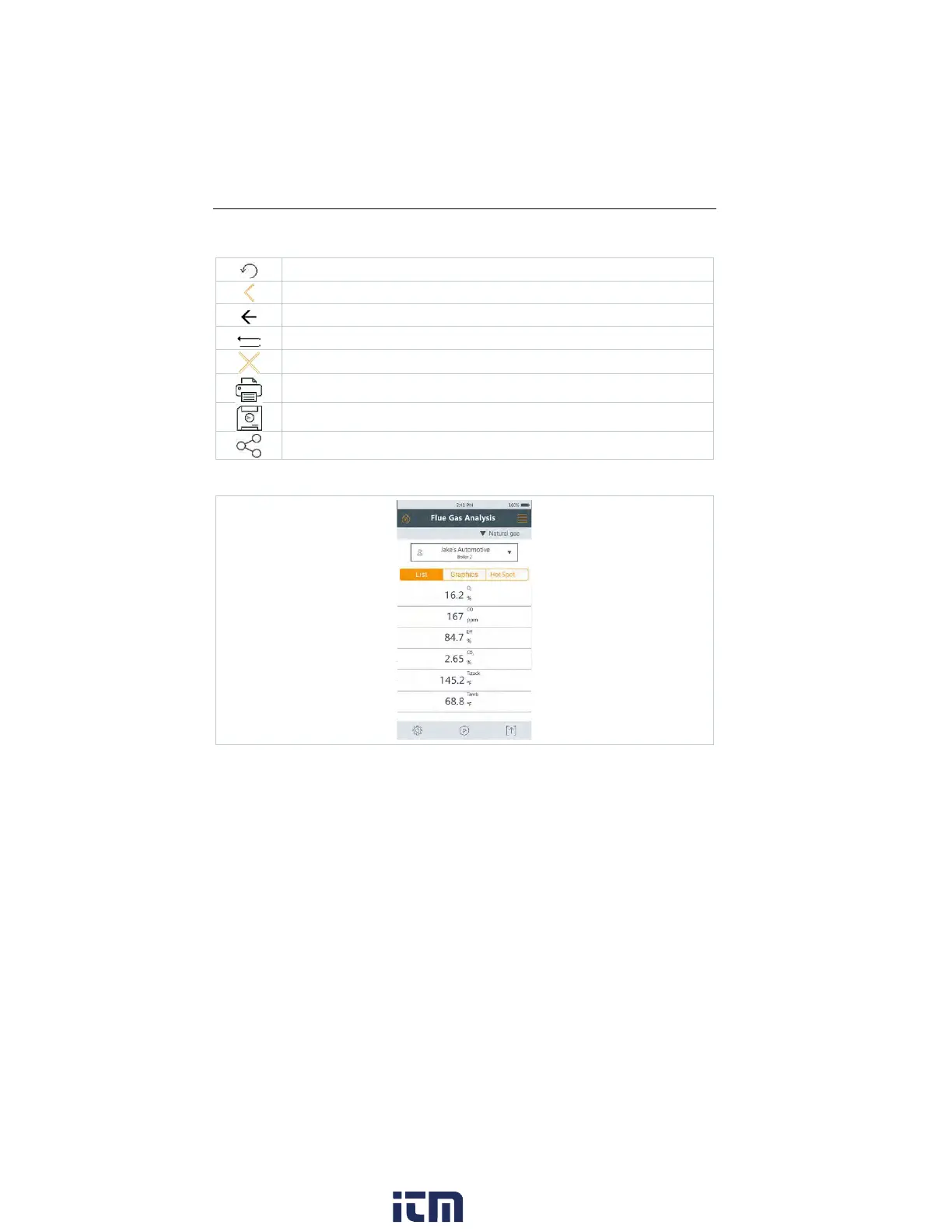
Further symbols on the user interface (without numbering)
Refresh measurement
One level back
Cancel process
Print values
Save report
Save and send report
Main measurement display - List
The measurement units and the number and order of the measurement
parameters displayed in the Main measurement display – List, can be changed,
see section Configure measurement display.
Only those parameters shown in the reading display appear in the saved
measurement and on the report printouts.
The settings only apply to the measurement type currently enabled.
w ww. . com
information@itm.com1.800.561.8187



 To Next Page