8 Using the product
21
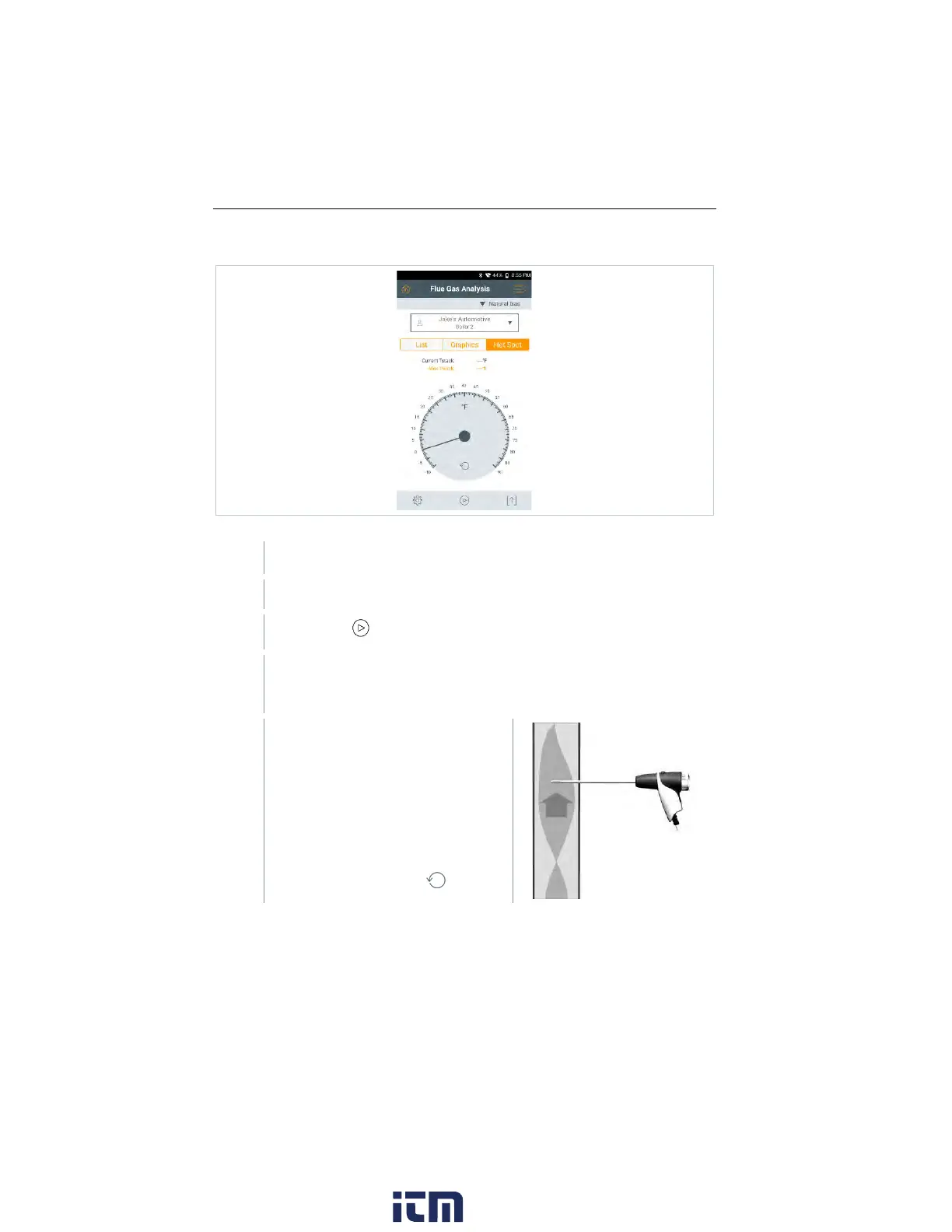
Main measurement display - Hot Spot
Search for hot spot:
Measurement view is enabled.
Call up function: Hot Spot
Start search:
The measurement starts automatically after zeroing.
Align the flue gas probe in the flue so
that the probe tip is in the hot spot
(area of the highest flue gas
temperature Max Tstack).
- Grey value/grey pointer: Display
of current flue gas temperature
- Orange value/orange pointer:
Display of maximum flue gas
temperature
- Reset values/pointer:
w ww. . com
information@itm.com1.800.561.8187



 To Next Page