8 Using the product
27
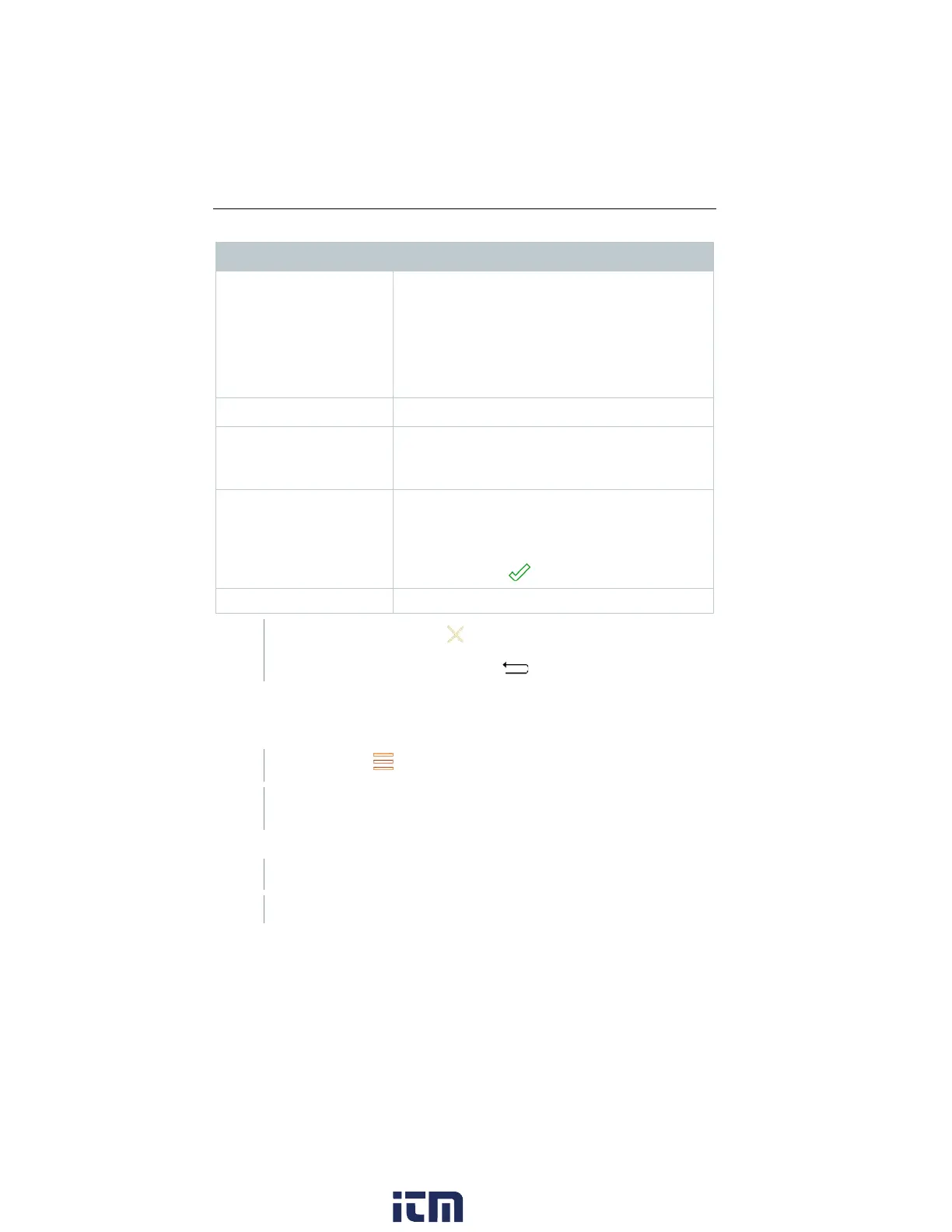
Category Description
Select output format(s):
- CSV (comma separated text file, e.g. for
Microsoft
®
Excel)
- PDF
- ZIV 2.00 (XML file, complying with the
regulations of the Guild of Master Chimney
Customer data
Enter / add contact details.
Enter comments and Add (opens the Gallery).
Pictures are only included when output is in PDF
format.
All saved measurements are displayed in one of
the following time categories, depending on the
creation date: Today, Yesterday or Older.
The measurements selected to create the report
Signature
Sign report.
Back to the main menu: tap
or
Back to the measurement menu: tap .
Saved reports
The measurement reports that have been created are stored under Saved
reports. These can be brought up again, sent or deleted.
Call up function: | Saved reports.
The OI File Manager folder is opened, and the available reports are
displayed.
Open report
Report is displayed as a PDF.
w ww. . com
information@itm.com1.800.561.8187



 To Next Page