8 Using the product
20
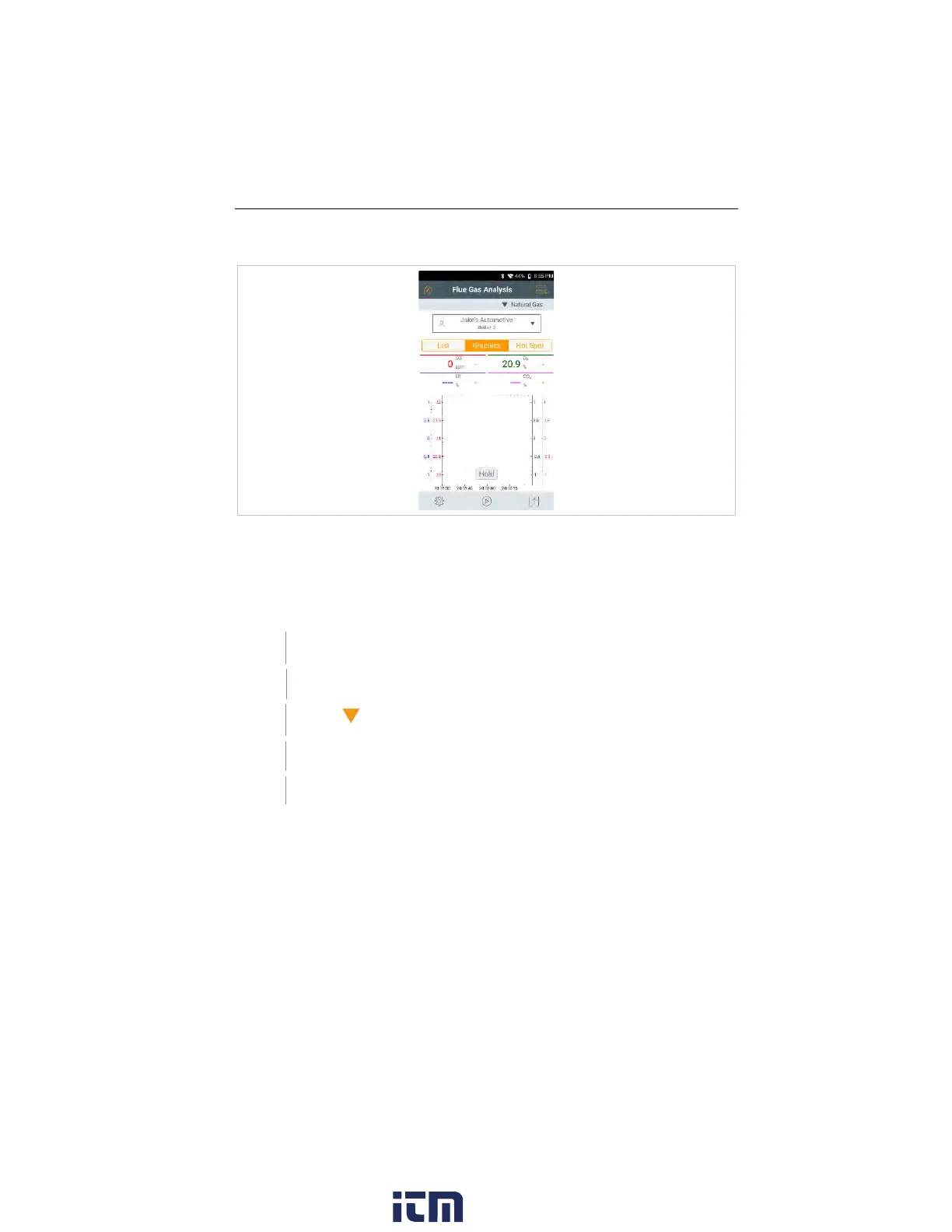
Main measurement display - Graphics
In the Main measurement display - Graphics, the reading progression can be
displayed as a line diagram.
A maximum of 4 measurement parameters can be set at any one time. Only
those measurement parameters can be displayed that are available in the Main
measurement display - Graphics.
The measurement parameters can be adjusted if necessary:
Measurement view is enabled.
Call up function: Graphics
Tap on to open selection list for measurement parameters/units.
Select desired measurement data / units.
Selection is accepted automatically.
w ww. . com
information@itm.com1.800.561.8187



 To Next Page