8 Using the product
32
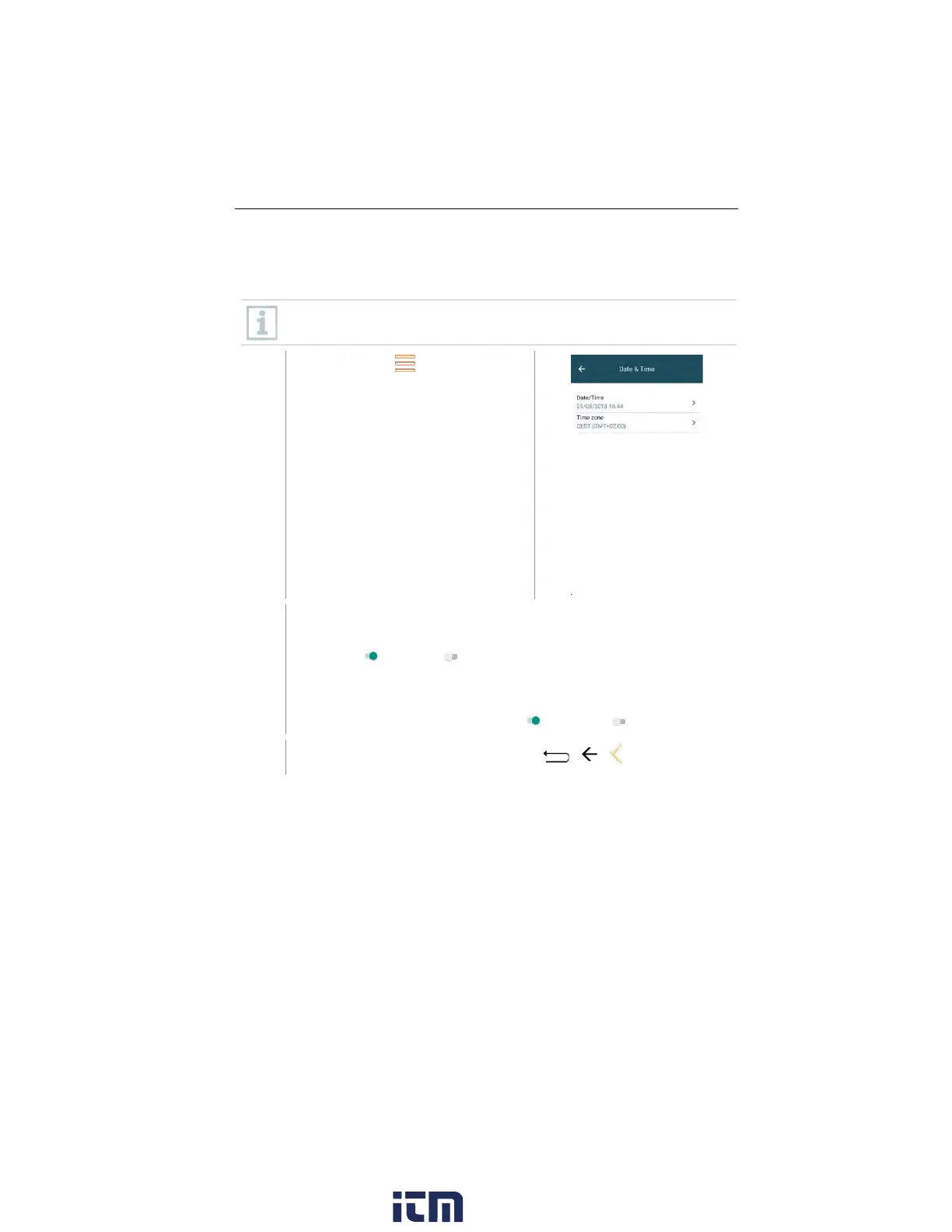
Date/Time
You can set the date, time and time zone in the Date/Time menu. You can
choose between the 24 hr or AM/PM formats for the time.
If the Wi-Fi has already been enabled, the Date/Time provided by the
network is automatically set.
Call up function: | Device
Settings | Date/Time.
Various setting options are displayed. Depending on your
requirements, you can
• Enable ( ) / disable( ) selection fields by tapping
• Open other selection fields
• Enter parameters using the keypad
• Set 24 hr or AM/PM format: 24 hr ( ) / AM/PM ( )
Back to the Device Settings menu: Tap | | .
w ww. . com
information@itm.com1.800.561.8187



 To Next Page