8 Using the product
26
Edit measuring site
Customer input screen is open.
Tap Measuring site button.
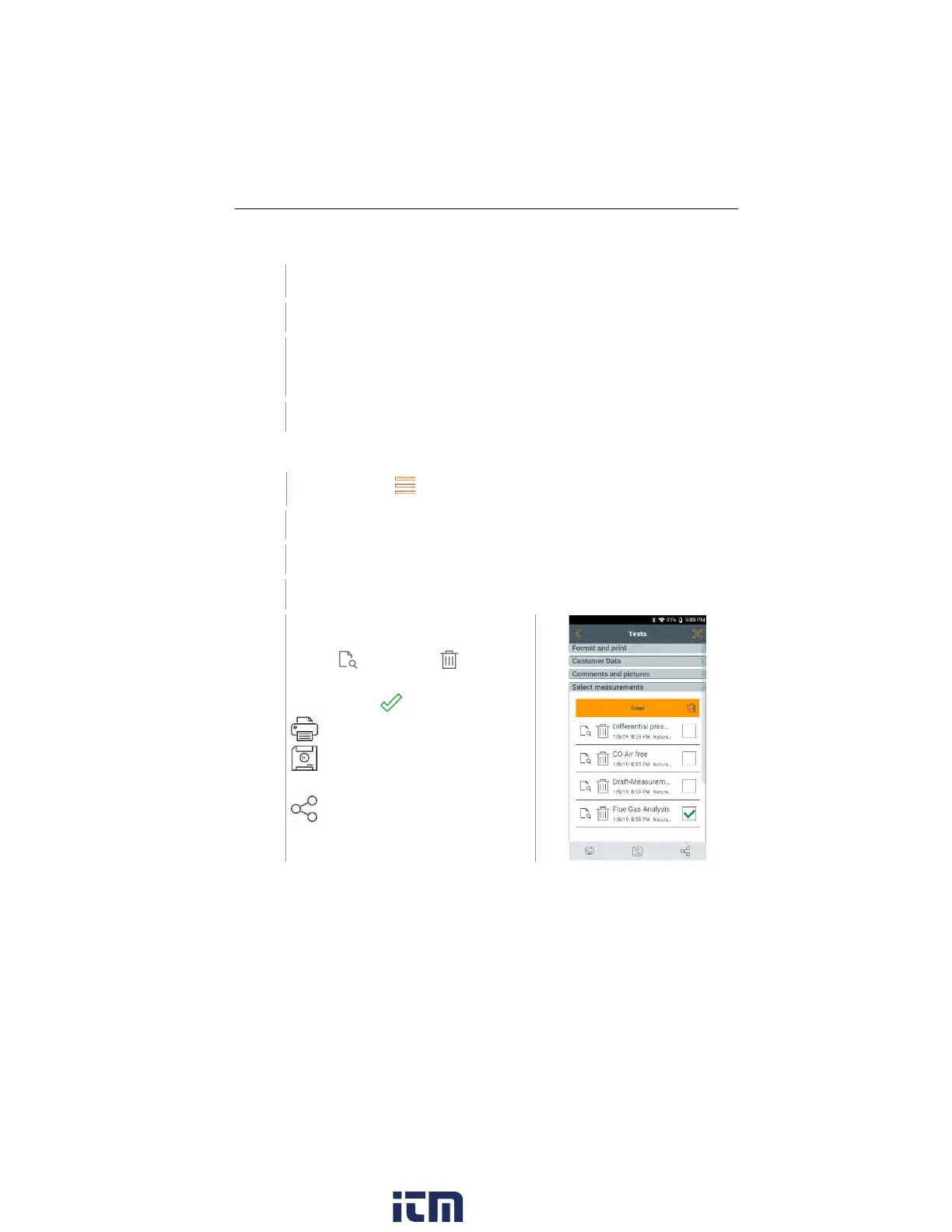
Tests
Call up function: | Tests
Tests menu is displayed.
Measurements for the selected
customer / measuring site can be
viewed and deleted .
More options for selected
measurement :
Print readings
Save report
Save and send report
The following information can be selected / added to create a report.
w ww. . com
information@itm.com1.800.561.8187



 To Next Page