9 Performing the measurement
60
Options for Tests are opened.
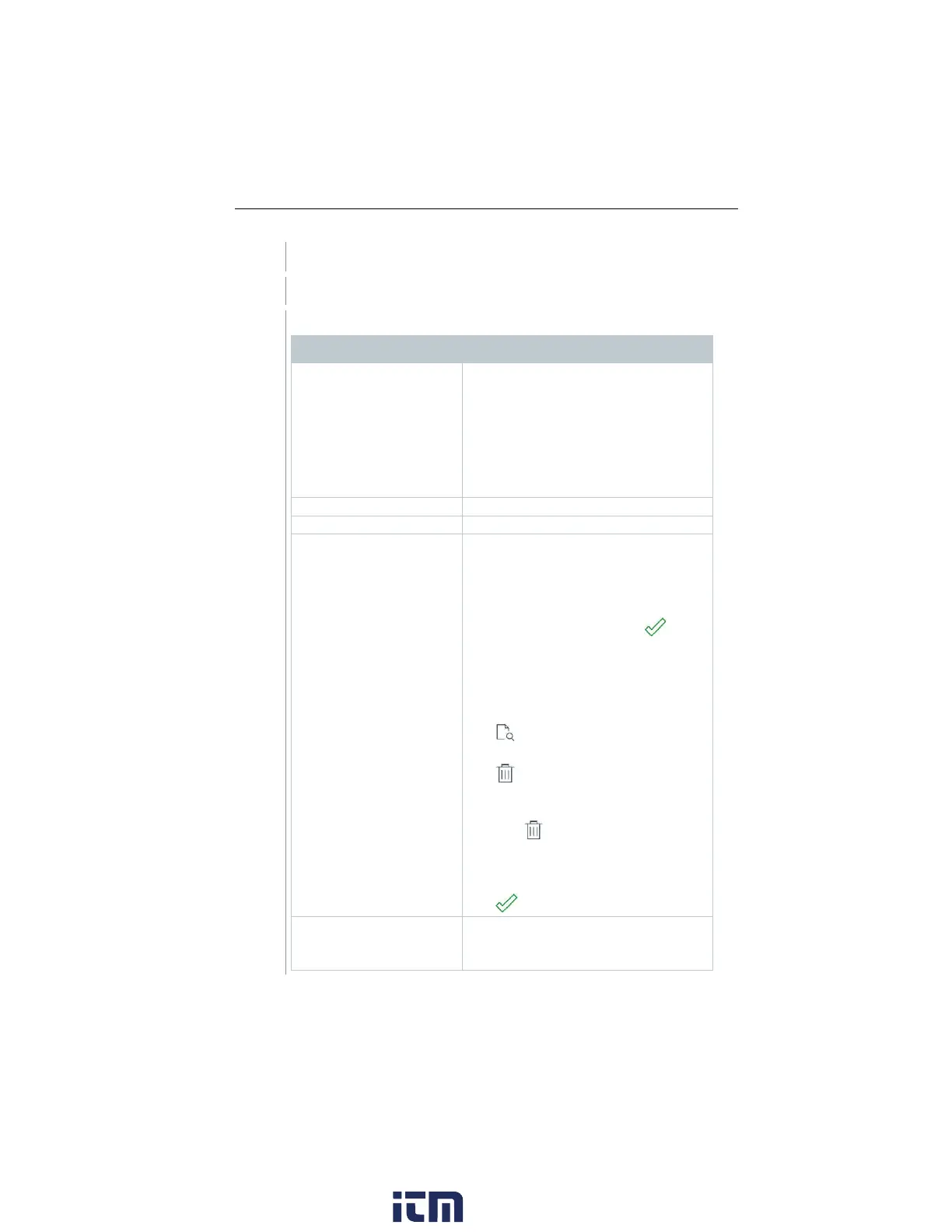
Category Description
Select output format(s):
- CSV (comma separated text file,
e.g. for Microsoft
®
Excel),
- PDF
- ZIV (XML file, complying with the
regulations of the ‘Federal
Association of Chimney Sweeps in
Enter comments and add pictures.
All saved measurements are displayed
in one of the following time categories,
depending on the creation date:
Today, Yesterday or Older.
The measurements selected to create
the report are identified with .
Recently saved measurements for
these customers are automatically
identified.
To display saved readings to check
them:
.
To delete individual measurement:
.
To delete all measurements of a time
category:
Tap next to the time category
name.
To select/deselect a measurement for
the report:
Tap Sign Report and sign.
Options:
w ww. . com
information@itm.com1.800.561.8187



 To Next Page