134
Chapter 7: Statistical Analyses
7307ENG.DOC CH 7, Statistical Analyses, English Julie Hewlett Revised: 07/29/98 12:07 PM Printed: 05/19/99
9:00 AM Page 134 of 22
Non-integer freq elements are valid. This is useful when
entering frequencies expressed as percentages or parts that
add up to 1. However, if freq contains non-integer frequencies,
Sx
and
Sy
(sample standard deviation) are undefined, and
values are not displayed for
Sx
and
Sy
in the statistical results.
1-Var Stats and 2-Var Stats 1-Var Stats and 2-Var Stats -
v
!
1 and 2 1 and 2
1-Var Stats
(one-variable statistics) analyzes data from one list
with one measured variable (X).
1-Var Stats
accepts two
optional arguments, XList and freq. If XList is not specified,
the default list name is
L
1
.
1-Var Stats
[XList,freq]
2-Var Stats
(two-variable statistics) analyzes paired data from
two lists with two measured variables, X, the independent
variable, and Y, the dependent variable.
2-Var Stats
accepts
three optional arguments, XList, YList, and freq. If XList and
YList are not specified, the default list names are
L
1
and
L
2
.
2-Var Stats
[XList,YList,freq]
Find the
1-Var Stats
for
L
1
, where
L
1
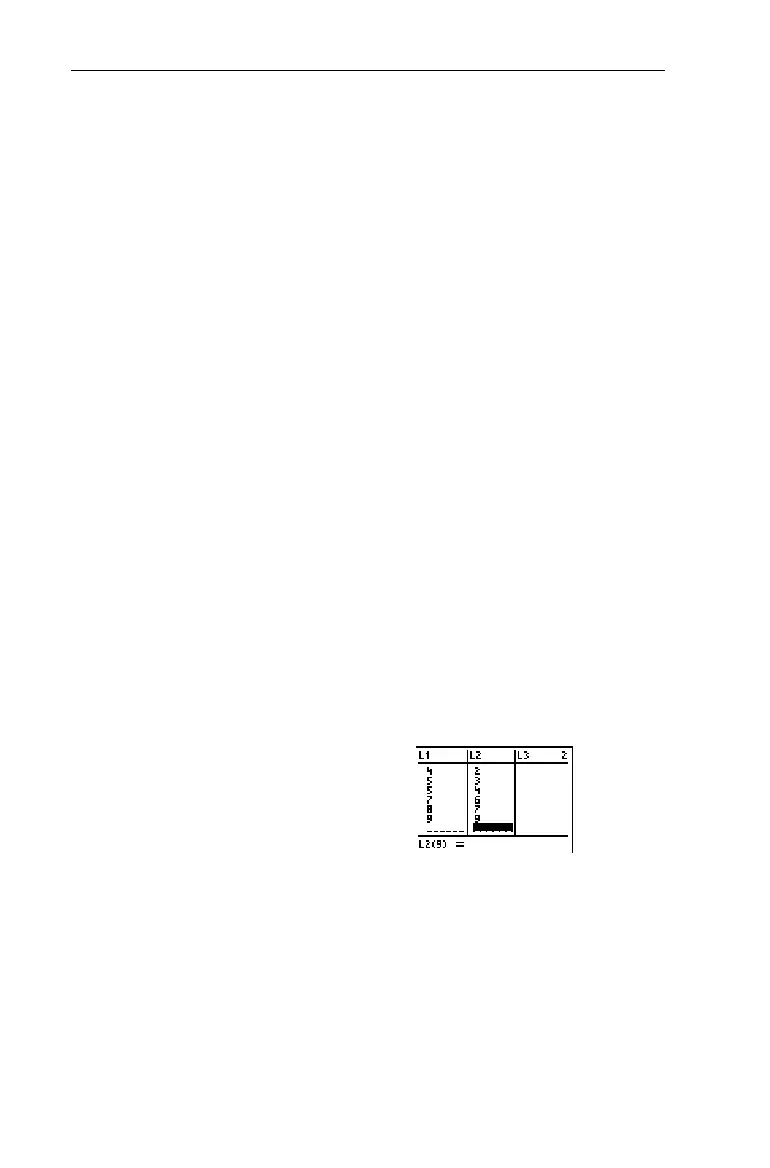
={1,3,4,5,5,7,8,9}
. Use
L
2
as
freq, where
L
2
={1,4,2,3,4,6,7,9}
.
1. Define two lists in the List
editor,
L
1
and
L
2
.
3
For more information on entering lists,
see Chapter 5: Lists.
³


 To Next Page
 Loading...














