Chapter 10: Drawing
205
7310ENG.DOC Draw Texas Instruments Revised: 05/29/98 6:43 PM Printed: 05/19/99 9:01 AM Page 205 of 22
Pxl-On(, Pxl-Off(, and Pxl-Change(Pxl-On(, Pxl-Off(, and Pxl-Change(
2
"
4, 5, and 6 4, 5, and 6
Pxl-On(
,
Pxl-Off(
, and
Pxl-Change(
turn on, off, or change the
status of a pixel only from the Home screen or the Program
editor.
When you select a pixel instruction from the
2
POINTS
menu, the TIN73 returns you to the Home screen or the
Program editor. Since the pixel instructions are not
interactive, they cannot be used from the Graph screen.
A pixel is independent of the X- and Y- axes. It is based instead
on the physical size of the screen. The screen is divided into
pixels specified as (row,column). 0row62 and 0column94.
Pxl-On(
,
Pxl-Off(
, and
Pxl-Change(
accept two mandatory
arguments: row and column, which specify the pixel that you
want to draw, erase, or change.
Pxl-On(
row,column
)
Pxl-Off(
row,column
)
Pxl-Change(
row,column
)
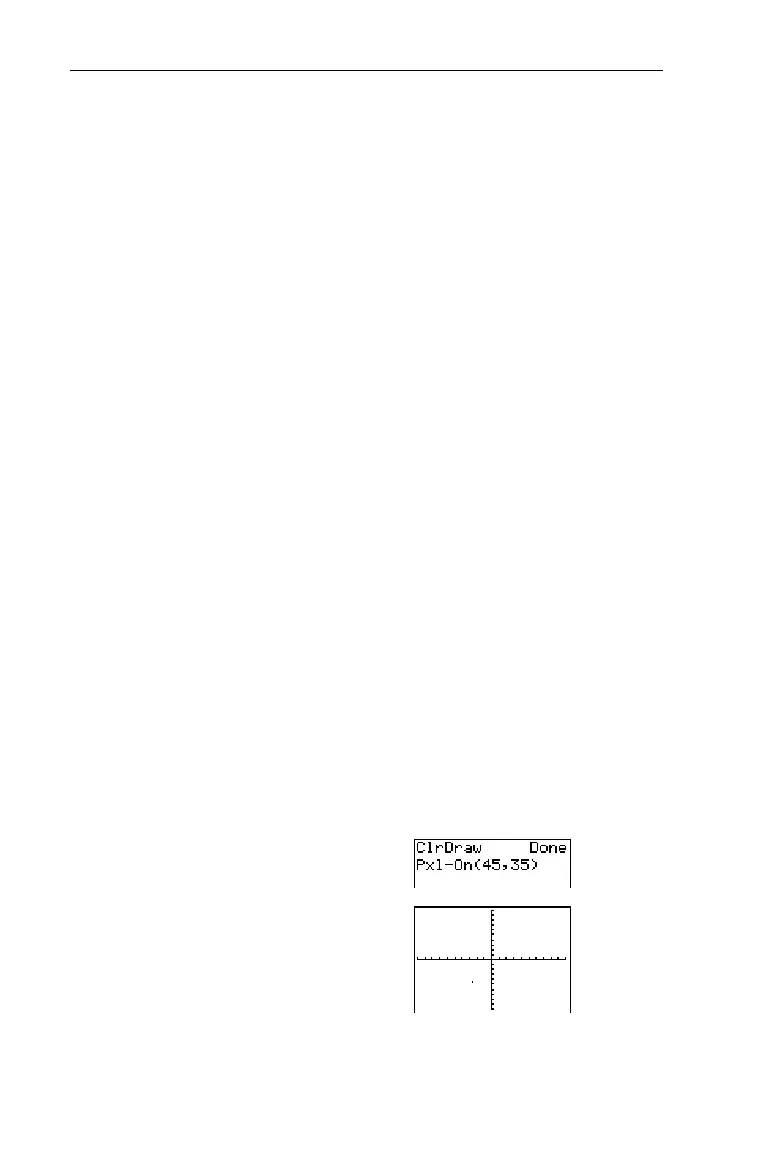
Turn on the pixel at (45,35).
1. From the Home screen,
clear the Graph screen.
-l:
2
1
b
2. Turn on the pixel.
2"
4
45
¡
35
Eb
³


 To Next Page
 Loading...














