Chapter 5: Lists
89
7305ENG.DOC CH 5 Lists, English Julie Hewlett Revised: 07/29/98 12:04 PM Printed: 05/19/99 8:59 AM Page
89 of 30
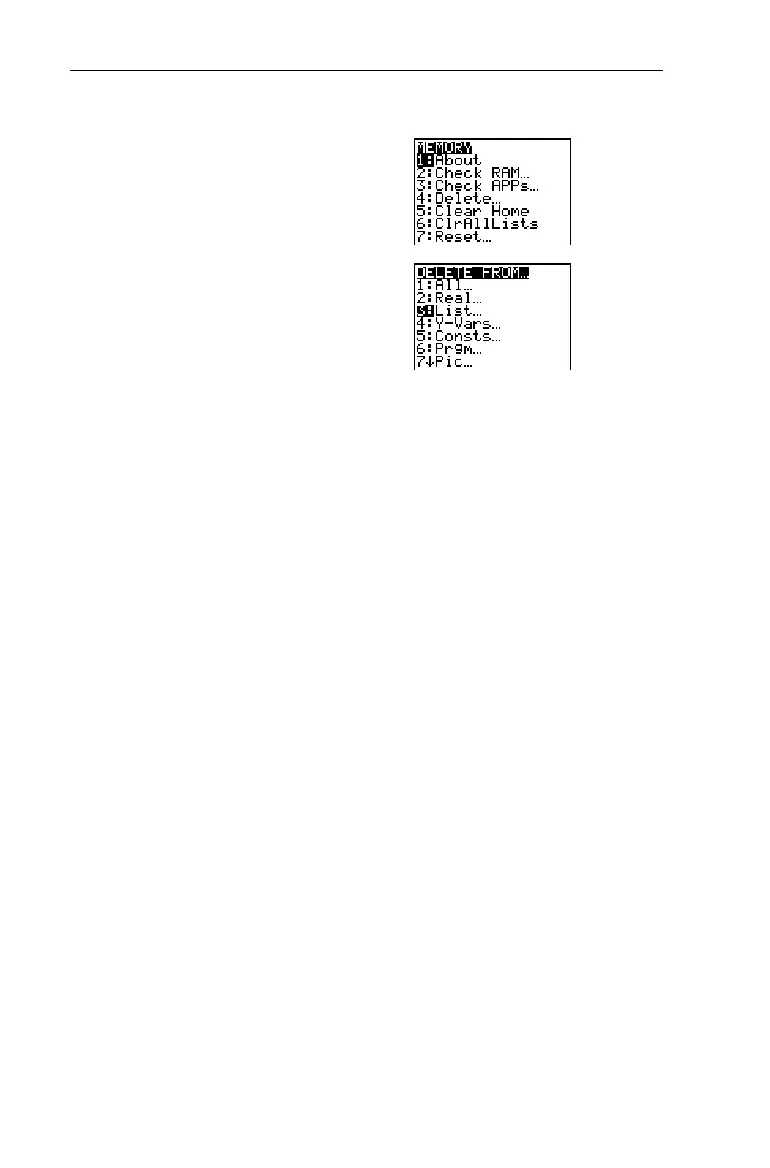
Delete
L
2
from the calculators
memory.
-Ÿ
4 3
#b
-l(to return to
the Home screen)
Inserting or Deleting One Element in a ListInserting or Deleting One Element in a List
To insert one element in a list:
1. Use the cursor keys as necessary to highlight the element
space where you want to insert the element.
2. Press - m to insert the element space. All following
elements move down one space.
3. Type the element, and press b.
To delete one element from a list:
1. Use the cursor keys as necessary to highlight the element
that you want to delete.
2. Press / to delete the element. All following elements
move up one space.
Editing an Existing ElementEditing an Existing Element
You can edit any particular element in a list without having to
reenter the entire list.
1. Use the cursor keys as necessary to highlight the element
that you want to edit.
2. Press b to move the element to the entry line.
3. Edit the element with - m, :, or /, as
necessary.
4. Press b to replace the existing element with the
edited element.
³



 To Next Page
 Loading...













