Chapter 13: Link and the CBL
à
CBR Application
265
APPS.DOC Chapter 13: Link and CBL/CBR Application, English Julie Hewlett Revised: 02/07/01 10:34 AM
Printed: 02/07/01 10:35 AM Page 265 of 22
Selecting the CBL/CBR Application
You access the
CBL/CBR
application by pressing
9
. In order
to use a
CBL/CBR
application, you need a CBL 2/CBL or CBR
(as applicable), a TI
N
73, and a unit-to-unit link cable.
9
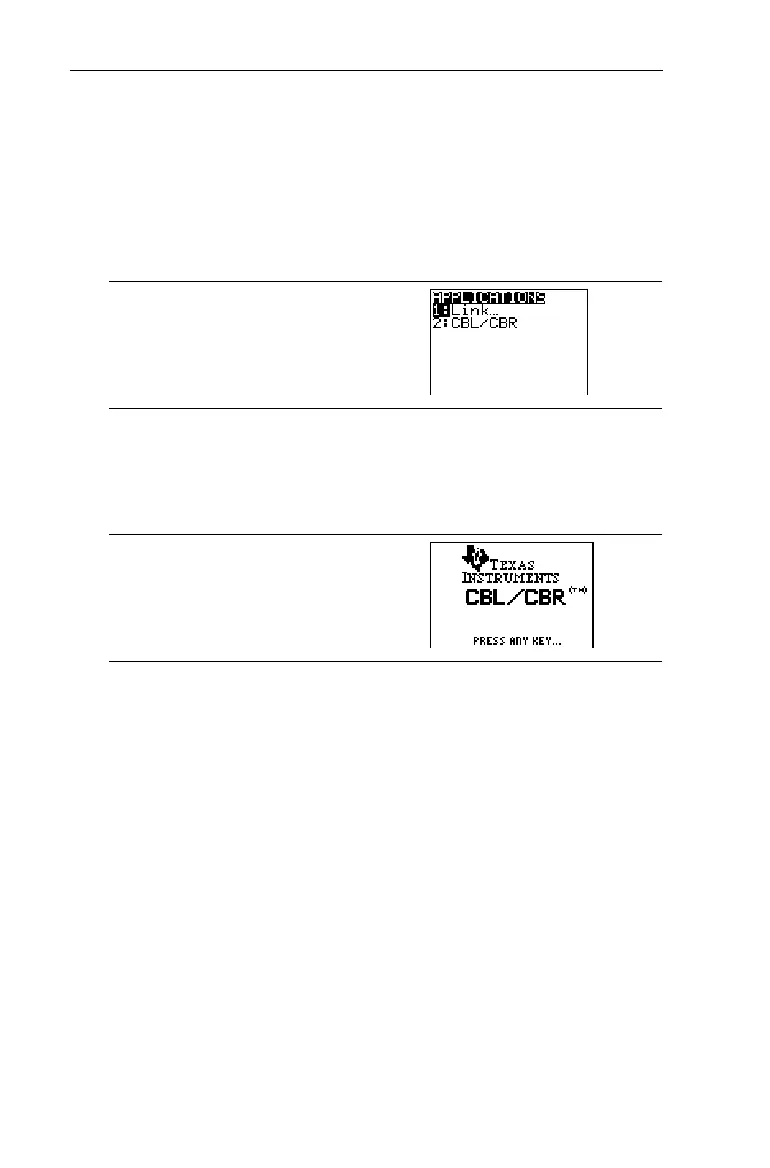
Select
2:CBL/CBR
to set up the TI
N
73 to use either of the
applications. An informational screen first appears. Press any
key to continue to the next menu.
9
2
Specifying the Data Collection Method
With a CBL 2/CBL or CBR, you can collect data in one of three
ways:
GAUGE
(bar or meter),
DATA LOGGER
(a Temp-Time,
Light-Time, Volt-Time, or Sonic-Time graph), or
RANGER
,
which runs the
RANGER
program, the built-in CBR data
collection program.
CBL 2/CBL and CBR differ in that CBL 2/CBL allows you to
collect data using one of four different probes: Temperature,
Light, Volt, or Sonic. CBR collects data using only the Sonic
probe. You can find more information on CBL 2/CBL and CBR
in their user manuals.



 To Next Page
 Loading...













