14
Chapter 1: Operating the TIN73
7301ENG.DOC CH1 Operating the TI-73, English Julie Hewlett Revised: 07/29/98 11:55 AM Printed: 05/19/99
8:58 AM Page 14 of 24
Accessing FunctionsAccessing Functionsà
Instructions from theInstructions from the
CATALOGCATALOG
- | displays the
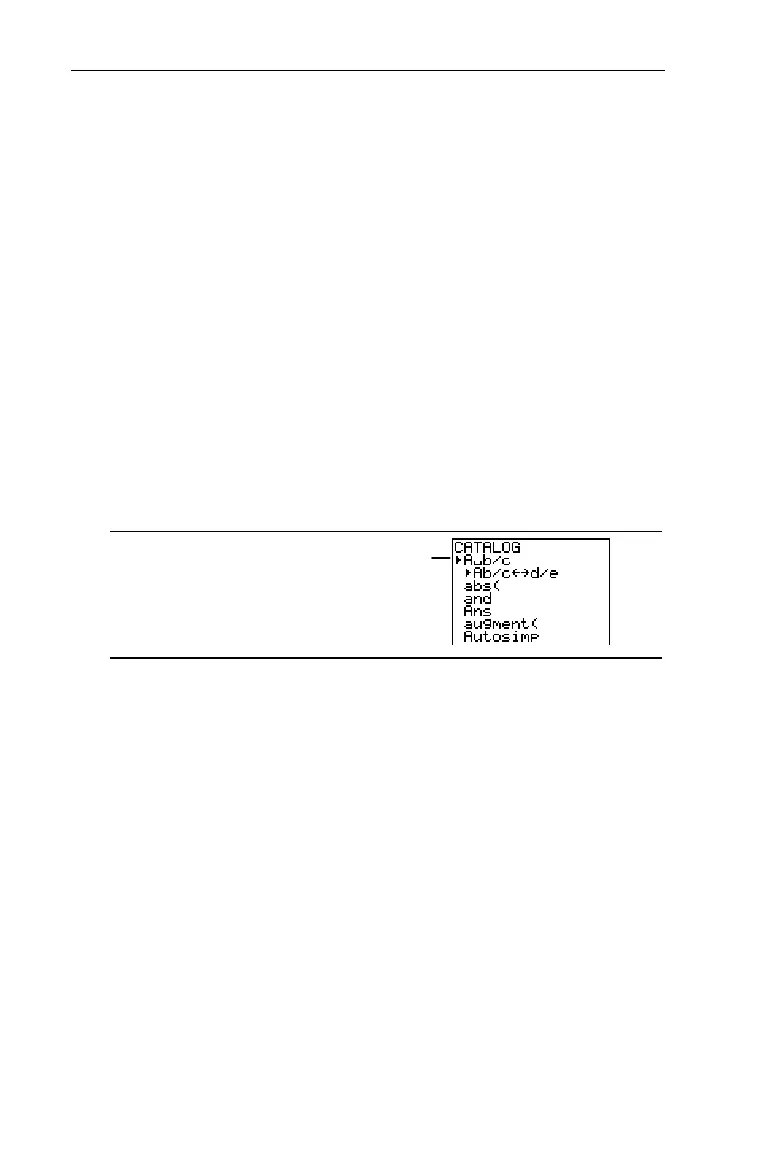
CATALOG
, which is an alphabetical
list of all functions, instructions, programming commands,
variables, and symbols on the TIN73. If, for example, you
cannot remember where a particular menu item is located, you
can find it in the
CATALOG
.
Items that begin with a number are in alphabetical order
according to the first letter after the number. For example,
1-Var Stats
is among the items that begin with
V
.
Items that are symbols follow the last item that begins with
Z
.
You can access the symbols quickly by pressing $ from the
first catalog item,
A
§
b/c
. The cursor moves to the bottom of the
list.
-|
To select an item from the
CATALOG
:
1. Press - | to display the
CATALOG
. The Selection
Cursor always points to the first item.
2. Press $ or # to scroll the
CATALOG
until the Selection
Cursor points to the item you want.
To jump to the first item beginning with a particular letter,
select that letter from the Text editor. Press - t
while in the
CATALOG
, use the cursor keys to highlight the
letter you want, and then press b. You are
automatically returned to the
CATALOG
, and the Selection
Cursor has now moved to the new section. Scroll to the
item you want.
3. Press b to paste the
CATALOG
item to the current
screen.
Selection Cursor


 To Next Page
 Loading...














