Chapter 10: Drawing
201
7310ENG.DOC Draw Texas Instruments Revised: 05/29/98 6:43 PM Printed: 05/19/99 9:01 AM Page 201 of 22
The 2
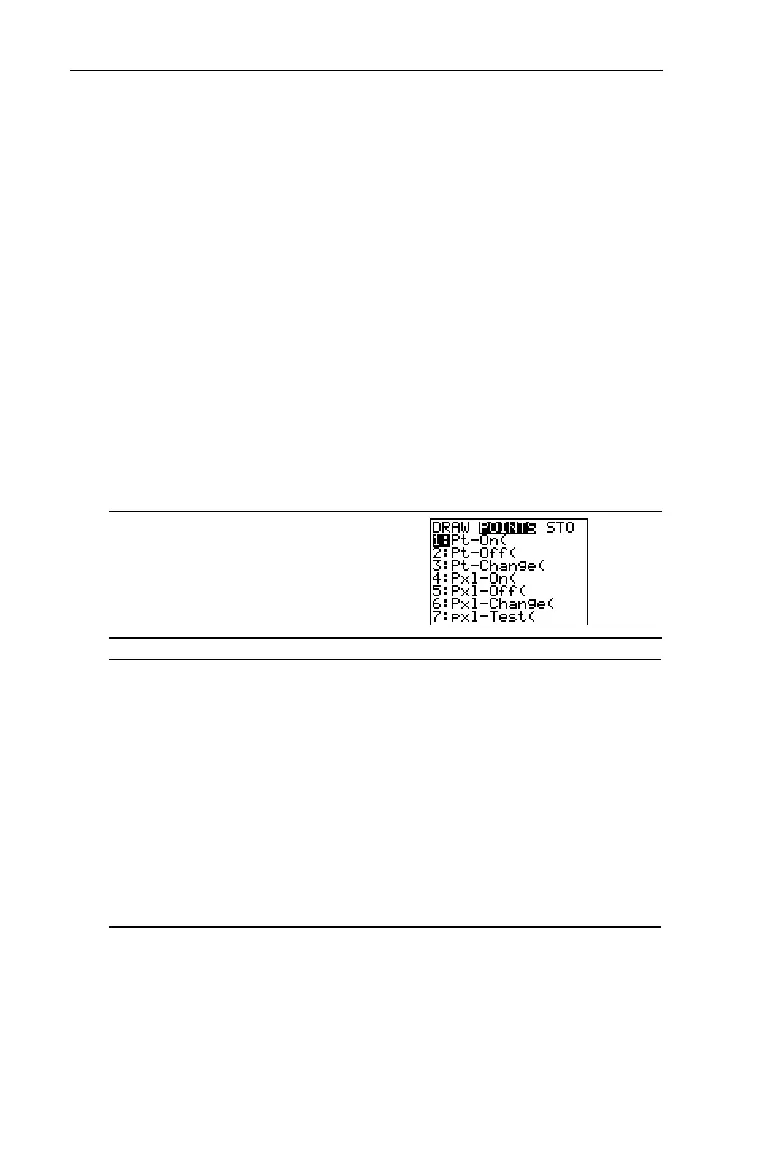
POINTS Menu
The 2
POINTS
menu items let you draw or erase individual
points or pixels on top of function graphs and stat plots (see
Chapter 9: Function Graphing and Chapter 6: Statistical Plots).
The way the TIN73 interprets the point instructions depends
on whether you accessed the instructions from the Home
screen or the Program editor, or directly from a graph.
Redefining
WINDOW
values ((
6:ZStandard
), graphing a
Y
n
function or stat plot, or pressing ( erases all drawn items
from the Graph screen.
Note: All examples in this section show the Graph screen set
to standard
WINDOW
values and with all
Y
n
functions and stat
plots deselected.
2"
1:Pt-On(
Turns on a point.
2:Pt-Off(
Turns off a point.
3:Pt-Change(
Toggles a point on or off.
4:Pxl-On(
Turns on a pixel.
5:Pxl-Off(
Turns off a pixel.
6:Pxl-Change(
Toggles a pixel on or off.
7:pxl-Test(
Returns 1 if pixel is on, 0 if pixel is off.


 To Next Page
 Loading...














