90
Chapter 5: Lists
7305ENG.DOC CH 5 Lists, English Julie Hewlett Revised: 07/29/98 12:04 PM Printed: 05/19/99 8:59 AM Page
90 of 30
Clearing All Elements in a ListClearing All Elements in a List
To clear all of the elements in a list when the List editor is
displayed:
1. Use the cursor keys as necessary to highlight the list
name. The list elements (or formula) are displayed on the
entry line.
2. Press : b to clear the list elements.
You also can clear elements from the Home screen using the
- v
OPS
3:ClrList
menu item.
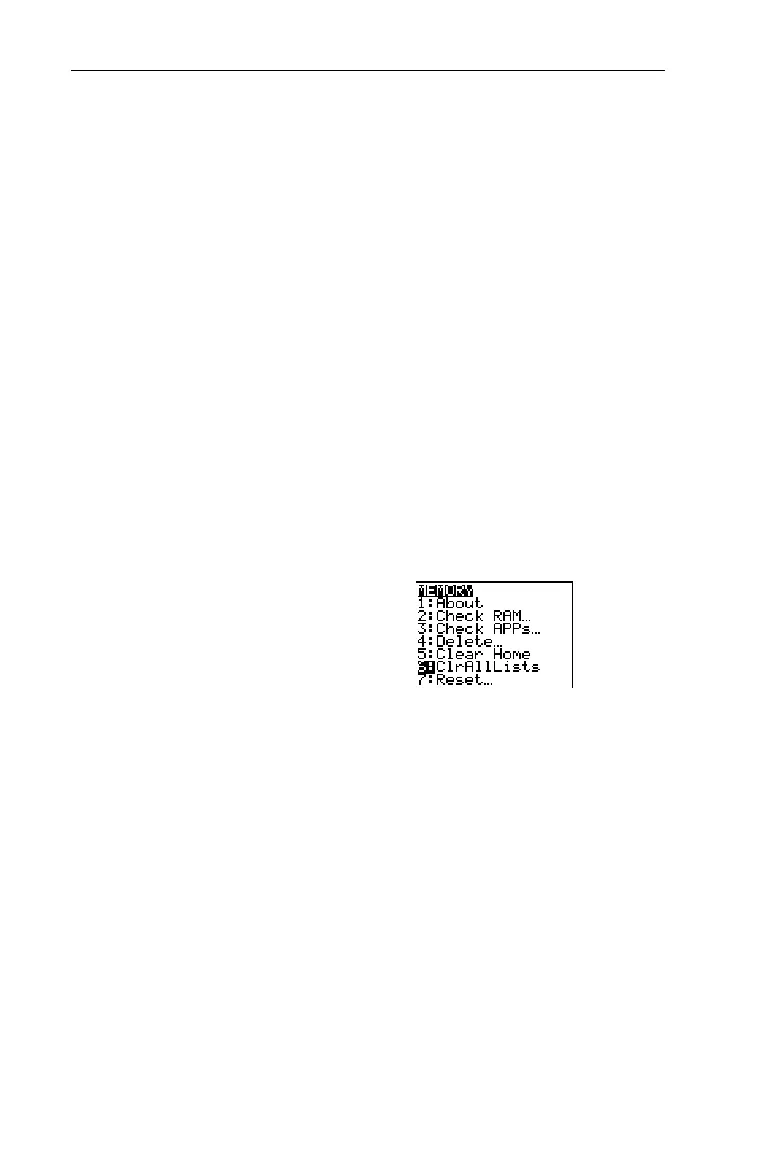
Clearing All Elements in All ListsClearing All Elements in All Lists
You clear all elements in all lists using the - Ÿ
6:ClrAllLists
instruction from the Home screen. When you press b, all
elements in all lists are cleared from the calculators memory,
even for those lists not displayed in the List editor.
-l
-Ÿ
6
b
Editing a List FormulaEditing a List Formula
To edit an attached formula:
1. Use the cursor keys as necessary to highlight the name of
the list name that you want to edit.
2. Press b to move the formula to the entry line.
3. Edit the formula with - m, :, or /, as
necessary.
4. Press b to replace the existing formula with the
edited formula. The list elements are updated
automatically according to the new formula.



 To Next Page
 Loading...













