EN - 20
6 Setting up the power supply EX-TRAFIRE
®
125HD
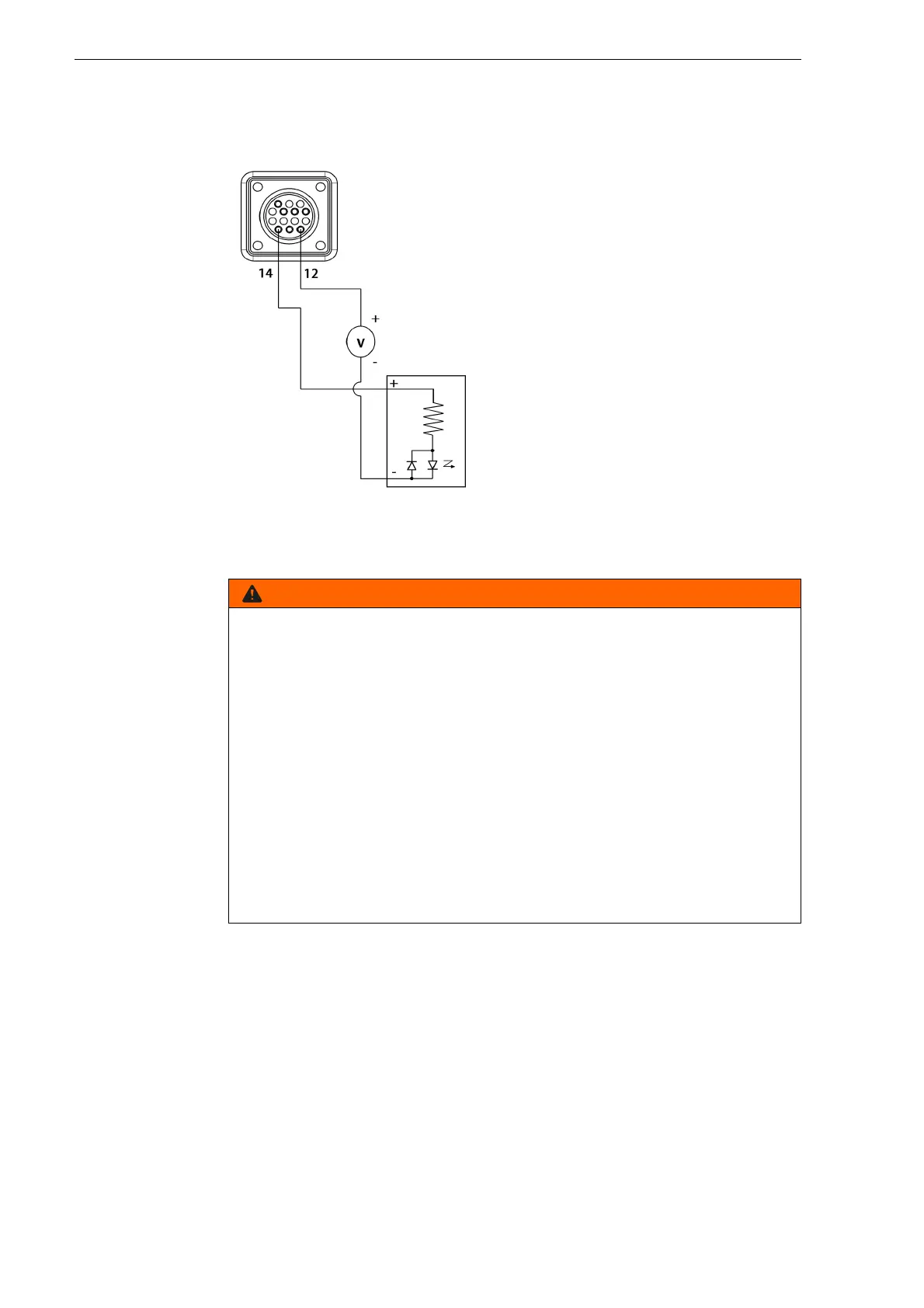
6.6.4 Enabling the industrially insulated module with an
external power supply
Industrial insulated user module with 24 V DC power supply.
6.7 Installing consumables for the hand and machine
cutting torches
The procedure shown below applies to both the equipment of hand
and machine cutting torch.
1 Switch off the EX-TRAFIRE
®
125HD.
2 Remove the interface cover.
3 Connect the interface cable with the
cutting power supply.
Risk of injury due to unexpected ignition of the plasma arc
Hand cutting torch:
When the input powerplug is plugged in, the plasma arc ignites
immediately when the torch trigger is pressed. Individuals can be
seriously injured if the arc ignites unexpectedly.
Machine cutting torch:
When the input power plug is plugged in, the plasma arc ignites
immediately when the CNC start signal is ON. Individuals can be
seriously injured if the arc ignites unexpectedly.
• Hold the tip of the torch away from you.
• Do not hold the workpiece to be cut tightly and keep your hands away
from the cutting surface.
• Do not point the cutting torch at yourself or other individuals.
• Wear your personal protective equipment.



 To Next Page