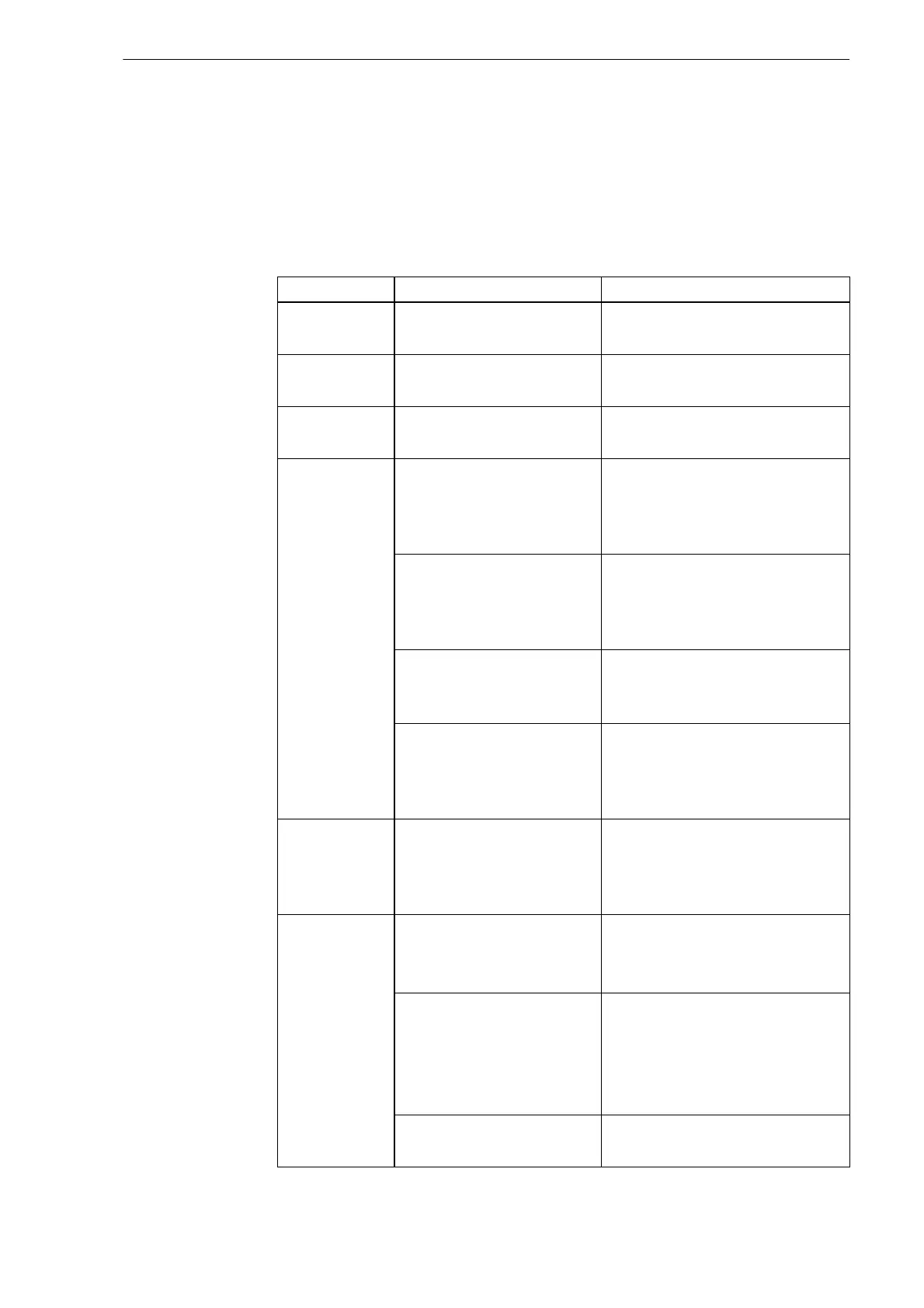
EX-TRAFIRE
®
125HD 10 Faults and troubleshooting
EN - 33
10 Faults and troubleshooting
Verify consumables selection according to:
17 FHT-EX
®
125TTH consumables for hand cutting torch on page EN-43
19 FHT-EX
®
125TTM consumables for machine cutting torch on
page EN-47
Contact your retailer or Thermacut
®
in the event of questions or
problems.
Table 12 Fault messages in the display
Error code Cause Troubleshooting
H01
Input power voltage is
too low.
Check the input power
voltage.
H02
Input power voltage is
too high.
Check the input power
voltage.
H03
No arc or current if the
trigger is pressed.
Check inverter, transformer,
and FRD.
H04
<Arc does not
ignite when
torch trigger
is pressed or
the CNC start
signal is on>
Missing nozzle or
electrode.
Check that the consumable
is installed correctly and, if
necessary, re-install it
correctly or replace it.
Dirt or short circuit in
the cutting torch.
Dismantle all consumables,
clean the inside of the
cutting torch and install
correctly.
Consumables are not
Thermacut
®
original
parts.
Use Thermacut
®
original
consumables.
Consumable part is
loose, incorrectly
installed or defective.
Verify that the consumables
are installed correctly and, if
necessary, re-install correctly
or replace them.
H05
The electrode is not
separated from the
nozzle during the
pilot arc.
Check for free movement of
the electrode and clean or
replace parts, if necessary.
H06
<Excess
temperature>
Fan is defective. Ensure that the fan is running
freely.
Replace the fan or fan motor.
Duty cycle has been
exceeded.
Switch off the
EX-TRAFIRE
®
125HD and
allow it to cool down.
Do not exceed the duty
cycle.
Components defective. Contact service or your
retailer.


 To Next Page