EN - 34
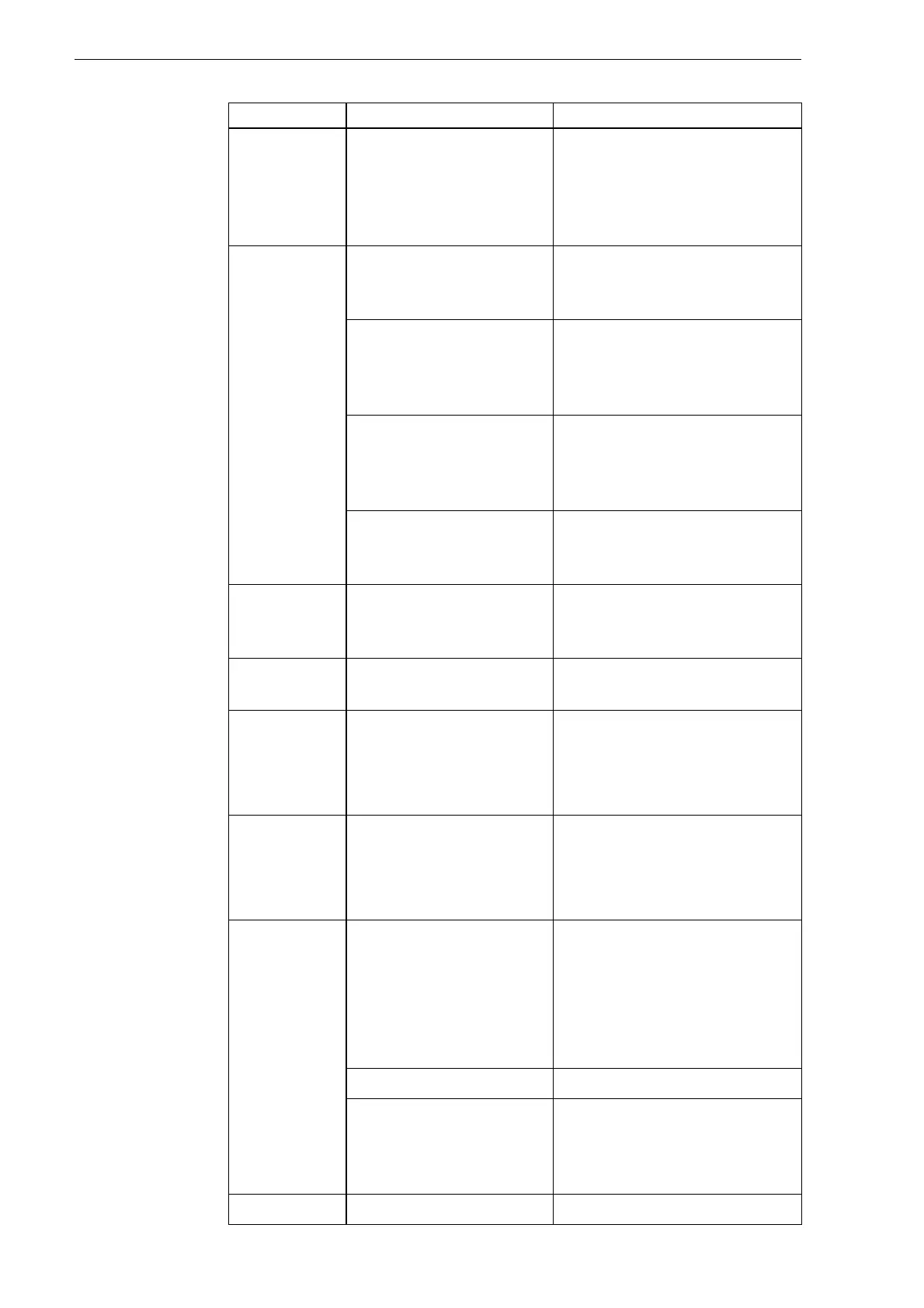
10 Faults and troubleshooting EX-TRAFIRE
®
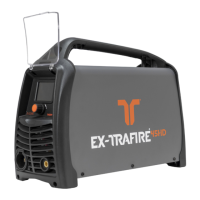
125HD
H07
<Excess
current>
Inverter overcurrent. Have the output diodes,
main transformer, and IGBT
on the inverter board
checked by an authorized
professional.
H08
<Arc does not
ignite when
torch trigger
is pressed or
the CNC start
signal is on>
The cutting torch is
missing or not
connected.
Verify the proper cutting
torch is connected.
Consumables are
loose, incorrectly
installed or missing.
Verify that the consumables
are installed correctly and, if
necessary re-install them
correctly or replace them.
Retaining cap is
incorrectly installed or
has been tightened too
tightly.
Verify that the retaining cap
is correctly installed, re-
install correctly and tighten,
if needed.
Consumables used are
not Thermacut
®
original parts.
Use only Thermacut
®
original consumables.
H11
Missing phase. Have the issue checked by
Thermacut
®
or a qualified
electrician.
H14
Incorrect cutting torch. Verify the proper cutting
torch is connected.
H15
No data
communication at
the BUS.
Check the cable.
Replace the CAN and BUS
PCB.
Replace the control PCB.
H16
Data recording failed. Check the cable.
Replace the CAN and BUS
PCB.
Replace the control PCB.
H17
<GAS>
Gas inlet pressure is
below 72.5 psi (5 bar).
Insufficient plasma gas
flow.
Check the inlet gas pressure
(85–125 psi).
Check the gas pressure and
flow.
Verify the gas settings are
correct.
Defective torch cable. Replace the torch cable.
Pressure sensor is
defective.
Have the pressure switch
checked and, if necessary,
replaced by an authorized
professional.
H18
Watchdog fault. Replace the control PCB.
Table 12 Fault messages in the display
Error code Cause Troubleshooting


 To Next Page