EN - 36
10 Faults and troubleshooting EX-TRAFIRE
®
125HD
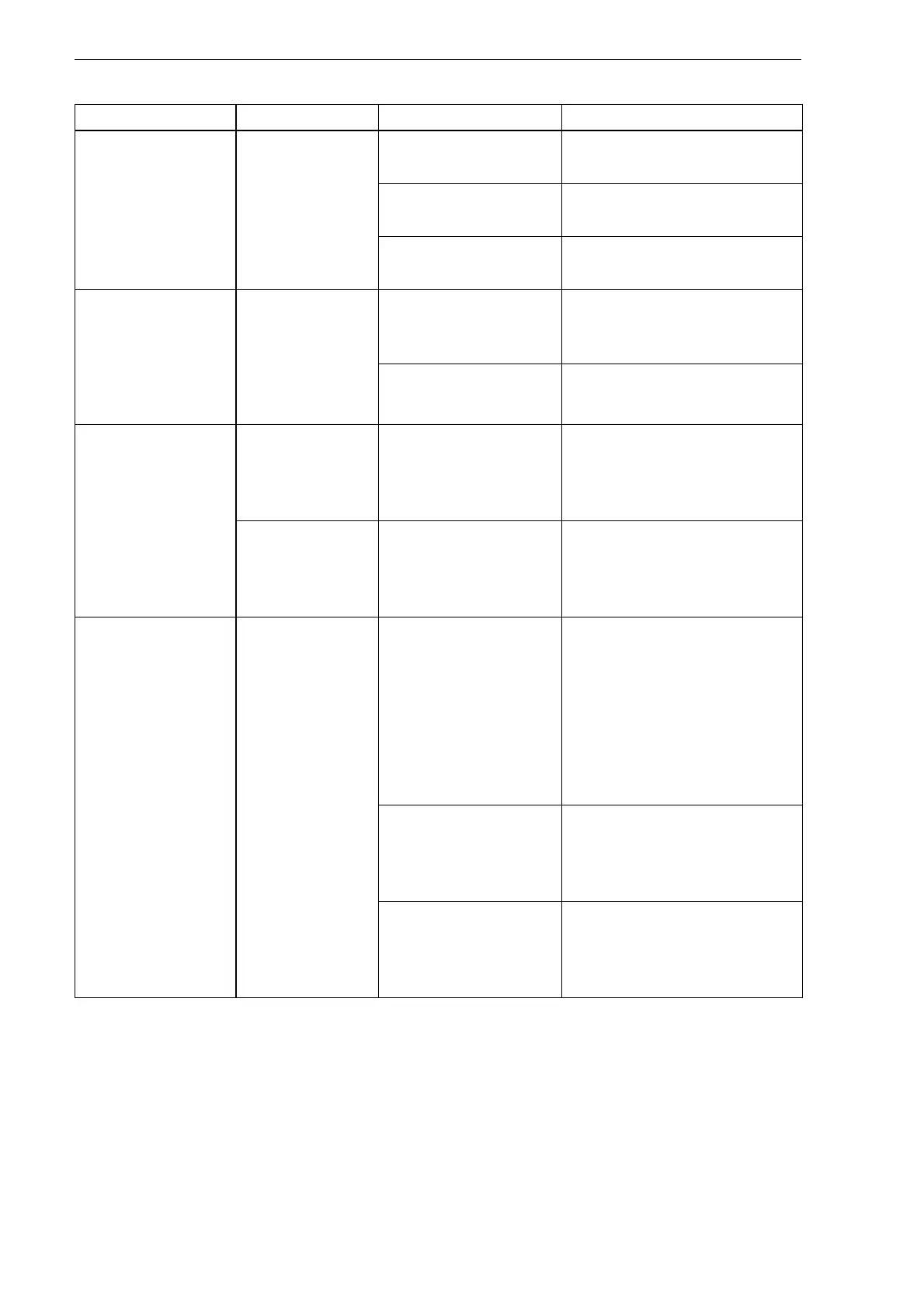
Table 13 General faults
Fault Description Cause Troubleshooting
Switch is set to ON,
LCD does not
illuminate.
No/low input
power
voltage.
Power supply is
insufficient.
Check the input power
voltage.
Power cable is not
connected.
Plug the input power plug
into the socket.
Switch is defective. Switch must be replaced by
an authorized professional.
Gas does not flow
when the torch
trigger is pressed
or the CNC start
signal is switched
on.
Gas valve
defective or
missing power
supply.
Cable to gas valve
loose or not
connected.
Contact your retailer.
Gas valve is
defective.
Contact your retailer.
Arc does not ignite
and there is no
fault code when
torch trigger is
pressed or the
CNC start signal is
on.
Incorrect
cutting torch
type is
connected.
Cutting torch type is
incorrect.
Verify the proper cutting
torch is connected.
Incorrect gas
pressure.
Consumables are
defective or
improperly
installed.
Check consumables and
replace, if necessary.
No transfer
between pilot arc
and workpiece.
Poor contact
between work
lead clamp
and
workpiece.
No contact between
work lead clamp
and workpiece.
Remove contamination
and/or oxidation from the
workpiece and the work
lead clamp.
Attach the work lead clamp
to the workpiece in order
to allow maximum
electrical conduction.
Distance between
cutting torch and
workpiece is too
great.
Decrease the distance
between cutting torch and
workpiece.
Work lead is
defective.
Have the work lead
checked and, if necessary,
replaced by an authorized
professional.


 To Next Page