23
13.1. What is a Low Cut Filter?
The low-cut lter functions to reduce unnecessary lowfrequency noise from the audio signal, allowing the
target sound to be clearly heard.
Thecut-offfrequenciesoftheM-864D’slowcutlterareasfollows.
Default value 100Hz
Variable* 20Hzto20kHz
* Adjustable only using the supplied M-864D PC Software.
13.2. Low Cut Filter Setting
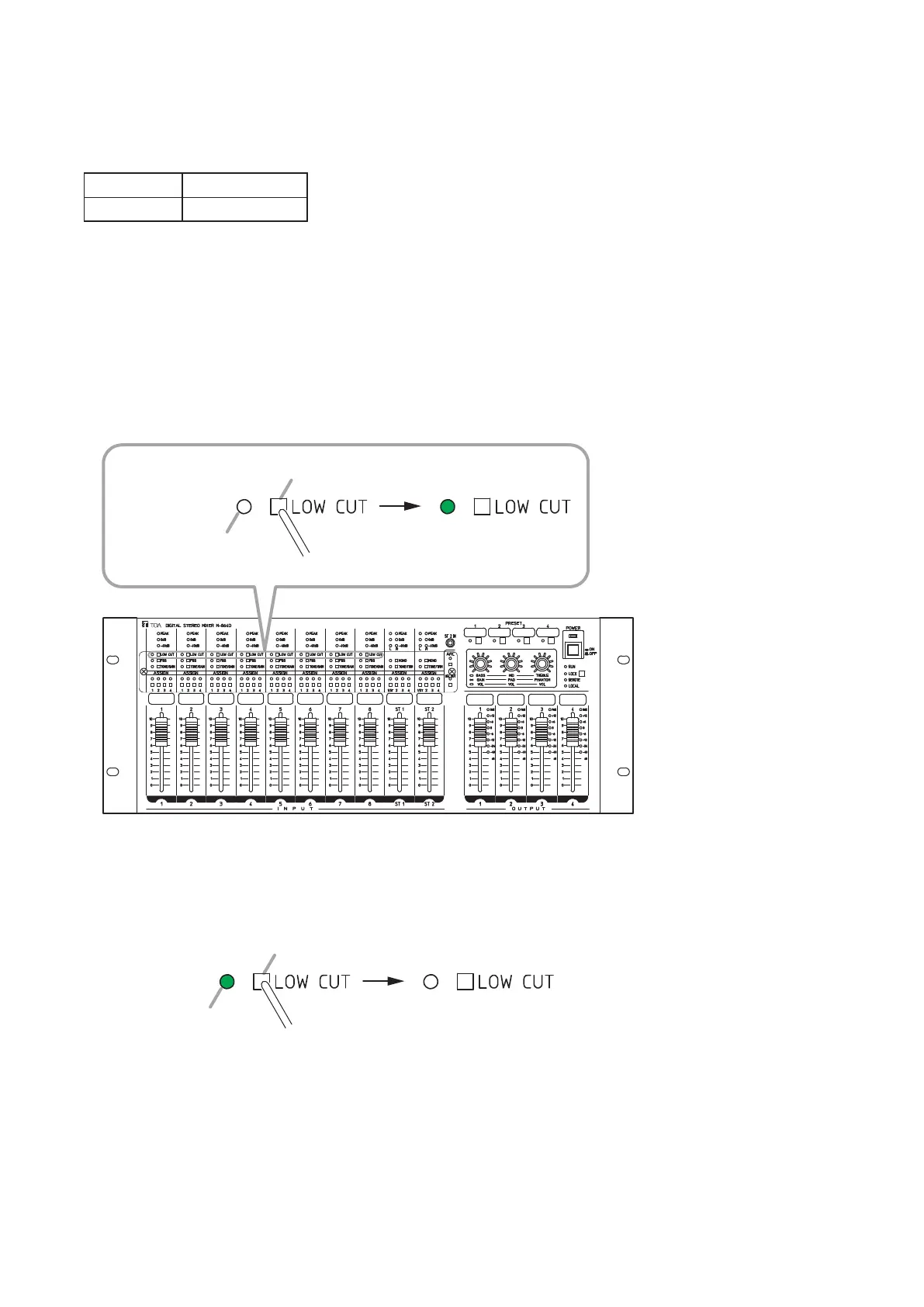
13.2.1. Turning ON the low cut filter
Press the Low cut switch while the Low cut indicator remains unlit.
TheLowcutindicatorlights,andtheLowcutlterturnsON.
Low cut indicator
Press.
Low cut switch
M-864D
Unlit Lit
Note
Use a ne-tipped object topress
in the Low cut switch.
Note
Use a ne-tipped object topress
in the Low cut switch.
13.2.2. Turning OFF the low cut filter
Press the Low cut switch while the Low cut indicator is lighting.
TheLowcutindicatorgoesoff,andtheLowcutlterturnsOFF.
Low cut indicator
Press.
Low cut switch
UnlitLit



 To Next Page