39
Setting data to be stored are as follows.
•ON/OFFoftheLowcutswitch
•ON/OFFoftheFeedbacksuppressor(FBS)switch
•Tonecontrolsettings
•Gaincontrolsettings
•Trimcontrolsettings
•ON/OFFoftheAssignmentswitch
•ON/OFFoftheMonauralsummingswitch
•ARCltersettings
•PCVOL*
•EXTVOL*
•Automaticmutesettings*
* Settings available only using the supplied M-864D PC Software.
Tip
The front panel-mounted fader values are not stored.
20.3. Recalling the Preset Memory
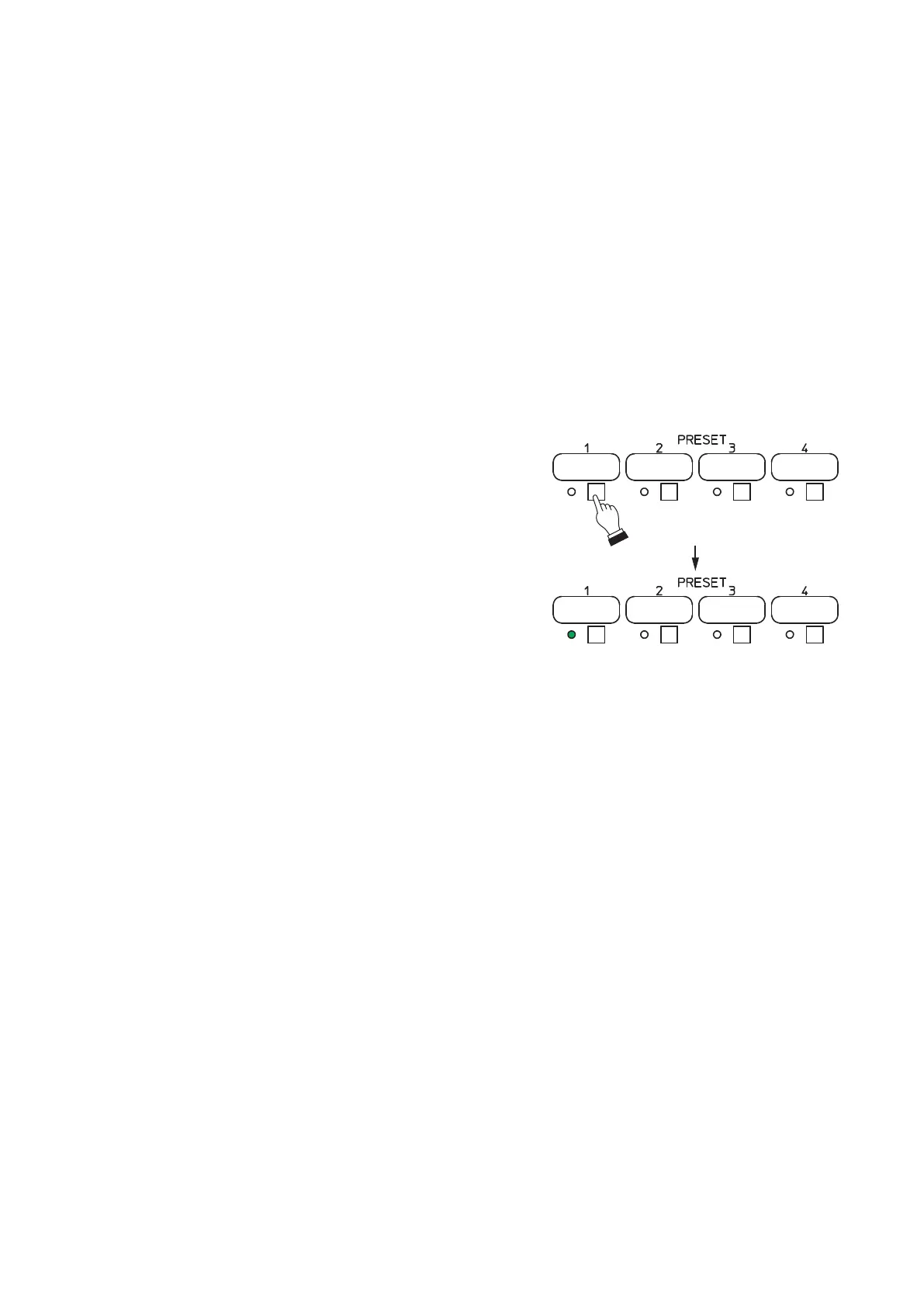
Step 1. Press the Preset memory key corresponding to
the desired Preset memory number.
Thegureatrightshowsanexamplewhenthe
Preset memory 1 is called.
Step 2. Release the Preset memory key when the Preset
memory indicator lights.
Lit
1
2



 To Next Page