26
15.1.2. Adjustment using the supplied M-864D PC Software
The volume level can be adjusted using the supplied M-864D PC Software.
For details, read the separate Software instructions.
15.1.3. Adjustment by the optional ZM Remote controller
The volume level can be remotely controlled by the ZM Remote controller.
Read p. 50 for the connections and p. 48 for the operation.
15.1.4. Adjustment by the external control device
The following 2 methods are available for adjusting volume level by the external control device.
• ControlmethodbyusingnovoltagecontactsignalsdirectlyappliedthroughtheconnectiontotheM-864D
unit’s control input terminals.
• ControlmethodviaLAN
For the connection, read p. 42.
For the function settings, read the separate Software instructions.
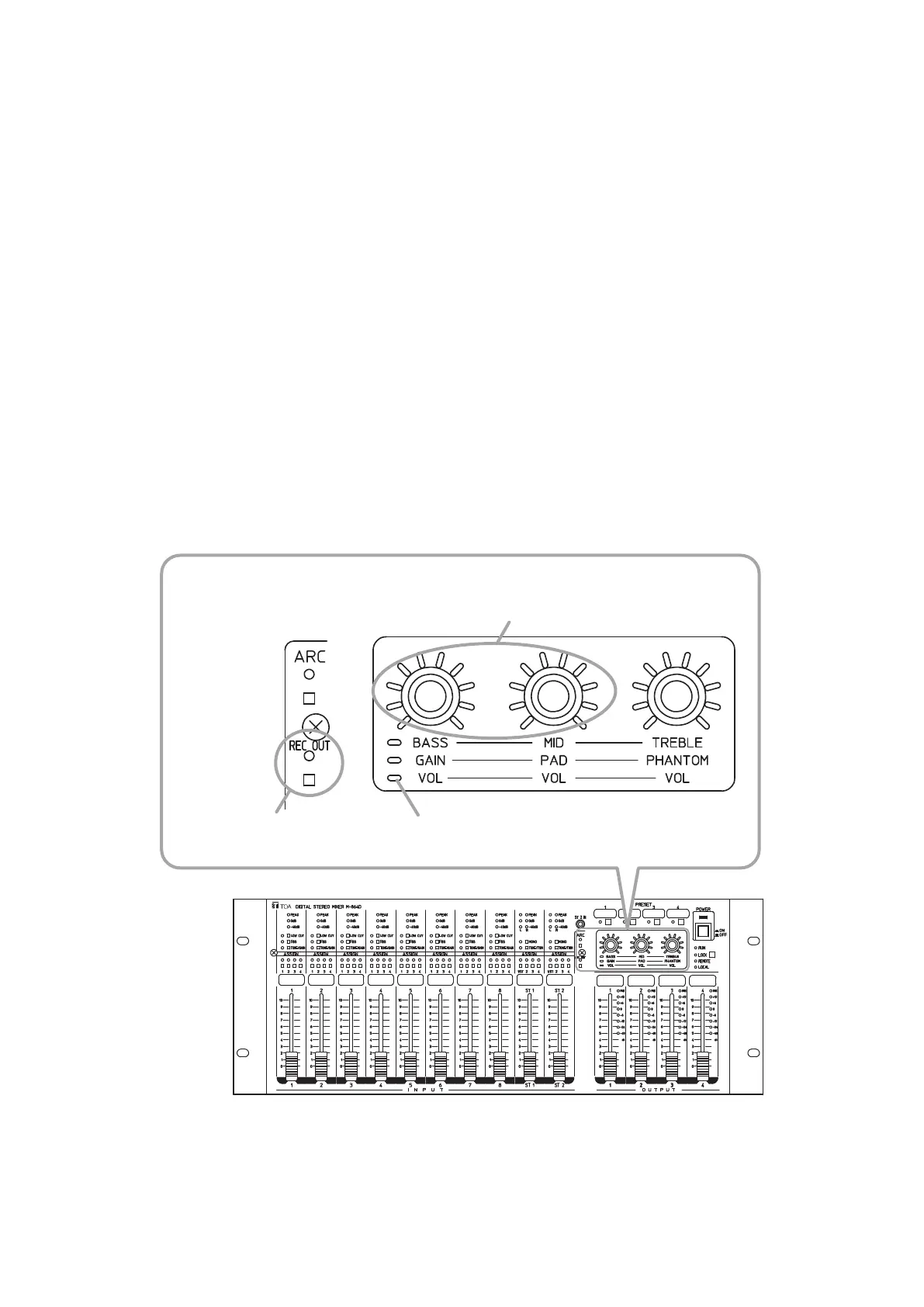
16. ADJUSTING THE RECORDING OUTPUT (REC OUT) VOLUME LEVEL
It is possible to adjust recording output volume level.
Control knobs
Left side: L channel
Right side: R channel
Trim control mode indicatorRecording output switch,
Recording output indicator
M-864D



 To Next Page