44
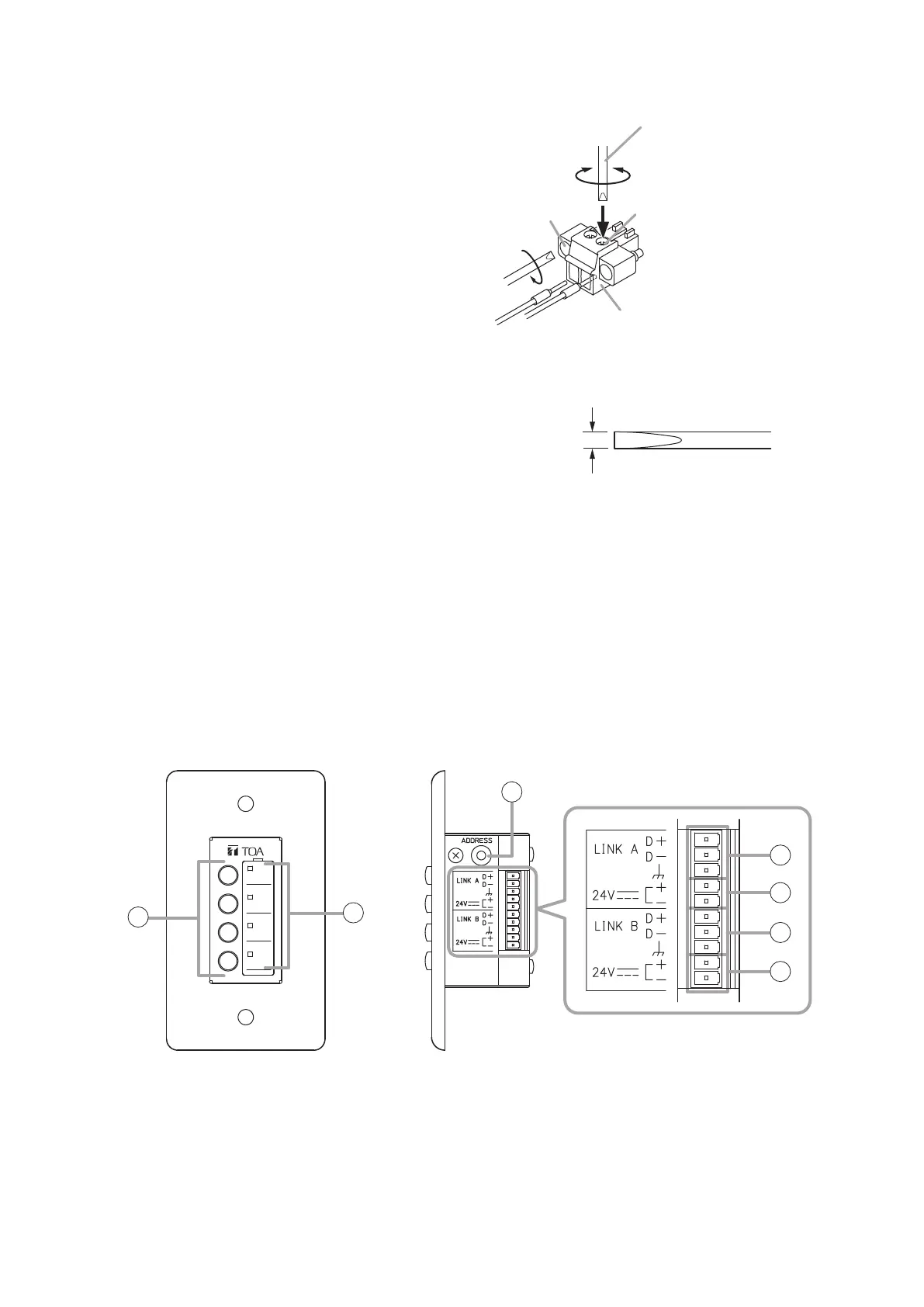
Terminal screw
Fixing screw
[Terminal plug with fixing screws]
Removable terminal plug
(accessory)
Tightens
Tightens
Slotted screwdriver*
* Recommended type of screwdriver with the following blade width:
About 2.5mm (0.1”) wide blade
Loosens
Bit shape 2.5 mm (0.1”)
1
1
3
Step 3. Inthecaseoftheterminalplugwithxing
screws,tightenthexingscrews.
24. WHEN USING THE ZM REMOTE CONTROLLER
24.1. General Description of the ZM Remote Controller
24.1.1. ZM-9011 Remote Control Panel
The ZM-9011 performs various controls with the 4 buttons in connection to the M-864D.
Communication is executed between the M-864D and ZM-9011, and the indicator status changes depending
on the M-864D’s operation.
It can be mounted in one-gang electrical box.
4
5
4
5
[Front] [Side]
1
2
3
1. Function buttons
Press this button to activate the function assigned
to this button.
Following functions can be assigned:
•ChannelON/OFF
•Channelselect
•EXTVOLUP/DOWN
•Stereoinputsourceselection
•MatrixassignmentON/OFF
•CrosspointgainUP/DOWN
•Presetmemoryload
•Remotecontrolcontactoutput
•Externalcontrolcommandoutput
Function assignment is performed by the PC with
the supplied M-864D PC Software installed. For
details, read the separate Software instructions.



 To Next Page