3 AUTOMATIC TRACKING / AUTOMATIC COLLIMATION (GPT-8000A series)
3-3
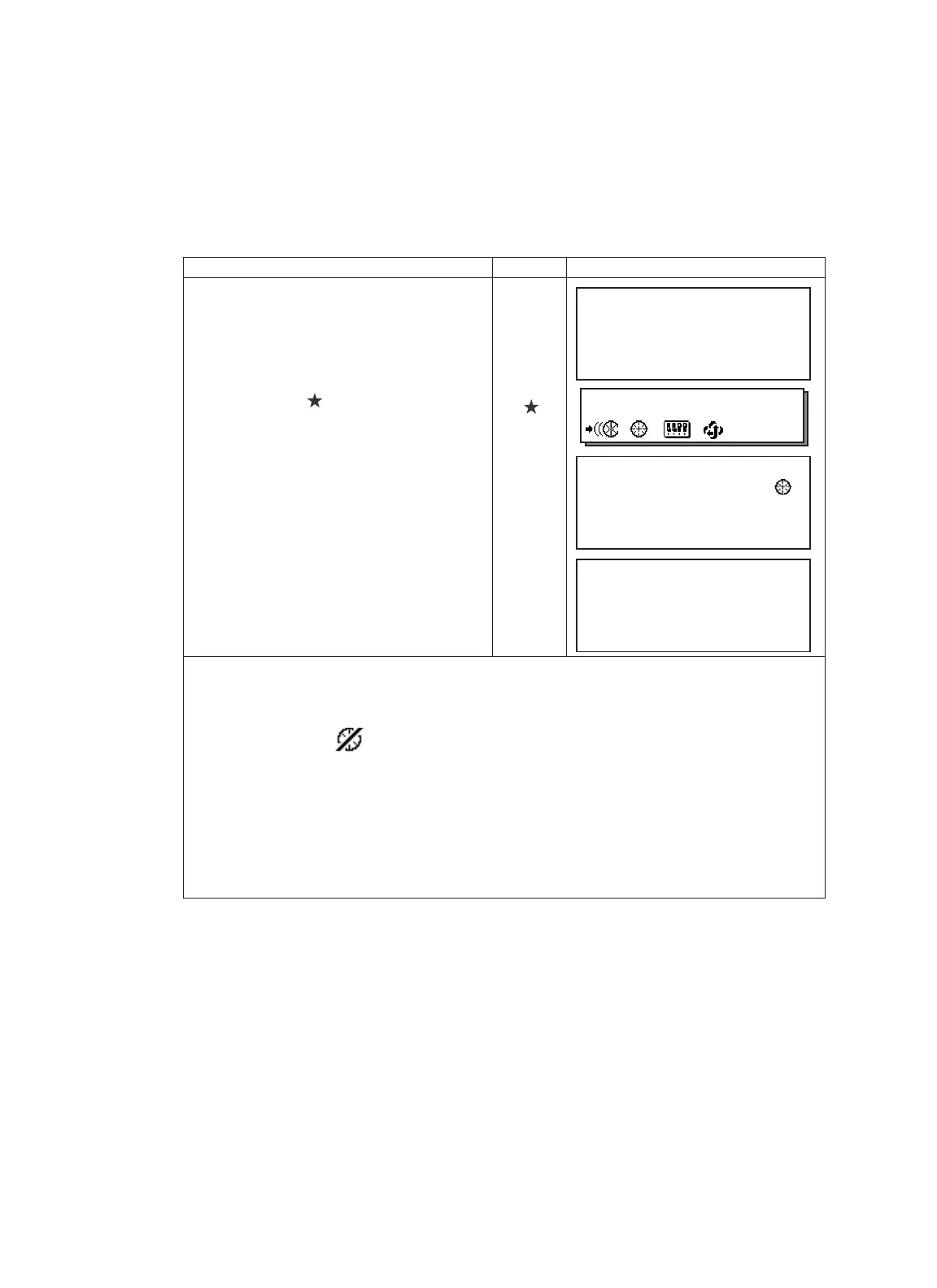
Operating procedure Option Display
1
Manually collimate the target prism roughly
using V/H jog/shuttle.
2
Press the star [ ] key.
[]
3
Press the [F2] key.
The instrument begins to collimate When it
searches the prism.
[F2]
4
Choose measuring modes by pressing the
soft keys.
Measuring starts.
Sample: Horizontal distance measuring
[F2]
●
In case the instrument could not find the prism during auto-collimating, the auto-collimating mode
returns to normal mode after displaying the mark as follows.
●
If any key is pressed during auto-collimating, the auto-collimating mode returns to normal mode.
●
After auto-collimating is finished, the instrument does not track the prism even if the prism is moved.
●
The auto-tracking can be done correctly in the time of shaking prism, or in bad weather condition is not
good by the heat shimmer. The above caution mark will be displayed after 10 seconds and the auto-
tracking will be finished.
V : 87°55'45"
HR: 180°44'12"
SD HD NEZ 0SET HOLD P1↓
2002-07-07 14:30:40
1
↓
NP/P
V : 87
°
55'45"
HR: 180
°
44'12"
SD HD NEZ 0SET HOLD P1↓
V : 90°10'20"
HR: 120°30'40" PS M 0.0
HD: < PPM 0.0
VD: (m) *c.R
MEAS MODE VH SD NEZ P1↓
Instrument could not find the pris
m
3.2 Automatic Collimation
The function enables to collimate automatically so that the instrument searches for the center of the
prism when the telescopic is aimed a prism roughly.
Use this mode for the object which is stable.
•You can select Fine or Course mode for the distance measurement in auto-collimation.






 To Next Page