16
PREPARATONS BEFORE USE
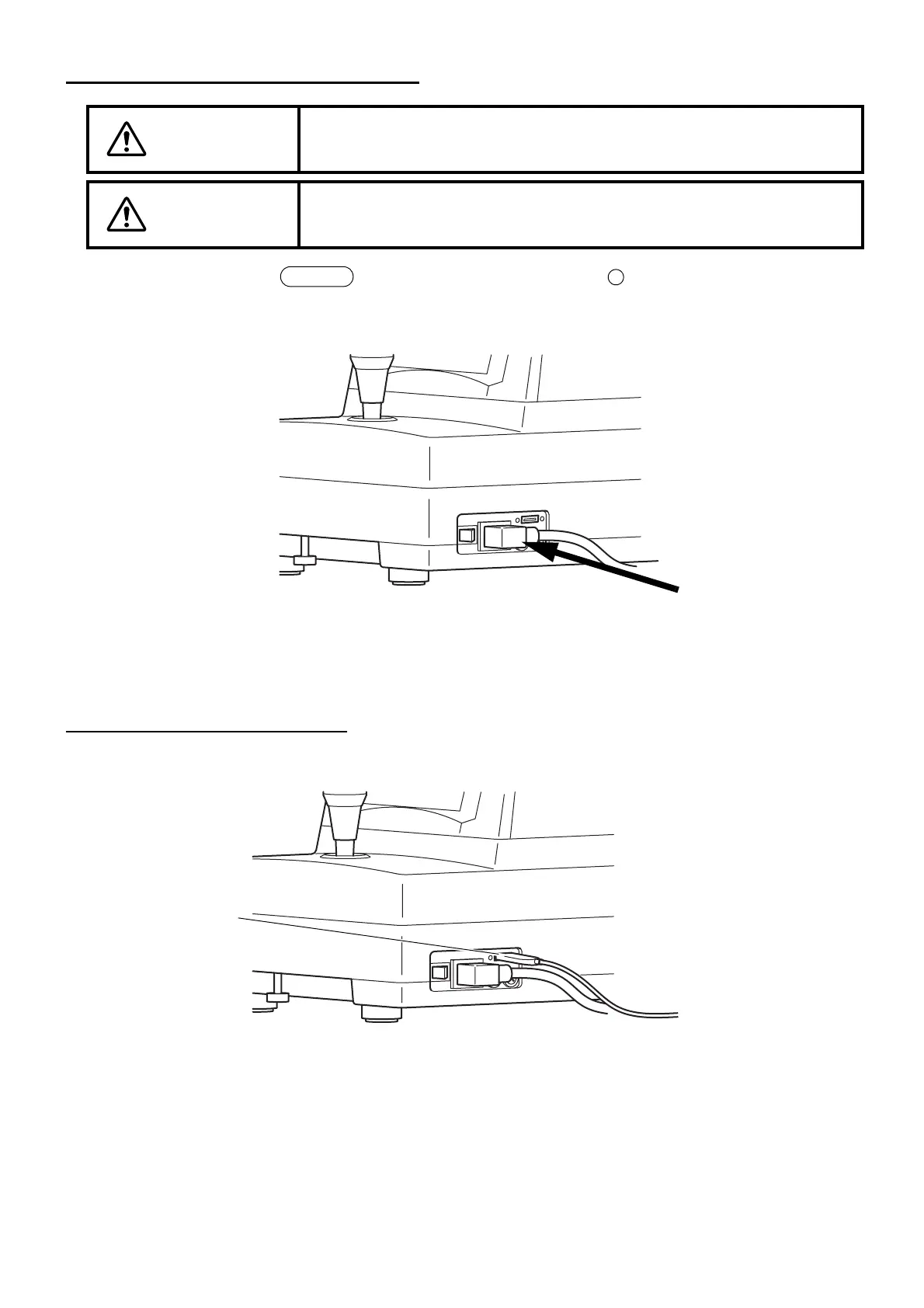
CONNECTING THE POWER CORD
1 Make sure that the switch of the instrument is OFF ( ).
2 Attach the power cord to the instrument body.
3 Plug the power cord into a grounded outlet of the commercial power supply.
CONNECTING THE MOUSE
1 Insert the mouse plug into the mouse connector on the instrument body.
WARNING
To avoid fire and electric shock in case of leakage, be sure to use a power sup-
ply equipped with a 3-plug AC receptacle for proper grounding.
CAUTION
To avoid electric shock, do not handle the plugs with wet fingers.
POWER
Mouse connector



 To Next Page