44
BASIC OPERATION
PHOTOGRAPHY IN MANUAL MODE
Setting the photography mode
In the initial state when the power is turned on, "AUTO" is set for the photography mode.
1 Check the eye observation display.
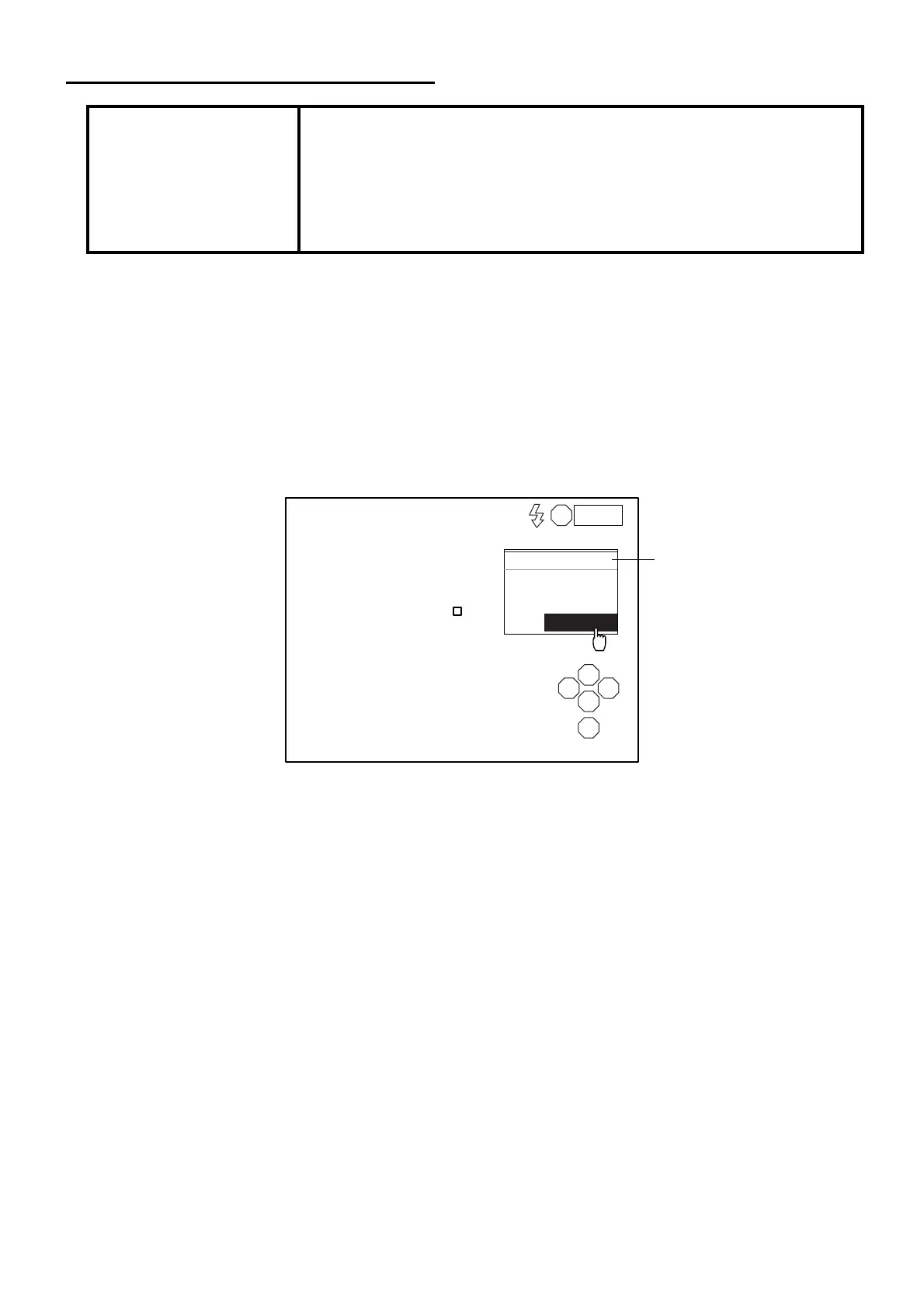
2 Click the photography mode display on the screen with the mouse.
3 The selection menu is displayed. Click "MANUAL".
Setting the flash level
Refer to "PHOTOGRAPHY IN AUTO MODE" on P.35.
Setting the photography points
Refer to "Setting the photography points" on P.36.
NOTICE
Adjust the height of the instrument table so that the patient is in a com-
fortable position. If the patient is not comfortable, it may be impossible to
take a picture of the endothelium.
Do not take a picture while the patient is holding his/her breath or is ner-
vous. It may be impossible to take a picture of the endothelium if the
patient is in this condition.
L
S
N T
C
I
MANUAL
AUTO
SEMI-AUTO
MANUAL
0001
Photography mode display



 To Next Page