40
BASIC OPERATION
PHOTOGRAPHY IN SEMI-AUTO MODE
Setting the photography mode
In the initial state when the power is turned on, "AUTO" is set for the photography mode.
1 Check the eye observation display.
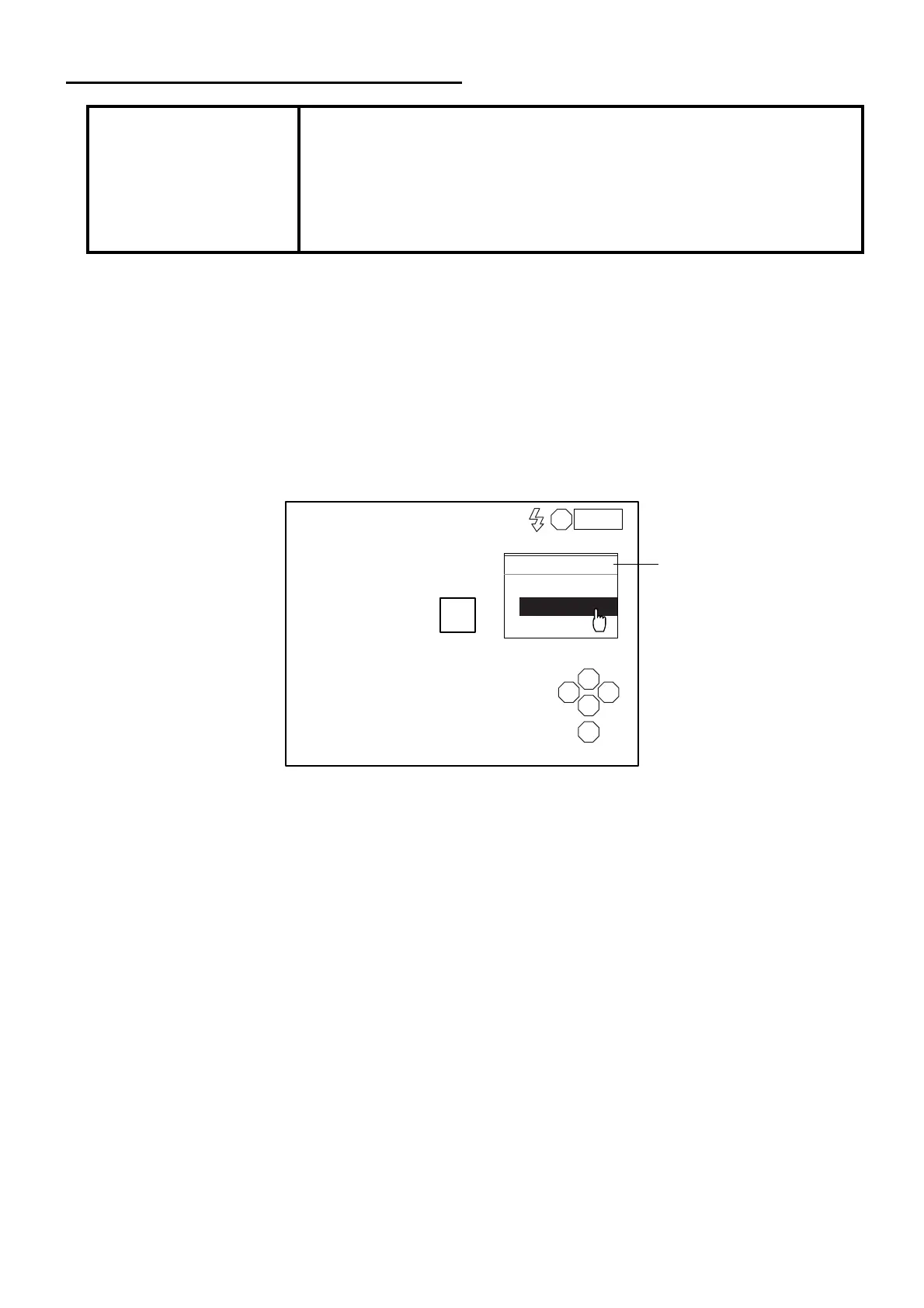
2 Click the photography mode display on the screen with the mouse.
3 The selection menu is displayed. Click "SEMI_AUTO".
NOTICE
Adjust the height of the instrument table so that the patient is in a com-
fortable position. If the patient is not comfortable, it may be impossible to
take a picture of the endothelium.
Do not take a picture while the patient is holding his/her breath or is ner-
vous. It may be impossible to take a picture of the endothelium if the
patient is in this condition.
L
S
N T
C
I
AUTO
SEMI-AUTO
MANUAL
AUTO
0001
Photography mode display



 To Next Page