17
PREPARATONS BEFORE USE
CONNECTING THE EXTERNAL INPUT/OUTPUT TERMINAL
Image output
This instrument can be connected to an image processing unit of the EIA (NTSC) signal method.
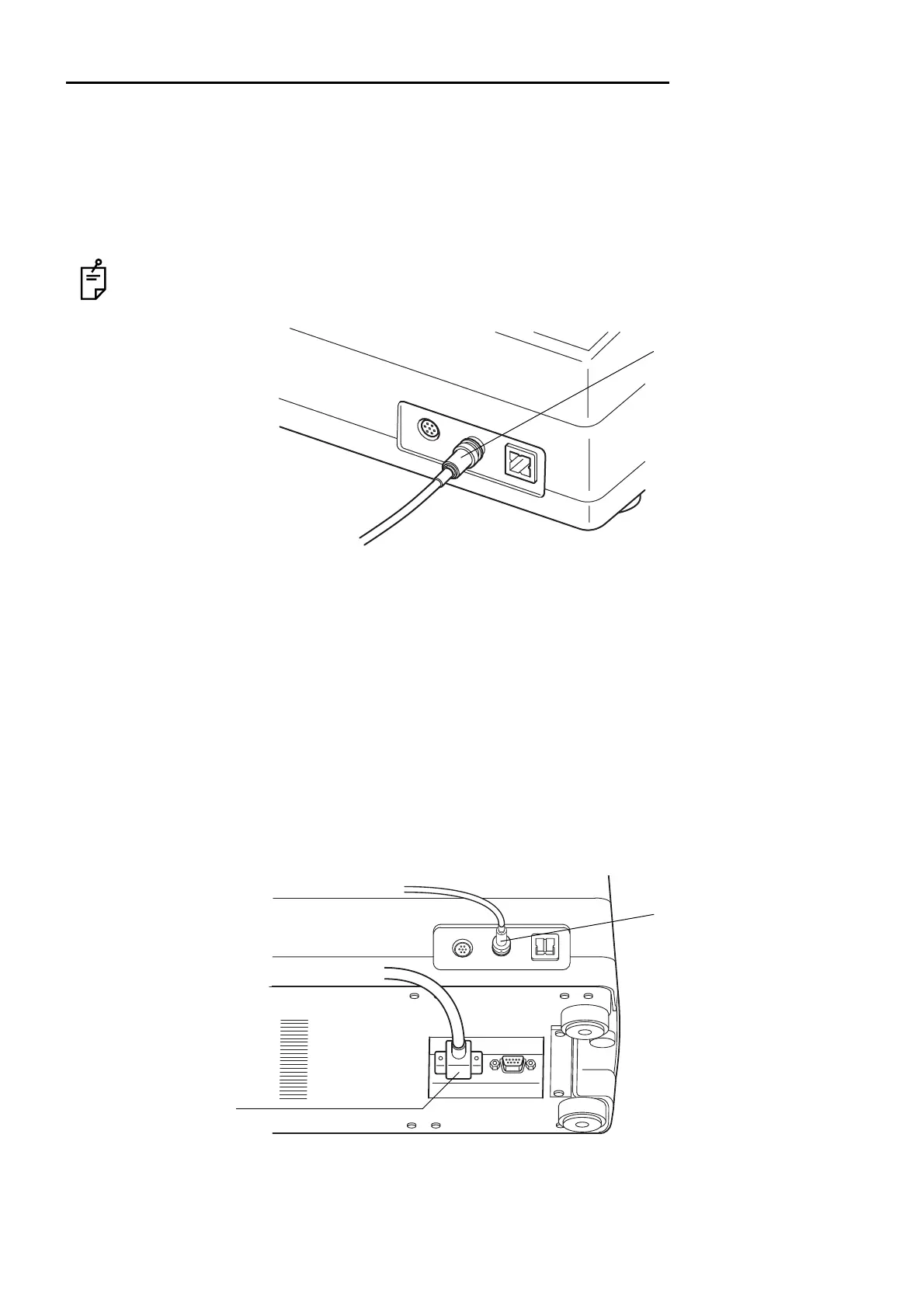
1 Connect one end of the connection cord to the VIDEO OUT terminal on the instrument.
2 Connect the other end to the image processing unit.
The VIDEO OUT of the instrument has a BNC terminal. If necessary, use a connection cable and
a conversion plug commercially available.
IMAGEnet
This instrument can be connected to an IMAGEnet system by the two connecting methods.
Connecting method 1 : When using the CONTROL terminal
1 Connect one end of the connection cord to the VIDEO OUT output terminal.
2 Connect the other end to the IMAGEnet system.
3 Connect one end of the IMAGEnet cord to the CONTROL (IMAGEnet) terminal on the instru-
ment.
4 Connect the other end to the IMAGEnet system.
Connecting method 2 : When using the USB output terminal
1 Connect the connection cord to the USB output terminal of the instrument.
VIDEO OUT output terminal
CONTROL terminal
VIDEO OUT output terminal



 To Next Page