48
BASIC OPERATION
DISPLAY AND DELETION OF IMAGES
When the instrument takes a picture, the image display automatically appears.
This instrument enables the photography results for each of right and left eyes to be stored in the mem-
ory automatically by five displays only for the center of the right or left eye, by one display for each pho-
tography point or by five displays at random. It is also possible to access the photography result
display in the memory and indicate the previous results by pressing the switch.
• The contents of the memory are updated whenever the instrument takes a picture.
• The contents of the memory are erased when the power of the instrument is turned off.
• Press the switch, and the photography result display on the screen is deleted.
• Press the switch, and "Clear image?" appears on the screen. Click the "CONTINUE" icon,
and the photography result display is deleted.
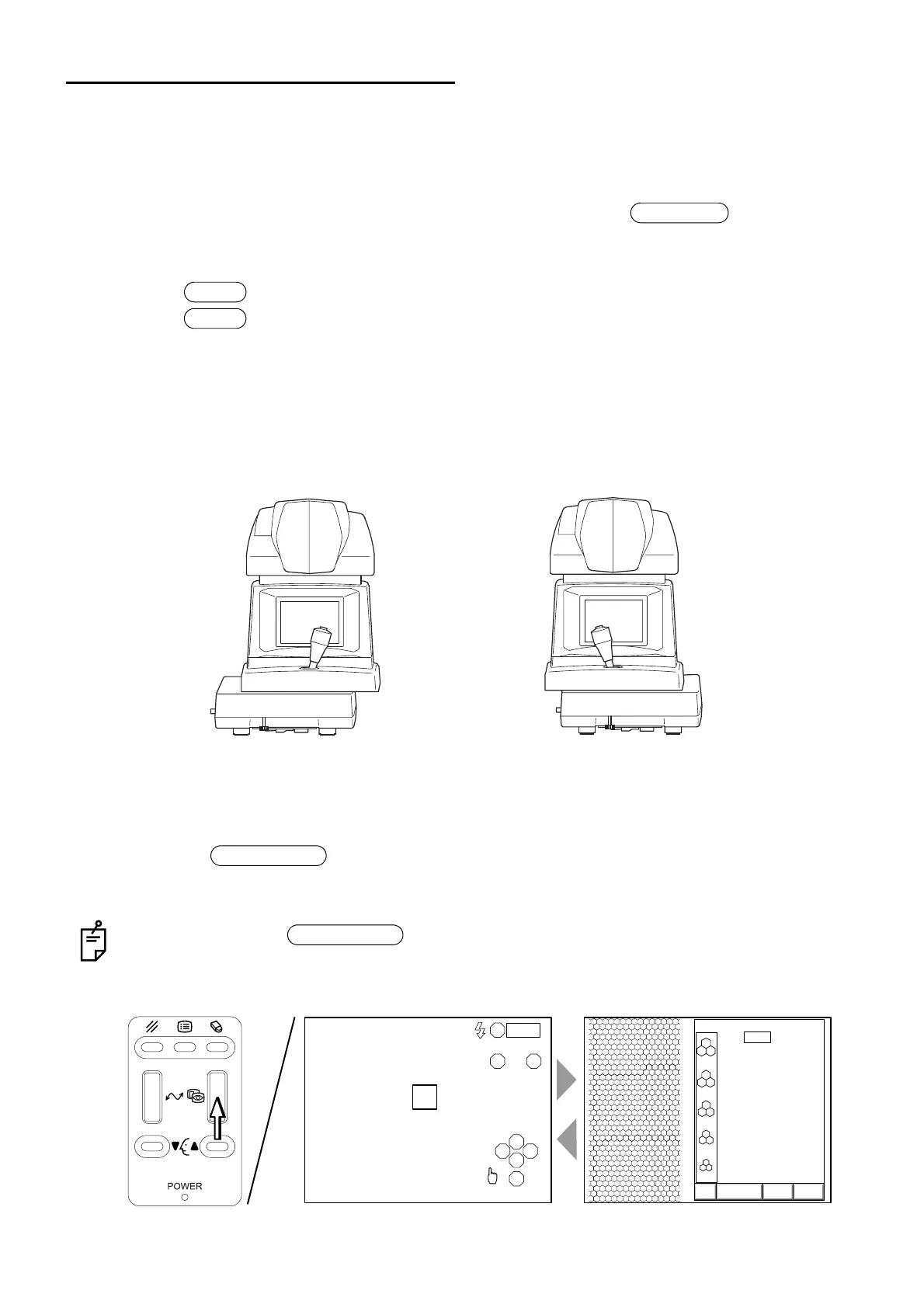
Switching the image display and the eye observation display
1 Move the instrument laterally to change the eye observation displays of the right and left eyes to
each other.
2 Make sure that the eye observation display or the image display appears on the screen.
3 Press the switch on the control panel to switch the display.
The stored image display appears.
When you press the switch, the eye observation display and the image display
change from one to the other. Unless there is an image in memory, the eye observation display
does not change to the image display.
Photography
Delete
Clear
Instrument position where the screen
switches to a display of the left eye
Instrument position where the screen
switches to a display of the right eye
Image selector
Image selector
R
LA
S
T N
C
I
0001
3000
2500
2000
1500
1000
T:
ANALYZE DATA EXIT
0001 05/08/05
0.540
13:38R
[
C
]



 To Next Page