53
OPERATION BY OBJECTS
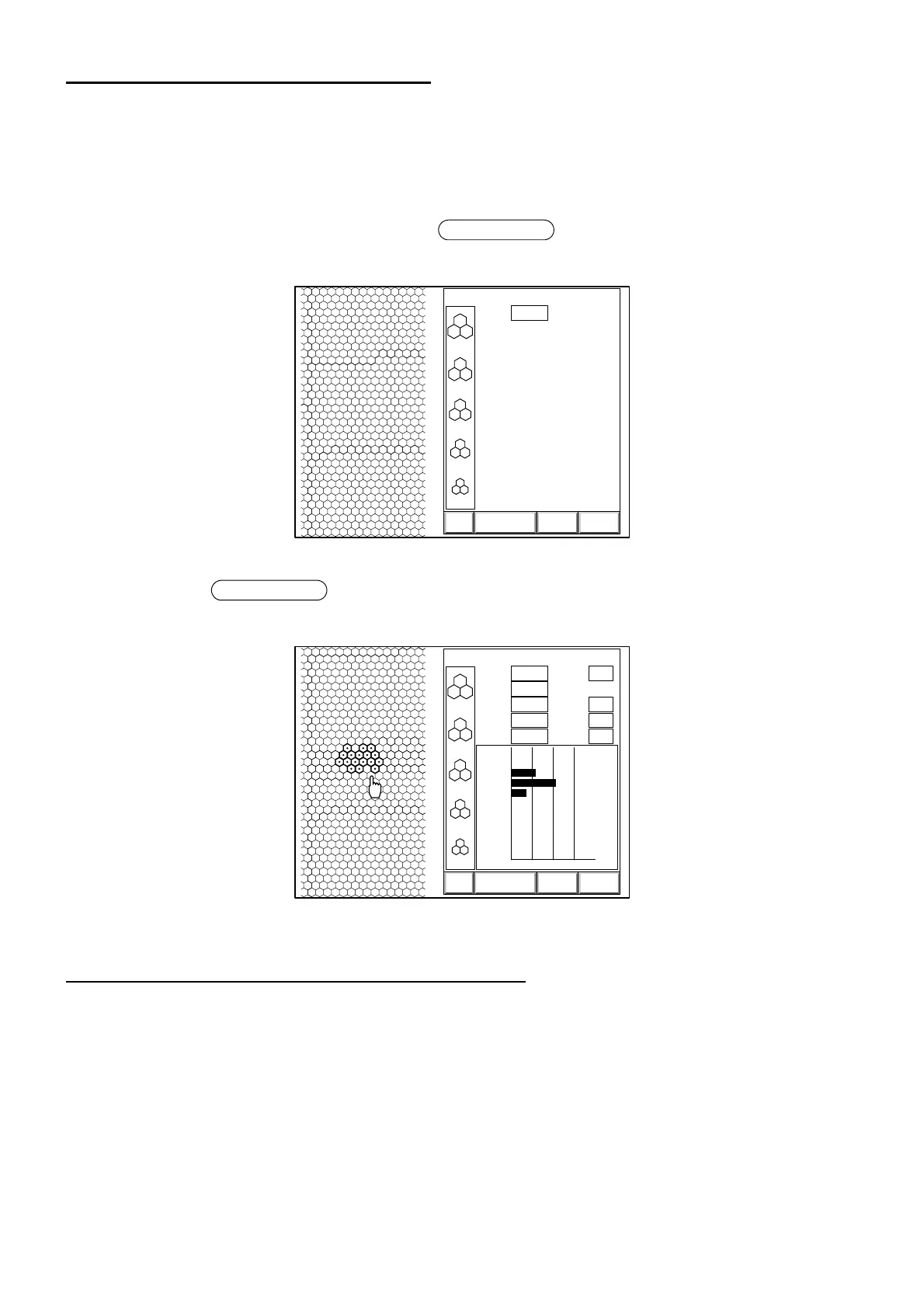
OUTPUT TO THE IMAGEnet system
1 Check the connection to the IMAGEnet system.
For details on the connection, refer to "CONNECTING THE EXTERNAL INPUT/OUTPUT TER-
MINAL" on P.17.
2 Access the image display.
3 Click "DATA" on the screen or press the switch to output the image display.
The image is automatically transferred into the IMAGEnet system.
4 Press the switch to output the image display with analytic values. The image is
automatically transferred into the IMAGEnet system.
OUTPUT TO THE IMAGE PROCESSING UNIT
This instrument can output an image signal to an image processing unit adopting the EIA (NTSC) sig-
nal system.
1 Since the image signal is outputted at all times, only the connection with an image processing
unit is required to complete this function.
For details on the connection, refer to "CONNECTING THE EXTERNAL INPUT/OUTPUT TER-
MINAL" on P.17
2 Select "color" or "monochrome" for the image color.
For details on the setting, refer to "Setting the video OUT output" on P.26.
Image transfer
3000
2500
2000
1500
1000
T:
ANALYZE DATA EXIT
0001 05/08/05
0.540
13:38L
[
C
]
Output from the image display
Image transfer
3000
2500
2000
1500
1000
T:
MIN:
MAX:
AVG:
CD:
ANALYZE CALC EXIT
N:
SD:
CV:
HEX:
0
100
200
300
400
500
600
700
800
900
0 50 100 %
0
0
29
53
18
0
0
0
0
0
0112 05/01/01
0.552
228
420
331
3022
17
57
17
66
00:10L
[
C
]
Output from the image display with analytic values



 To Next Page