52
OPERATION BY OBJECTS
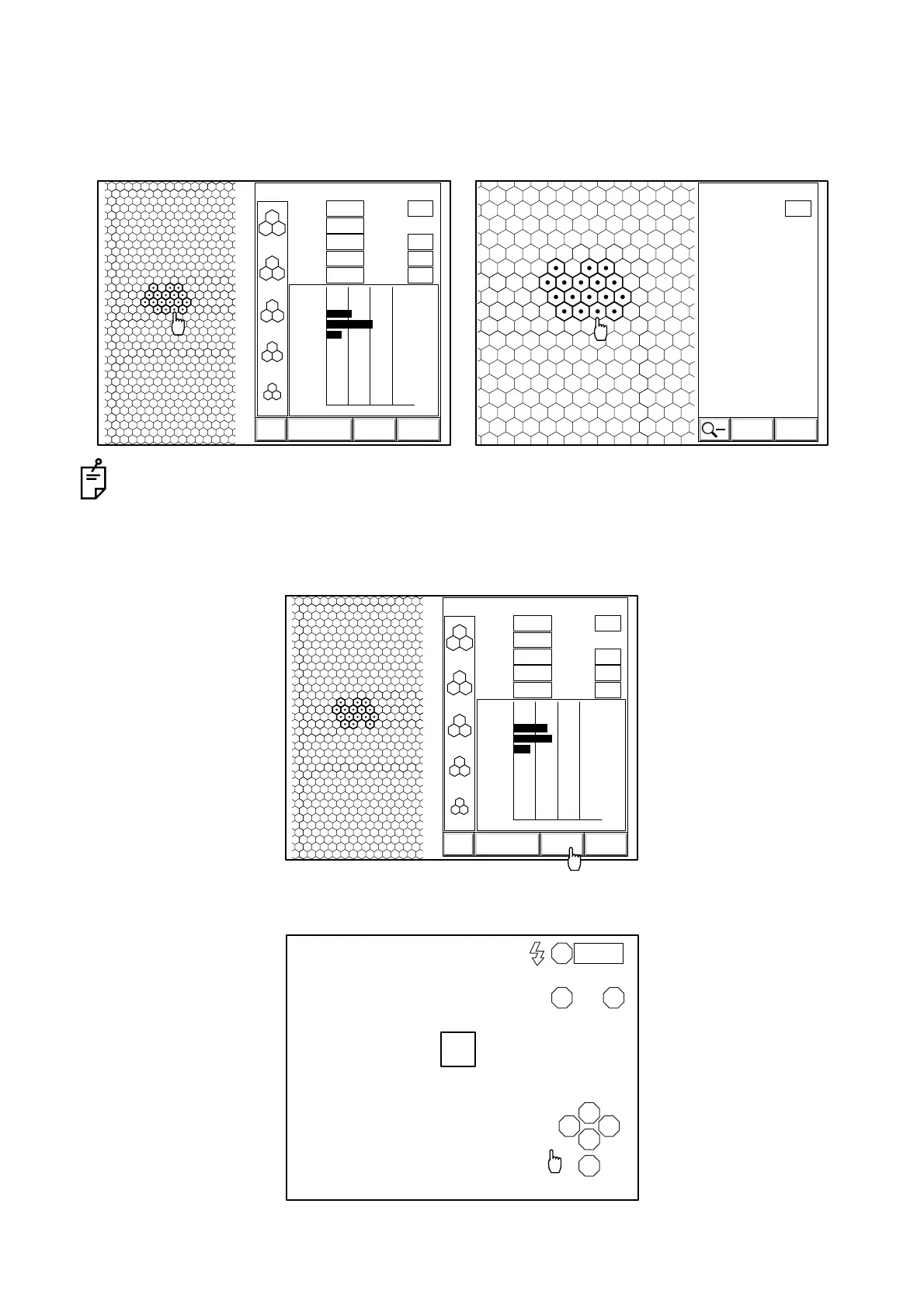
6 Check the detected cell wall.
Click the right button of the mouse for the wrongly detected cell mark and remove it from the
samples. Click the "ANALYZE" icon, and the cells are magnified. Even in the magnified condi-
tion, you can remove the wrongly detected cell mark.
If there is a wrongly detected cell, the color of the clicked point is changed.
7 Click the "CALC" icon once more and perform analysis. You can get the results without the
wrongly detected cell.
8 Click "EXIT" on the screen. The eye observation display appears again.
3000
2500
2000
1500
1000
T:
MIN:
MAX:
AVG:
CD:
ANALYZE CALC EXIT
N:
SD:
CV:
HEX:
0
100
200
300
400
500
600
700
800
900
0 50 100 %
0
0
29
53
18
0
0
0
0
0
0112 05/01/01
0.552
228
420
331
3022
18
57
17
66
00:10L
[
C
]
EXIT
N:
CALC
0112
17
L
[
C
]
3000
2500
2000
1500
1000
T:
MIN:
MAX:
AVG:
CD:
ANALYZE CALC EXIT
N:
SD:
CV:
HEX:
0
100
200
300
400
500
600
700
800
900
0 50 100 %
0
0
38
44
19
0
0
0
0
0
0112 05/01/01
0.552
233
428
327
3063
16
59
18
66
00:10L
[
C
]
R
LA
S
T N
C
I
0001



 To Next Page