51
OPERATION BY OBJECTS
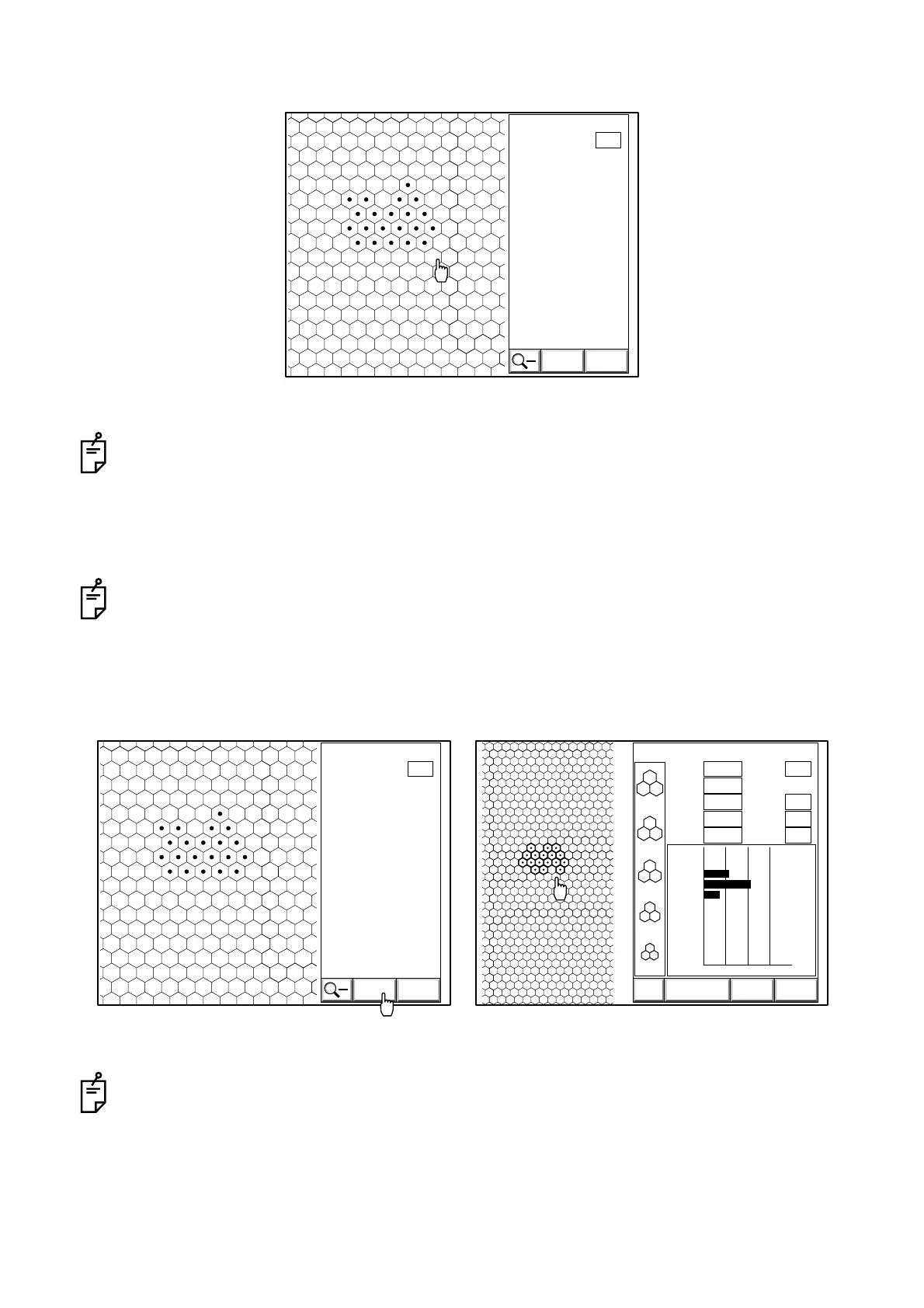
4 Click at least 10 cells by following the procedure listed in Step 3.
If you make an error while clicking, click the failure cell with the right button of the mouse. The
operation can be canceled.
5 Click the "CALC" icon on the screen.
The analytic result is displayed.
T : Corneal thickness N : Number of cells analyzed
MIN : Minimum cell area SD : Standard deviation
MAX : Maximum cell area CV : Coefficient of variation
AVG : Average cell area HEX : Frequency of hexagon cells
CD : Cell density
When you click the "EXIT" icon on the screen with the mouse while clicking the cell, the image dis-
play appears again.
EXIT
N:
CALC
0112
21
L
[
C
]
When the selected cells are completely clicked
EXIT
N:
CALC
0112
21
L
[
C
]
3000
2500
2000
1500
1000
T:
MIN:
MAX:
AVG:
CD:
ANALYZE CALC EXIT
N:
SD:
CV:
HEX:
0
100
200
300
400
500
600
700
800
900
0 50 100 %
0
0
29
53
18
0
0
0
0
0
0112 05/01/01
0.552
228
420
331
3022
17
57
17
66
00:10L
[
C
]
Clicking the "CALC" icon
Analytic result display



 To Next Page