35
BASIC OPERATION
PHOTOGRAPHY IN AUTO MODE
Setting the photography mode
In the initial state when the power is turned on, "AUTO" is set for the photography mode.
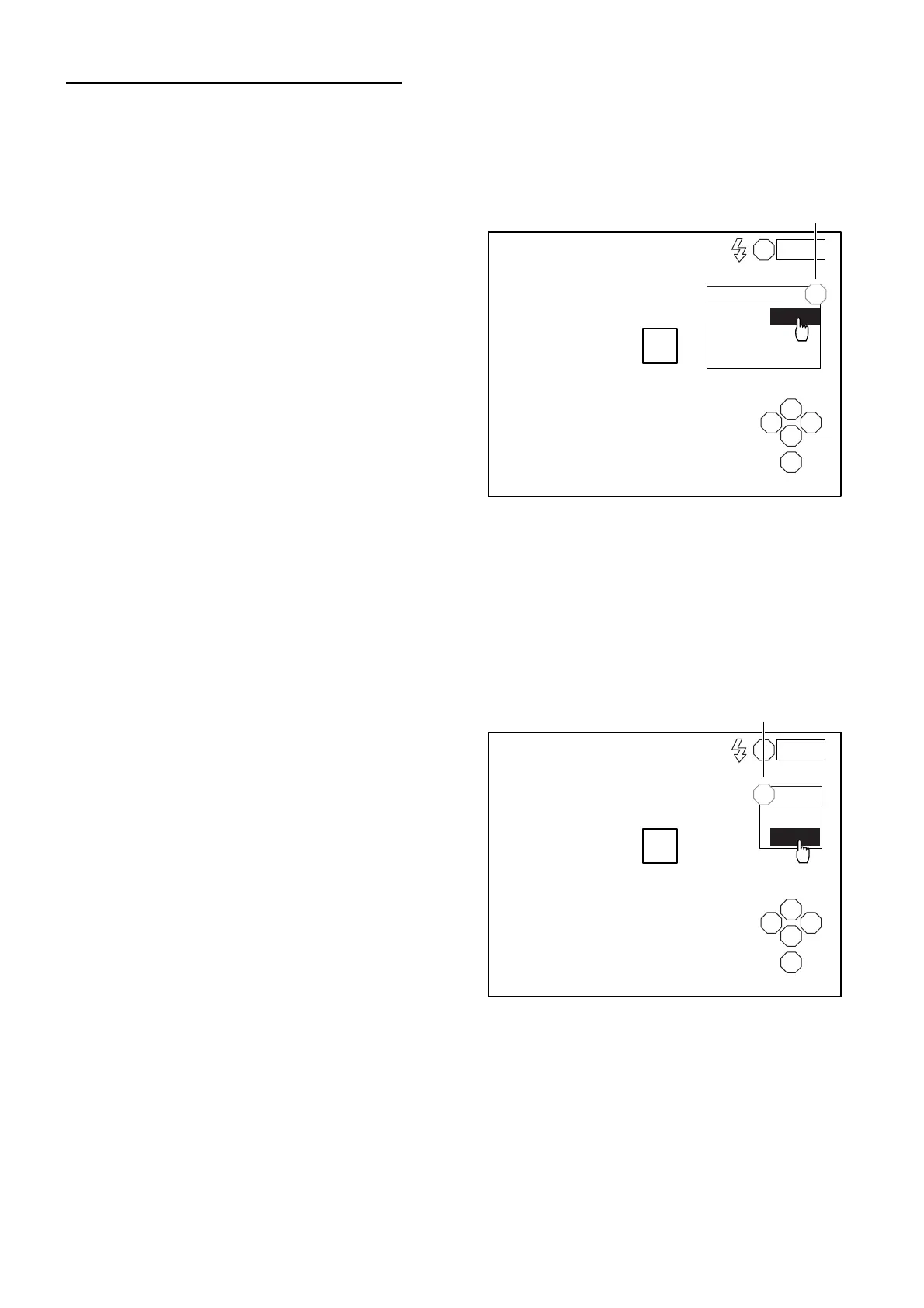
1 Check the eye observation display.
2 Click the photography mode display on the
screen with the mouse.
3 The selection menu is displayed. Click
"AUTO".
Setting the flash level
You can change the flash level by 2 steps, "HIGH" and "LOW". "LOW" is normally used. If the images
are too dark due to the condition of the patient's eye, etc., set the level to "HIGH".
When "HIGH" is set, you can get the maximum radiance.
When "LOW" is set, the radiance is 2/3 of "HIGH".
When the power is turned on, "LOW" is the default for the flash level.
1 Check the eye observation display.
2 Click the flash level display on the screen
with the mouse.
3 The selection menu is displayed. Click
"LOW" or "HIGH".
L
S
N T
C
I
A
AUTO
SEMI-AUTO
MANUAL
AUTO
0001
Display
L
S
N T
C
I
LOW
HIGH
LOW
L
0001
Display



 To Next Page