50
OPERATION BY OBJECTS
OPERATION BY OBJECTS
SIMPLIFIED CELL ANALYSIS
This instrument shows only the rough analytic value. The analytic accuracy should be regarded as
only a reference.
If you need more accurate analysis, use IMAGEnet or the corneal endothelium analysis application
system.
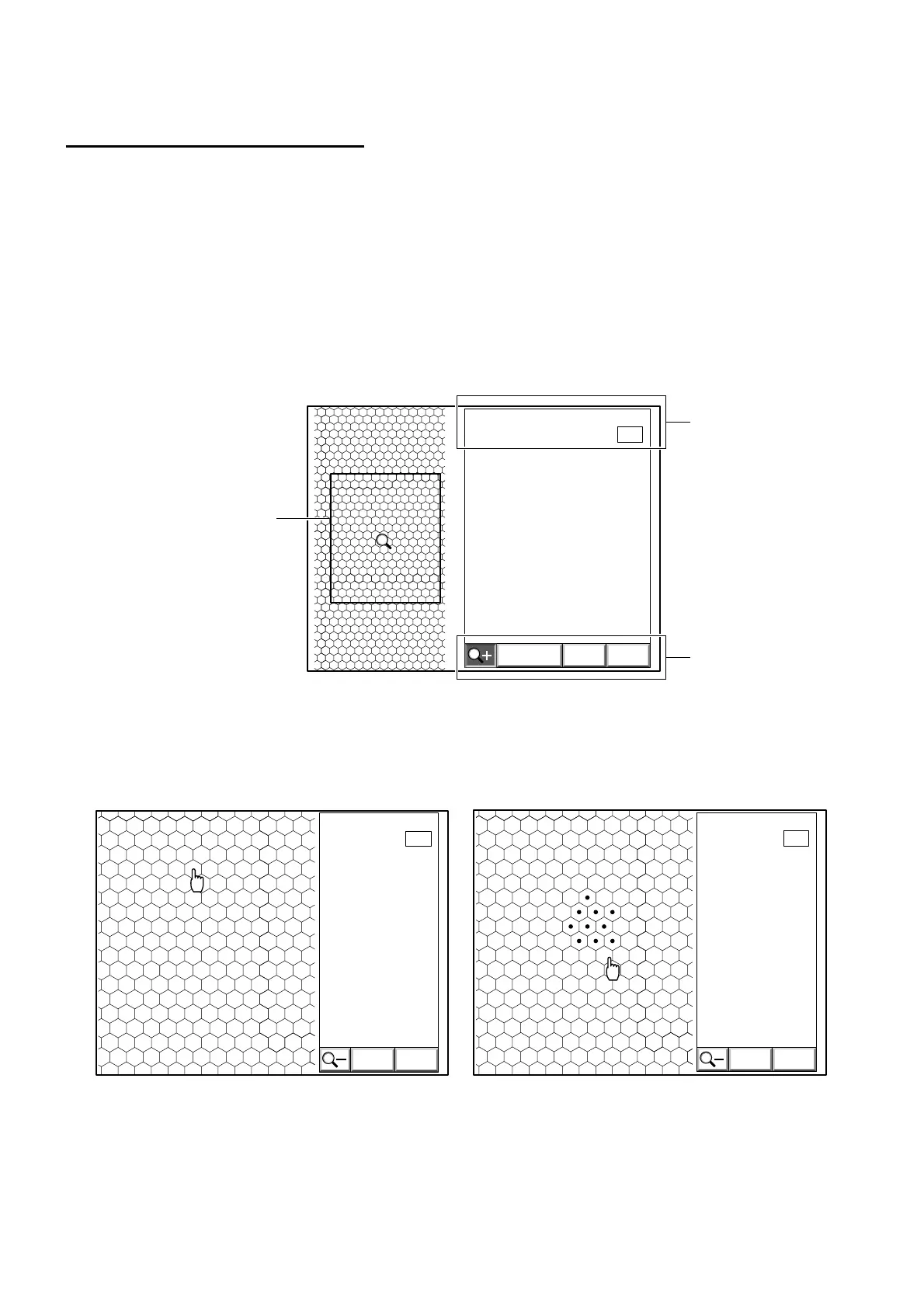
1 Access the image display.
2 Click the "ANALYZE" icon on the screen.
An analytic area setting frame is displayed on the screen.
3 Move the analystic area setting frame to desirable area.
Click the center of the cells within the specified area with the mouse.
EXIT
N:
0041 05/01/01 19:47L
[
C
]
0
Analytic area setting frame
Data
Icon
EXIT
N:
0112
0
L
[
C
]
EXIT
N:
CALC
0041
10
L
[
C
]
Shifting the zoom area setting frame Zoom display



 To Next Page