43
BASIC OPERATION
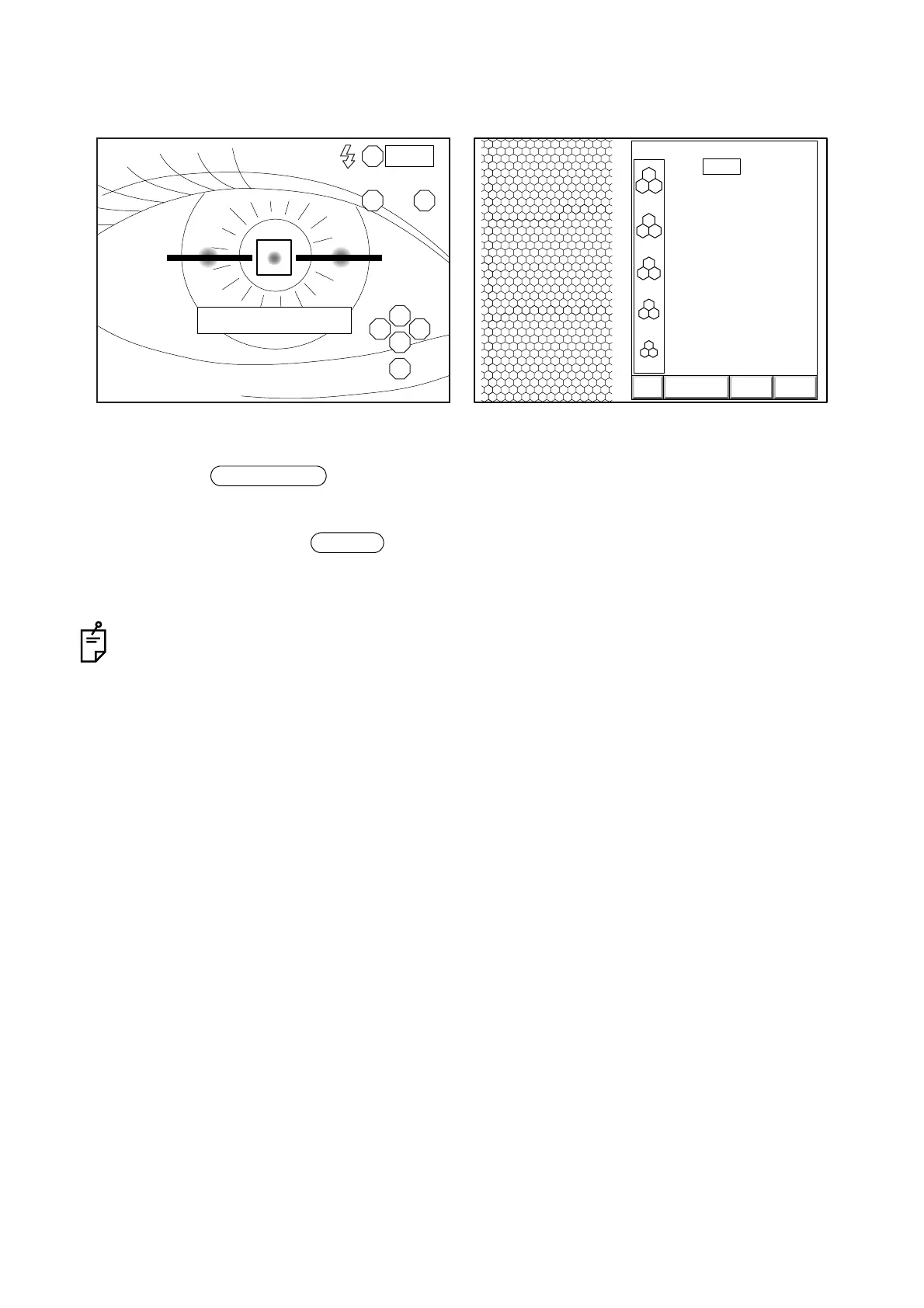
7 Move the instrument longitudinally with the longitudinal alignment bar as a reference.
When the alignment bar is shorter, the instrument takes a picture automatically.
8 Press the switch on the control panel or click "EXIT" on the screen.
The eye observation display appears again and the instrument is ready for the next photograph.
9 After using, turn off the switch on the power supply unit.
10 Remove the power plug from the outlet.
When the corneal condition is poor, automatic photography may be impossible. In such a case,
take a picture in the manual mode. For details, refer to "PHOTOGRAPHY IN MANUAL MODE" on
P.44.
R
LS
S
T N
C
I
0001
FORWARD
3000
2500
2000
1500
1000
T:
ANALYZE DATA EXIT
0001 05/08/05
0.540
13:38R
[
C
]
Observation display just before photography Image
Image selector
POWER



 To Next Page