55
OPERATION BY OBJECTS
Input through RS-232C
This instrument can input the ID number through RS-232C by connecting with a bar code reader, etc.
1 Check the connection to RS-232C.
For details on the connection, refer to "CONNECTING THE EXTERNAL INPUT/OUTPUT TER-
MINAL" on P.17.
2 Check the setting of the RS-232C input.
For details on setting the RS-232C input, refer to "DEFAULT SETTING" on P.19.
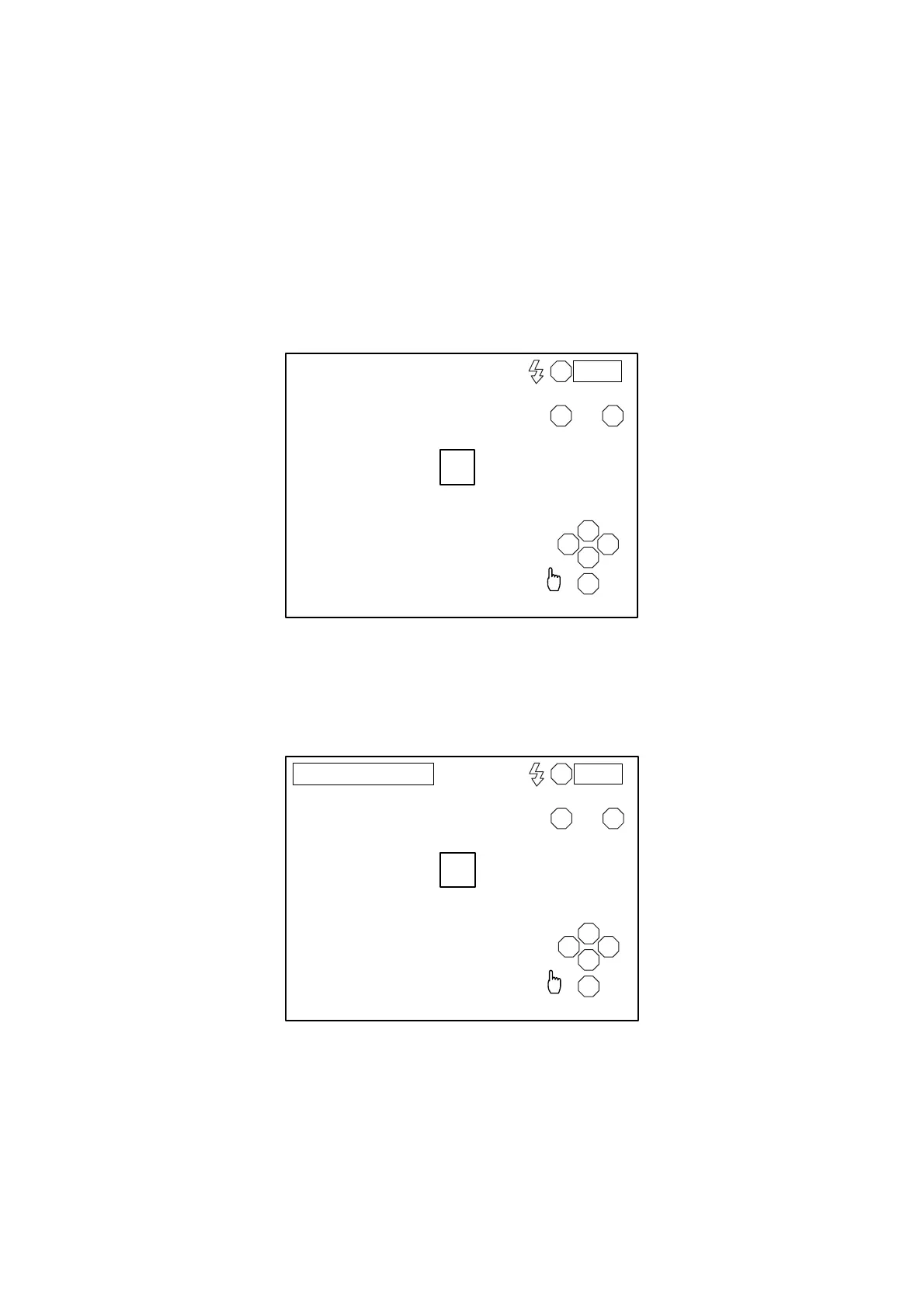
3 Access the observation display.
4 Enter an ID number from the external device.
The entered ID number is displayed on the screen.
R
LA
S
T N
C
I
0001
R
LA
S
T N
C
I
0001
ID : 0123456789012



 To Next Page