68
DETAILS OF THE SETTING MENU
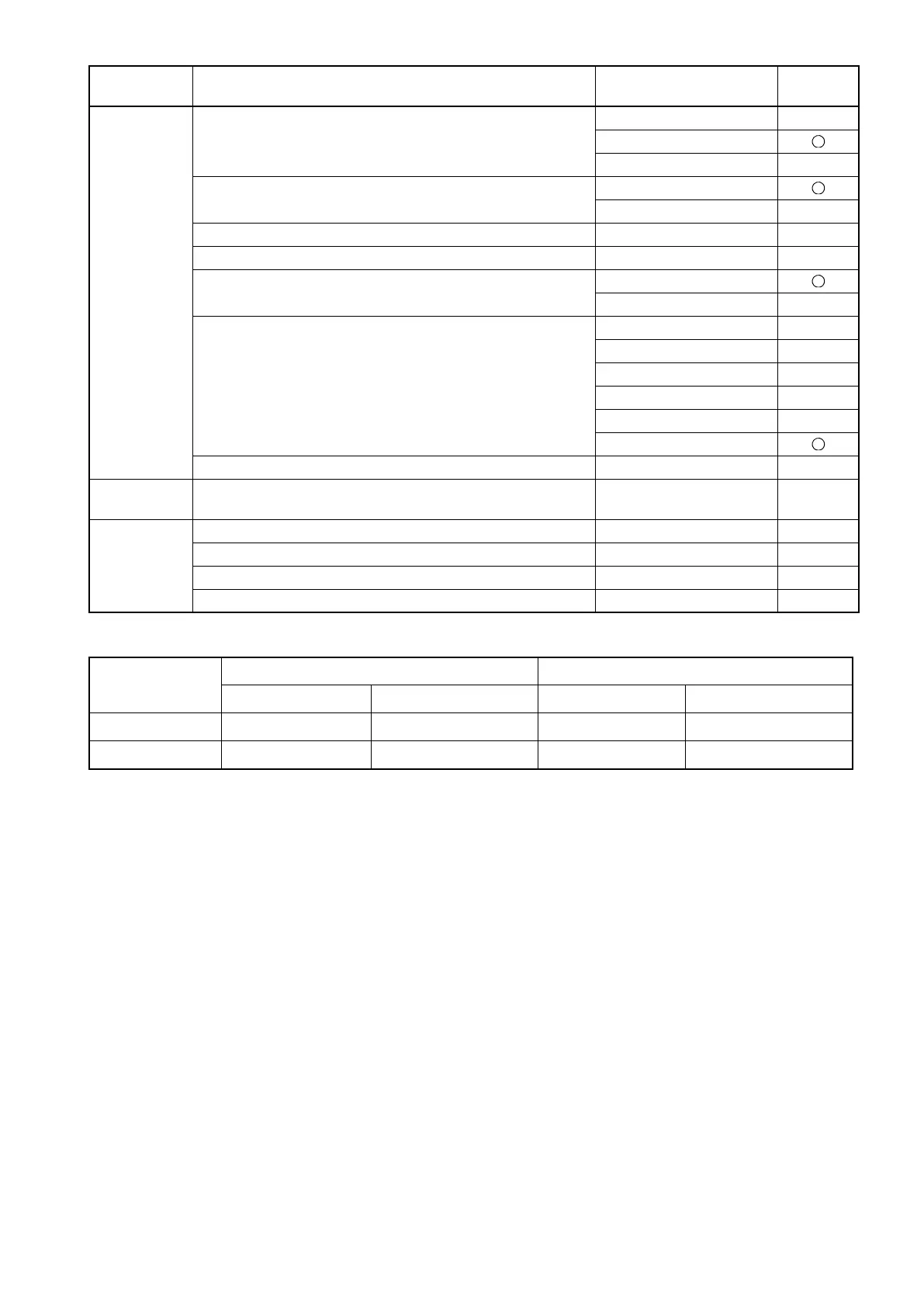
*1: For the flash level and Gain of each image quality at shipment, refer to the table below.
*2: Ten keys are displayed.
Fundus
Photo
Blink Detection Level OFF
LOW
Normal
Color Mode
Normal ISO
Low ISO
Flash Level 1.0 – 15.7W•s
*1
Gain 0 – 9, BS, AC *2
*1
Peripheral Photo Sequence Chinrest screen
Capture screen
Peripheral Photo Pattern 4X
4+
5X
5+
8
9
Peripheral Photo Fixation Move AUTO, MANUAL
AUTO
Illumination
Level
Fundus Photo 1 – 5
3
Flash Level
Adjust
Stereoscopic photography -4 – +4
0
Peripheral photography 0 – +4
+1
Anterior segment photography -4 – +4
-3
30° photography -4 – +4
-1
Image quality
Flash level Gain
Settable range Setting at shipment Settable range Setting at shipment
Normal 1.0
– 15.7W•s4.0W•s0 – 63 0
Low 1.0
– 15.7W•s2.0W•s0 – 63 8
Utility button Item button Item selector button At
shipment















 To Next Page