71
DETAILS OF THE SETTING MENU
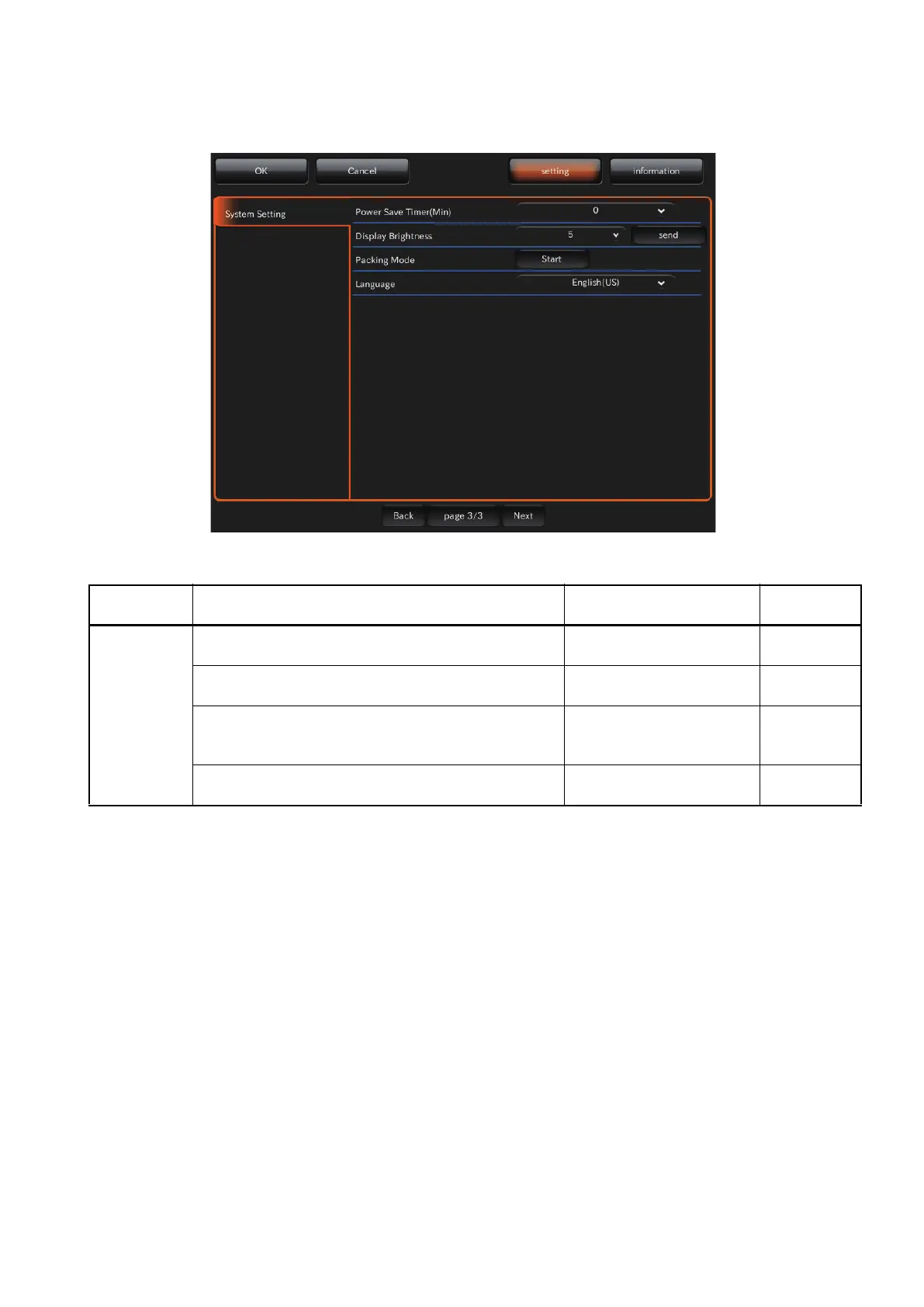
PAGE 3: System Setting
On the "PAGE 3" screen, set the system. For details on each button, refer to page 29.
x PAGE 3: Initial screen
On PAGE 3, the items shown in the following table are assigned to the buttons on each layer.
Utility button Item button Item selector button At
shipment
System
Setting
Power Save Timer (Min.)
Sets the time until the power save function is ON.
0 - 60
(At intervals of 5 minutes)
10
Display Brightness
Sets the brightness of control panel.
1 - 10
5
Packing Mode
Tap the [Sta rt] button, and the head unit and chin-
rest move to be in the packaged status.
Start
-
Language
Sets the display language.
Japanease (JP) /
English (US)
English
(US)















 To Next Page