70
DETAILS OF THE SETTING MENU
*1: When "ON" is set for "Preview", it is valid to change setting for this item.
*2: When "ON" is set for "Preview" and "Each eye (with timer)" is set for "Preview method", it is valid to
change setting for this item.
*3: When "ON" is set for "Alignment check", setting for this item is valid.
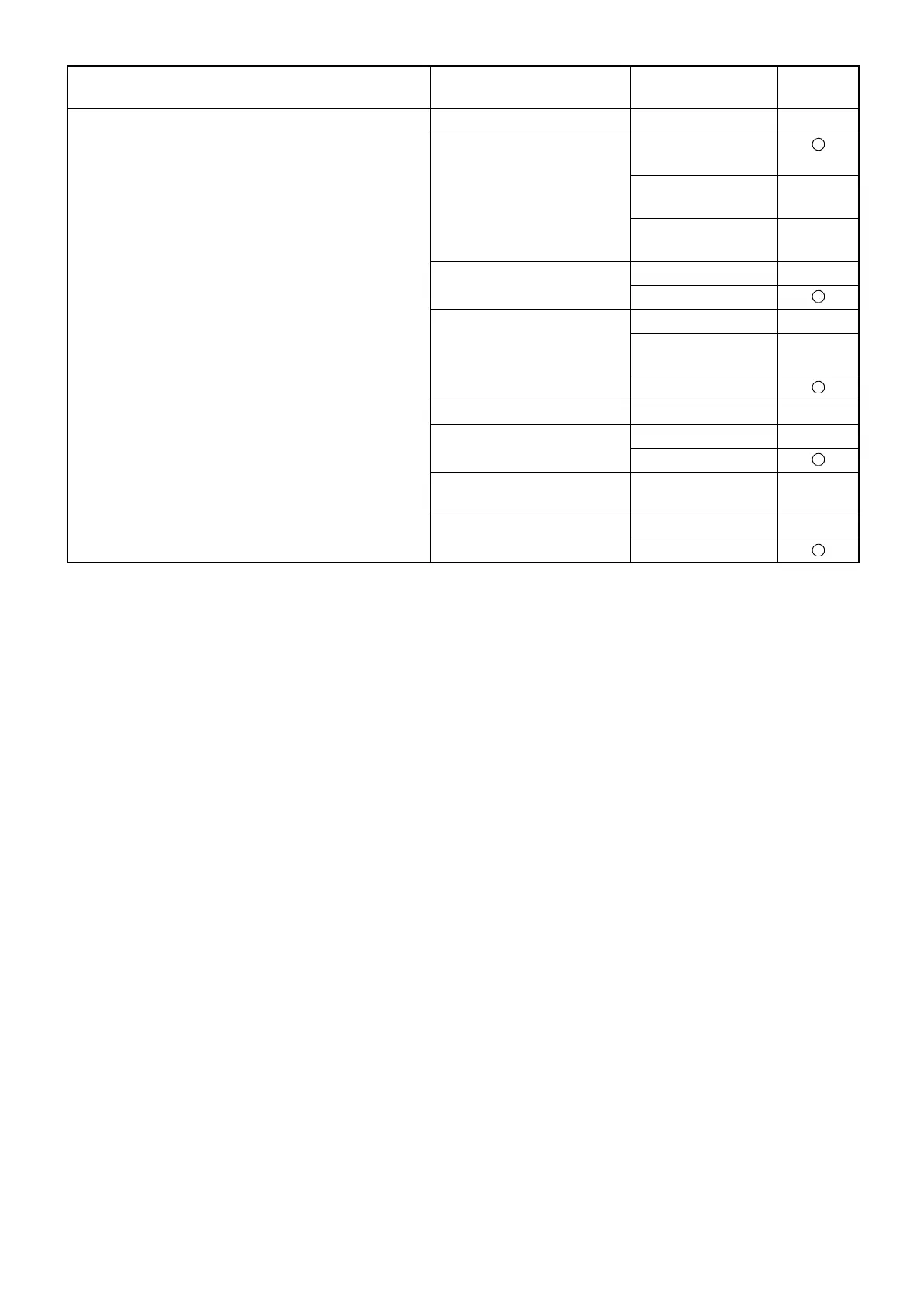
Auto Operation Capture timer value (sec.) 1, 2, 3, 4, 5 3
Capture order of eyes Right eye o
Left eye
Left eye o
Right eye
From last captured
eye
Preview OFF
ON
Preview method *1 Both eyes
Each eye
(with timer)
Each eye
Preview timer (sec.) *2 3, 5, 10 5
Alignment check OFF
ON
Alignment check
time-out *3
3, 5, 10 5
Auto shoot OFF
ON
Utility button Item button Item selector
button
At
shipment















 To Next Page