Shenzhen Topwisdom Technology Co., Ltd
15
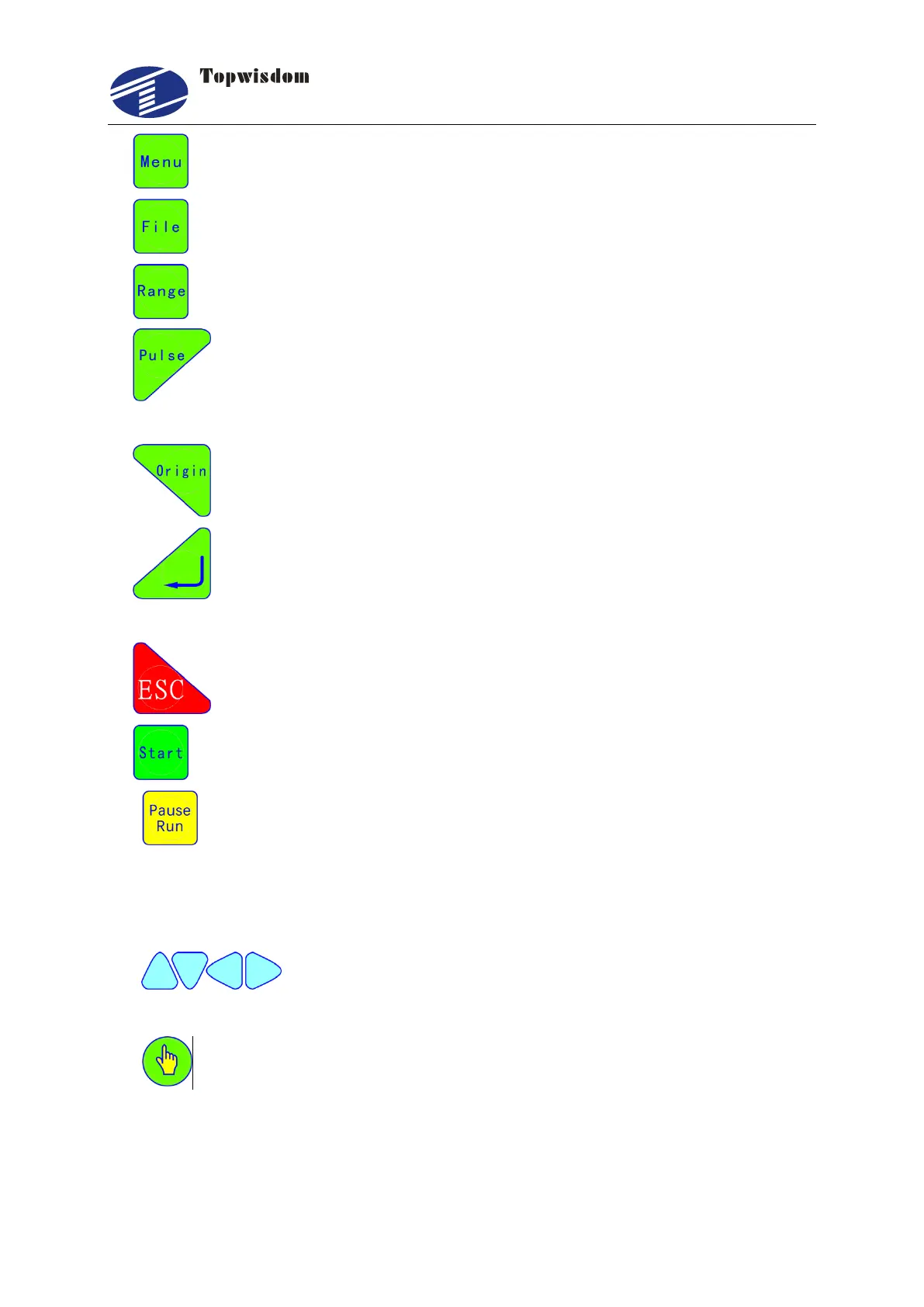
2. "Menu" Key: press the key and go into the main menu interface.
3. "File" Key: go into the memory file selection interface.
4. "Range" Key: the range previewed interface.
5. "Pulse" Key: use to test. Press one time, light one time. It is used to test the
optical path and light power intensity
6. "Origin" Key: can set the start point from which the machine runs.
7. "Enter" Key: agree to the current operation. In standby Interface, press this key
to go into parameter setting interface.
8. "ESC" Key: used to cancel the operation and return to the previous interface.
9. "Start" Key: start processing the current file.
10. "Pause/Run" Key: press the key to pause at the working state, or press again, it’ll
go on running. In the pause state, move the X or Y axis, then press this button, it’ll
automatically return to the break point to continue working. On the Stop state, press the
key, the laser head will automatically return the anchor point.
11. Direction key, used to move the X, Y, Z, U axis, in the other interfaces,
used to move the curse to choose menu.
12. Select key, change the axis speed in the standby interface, in the other interface,
used to change the parameters besides the numbers.



 To Next Page