Shenzhen Topwisdom Technology Co., Ltd
48
3.2.19 Statistical Information
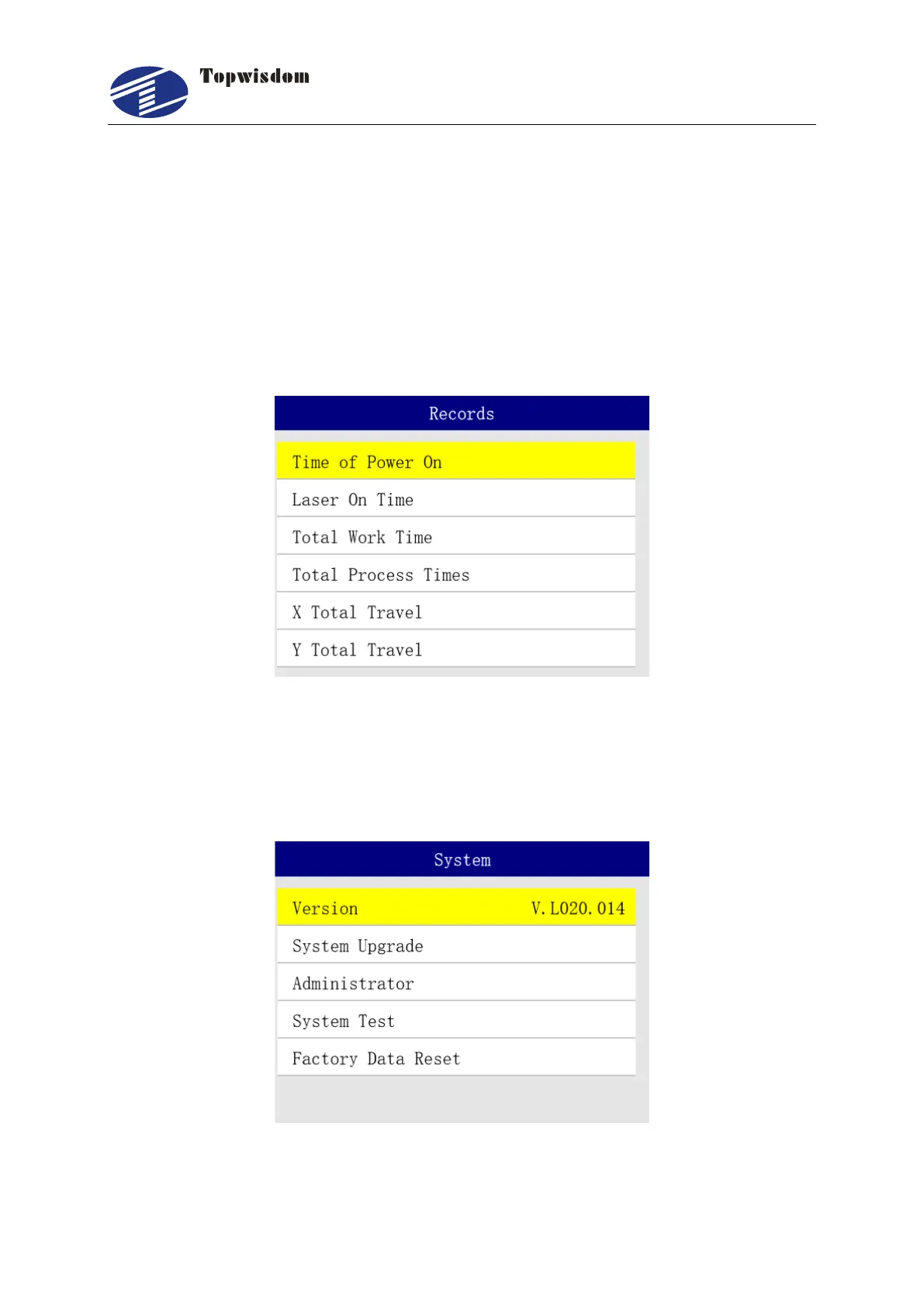
In Main Menu interface, select "Records" to view the statistical Information. Statistical
Information includes: Time of Power On, Laser On Time, Total Work Time, Total Process
Times, X Total Travel and Y Total Travel. On the statistics page, press “Enter” key to show
the informaiton, press the "Select" key and enter the password "12344321" to delete the
selected information. Press the "Menu" key to enter the same password and delete all the
information.
3.3 System Settings
In Main Menu, select "System", and press "Enter" key to enter the system set interface.
1. Version: the version of control system.
2. System Upgrade: we support an update file for user to update their system. Before



 To Next Page