Shenzhen Topwisdom Technology Co., Ltd
55
4.2 Rotary Device Parameters
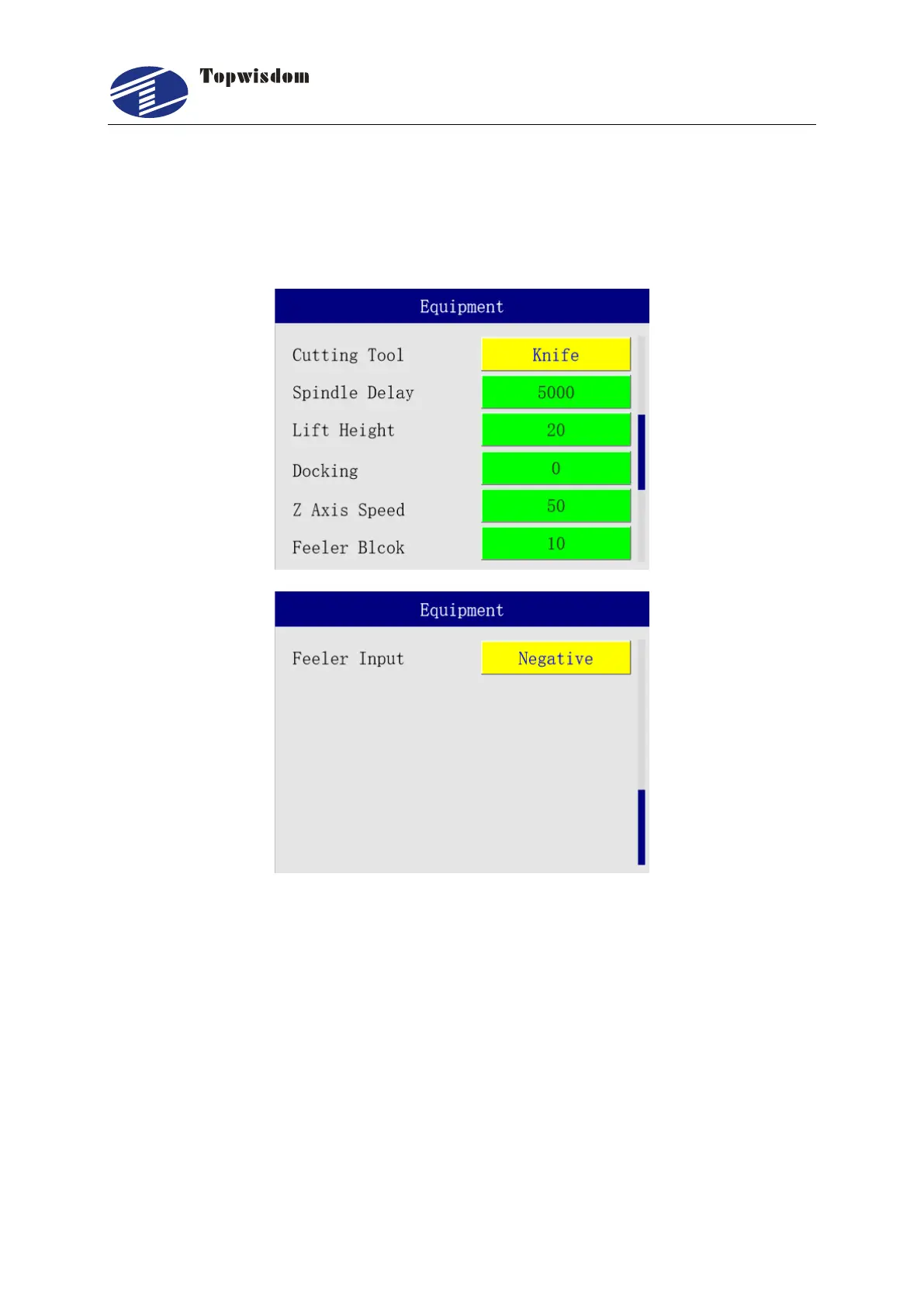
Select the device parameters from the menu and change the equipment type to "Knife". After
turning the page, the rotary knife parameters will be displayed.
a. Cutting Tool: Knife or Laser. When the knife is selected, the rotary cutter mode is
used to activate the spindle rotation, and the cutting head automatically moves down
for cutting and lifts when finishing. When the laser is selected, the cutting head does
not lift or fall.
b. Spindle Delay: the time required for the spindle to run from standstill to the rated
speed. It requires being consistent with the settings of the inverter. If the spindle is
not started but the control Card is ON, turn on the spindle running signal first, then
wait for the spindle start delay before cutting. Unit: ms.
c. Lift Height: when working, the lifting height of the cutting head before the starting
of idle motion, in unit of mm.



 To Next Page