Shenzhen Topwisdom Technology Co., Ltd
21
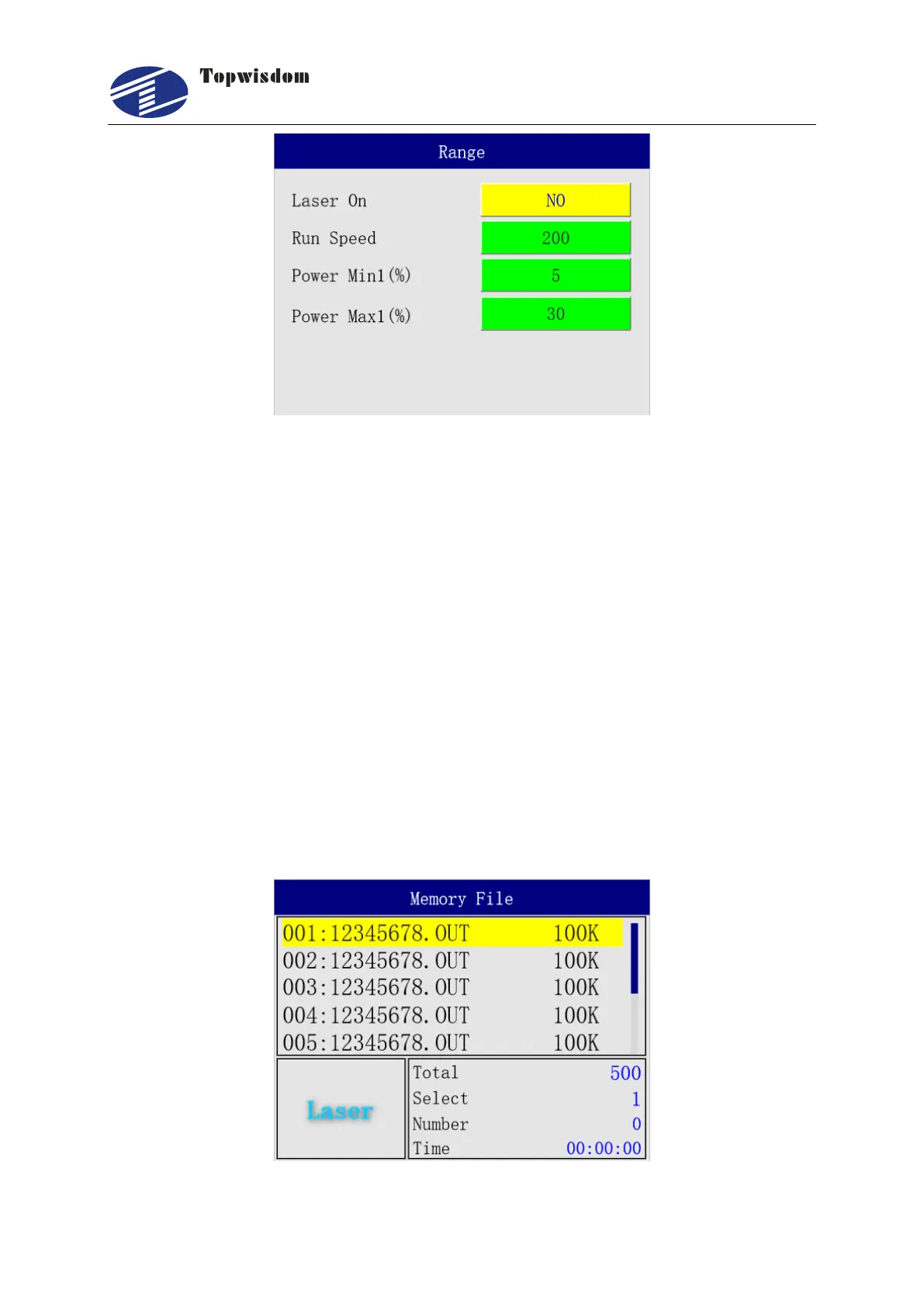
1. Laser On: border preview is divided into two types of preview, one is to cut the
border; One is to take the border. You can press the "Select" key to change the two
preview methods. Select "Yes" to cut the border, and select "No" to walk the border
to view the working range. Press "Range" when the selection is complete to perform
the movement. Press "Pause" to stop the movement.
2. Run Speed (mm/s): set the speed at which the border goes, in mm/s..
3. Power: the power of the trimming frame adopts the default power value of the
machine. The minimum power represents the power value at starting and turning
angle, and the maximum power represents the power value at reaching the frame
speed
3.2.7 File Selection Interface
Press "File" key in the standby interface, directly select "File/ Memory File" to enter, show as:



 To Next Page