Shenzhen Topwisdom Technology Co., Ltd
20
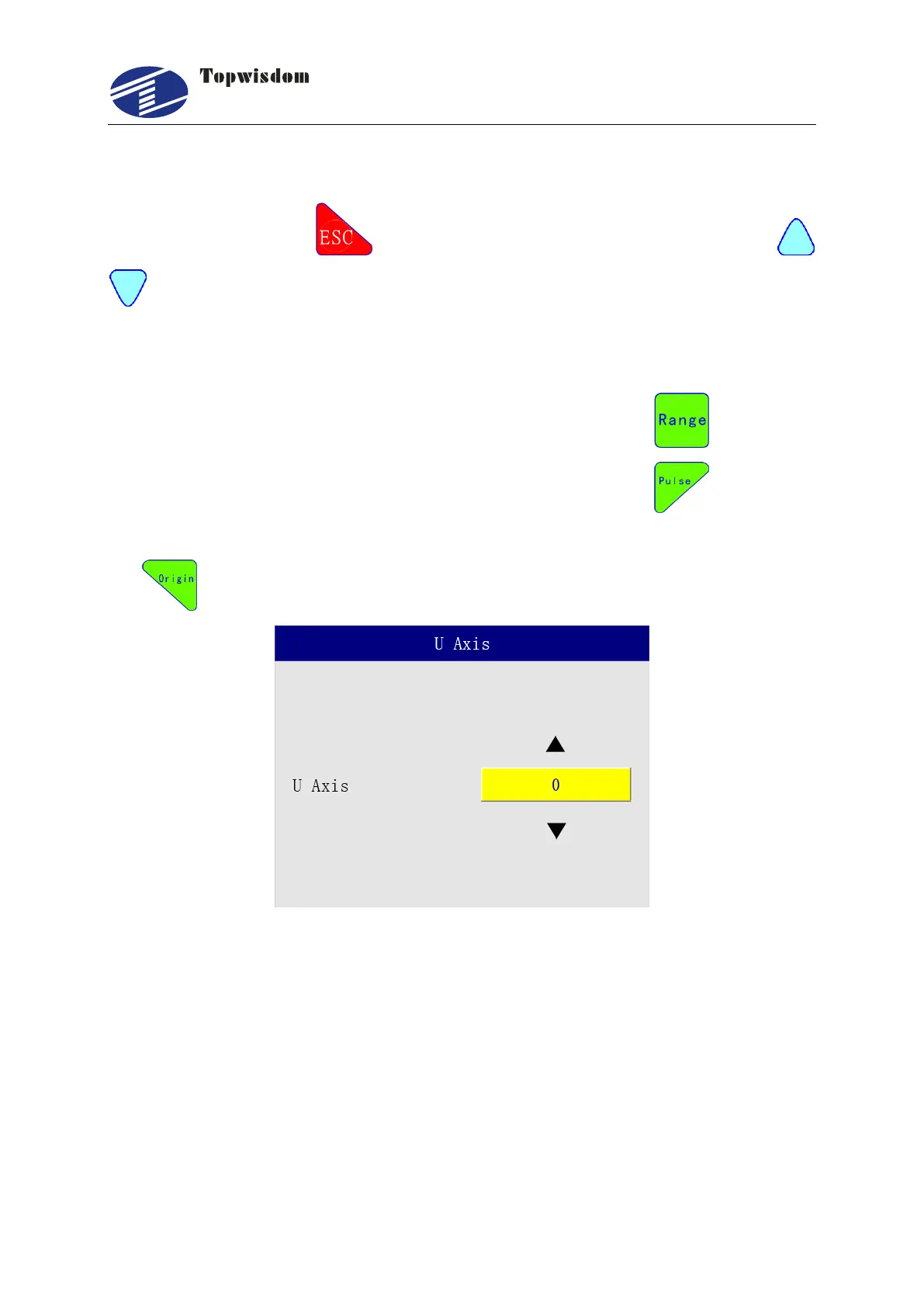
3.2.5 Z/U Axis Move Interface
In standby interface, press , shows Z/U Axis Move Interface. Press “Up/Down”
to Move Z or U Axis.
In Menu/Equipment interface, When change the Z/U Option to "Z Axis",it displays
coordinate of Z axis,then it is able to control Z movement,Otherwise, it displays U axis.
For the rotary cutting model it displays coordinate of Z axis, press to record the
current position of Z as docking postion when stop working; press to record the
position as working position when Z axis moveing down during the processing; press
for head presetting test.
3.2.6 Range Preview Interface
On the standby interface, press the "Range" button to directly preview the frame. If you need
to modify the range preview parameters, you can enter the panel "Menu"-"Range" to modify,
after the modification is completed, directly press the "Range" key to preview the frame, as
shown in the figure:



 To Next Page