Shenzhen Topwisdom Technology Co., Ltd
19
1. Layer Parameter: when one file is selected, press "select" button, to choose the
layer number.
2. Work Speed: when one file is selected,it shows the work speed in current layer.
Otherwise, it shows the system default speed value. The unit is mm/s.
3. Idle Speed: the default move speed when laser is off. When one file is selected, it
shows the idle speed in current layer. Otherwise, it shows the system default speed
value. The unit is mm/s.
4. Power Min: when stroking curves, this power intensity applied for line start and the
corner of the curve. Or it applied for the top depth when gradient carving. The range
is 0.00~100.00%.
5. Power Max: when stroking curves, this power intensity is applied as the work speed
was reached. Or it applied for the bottom depth when gradient carving. The range is
0.00~100.00%.
6. Speed Factor: it is applied to improve the smoothness of movement. The range is
0.00-3.00. The bigger the factor, the faster of planned speed of lines in work file, and
the stronger jitter of motion. The smaller the factor, the slower of planned speed of
lines in work file, and then longer the work time and the jitter of motion. Normally it
is set to 2. If the smoothness is high demanded (i.e. above 2500mm/s), set the factor
to less than 1. The jitter reduces obviously. In a need for acceleration, set the speed
factor to 3.
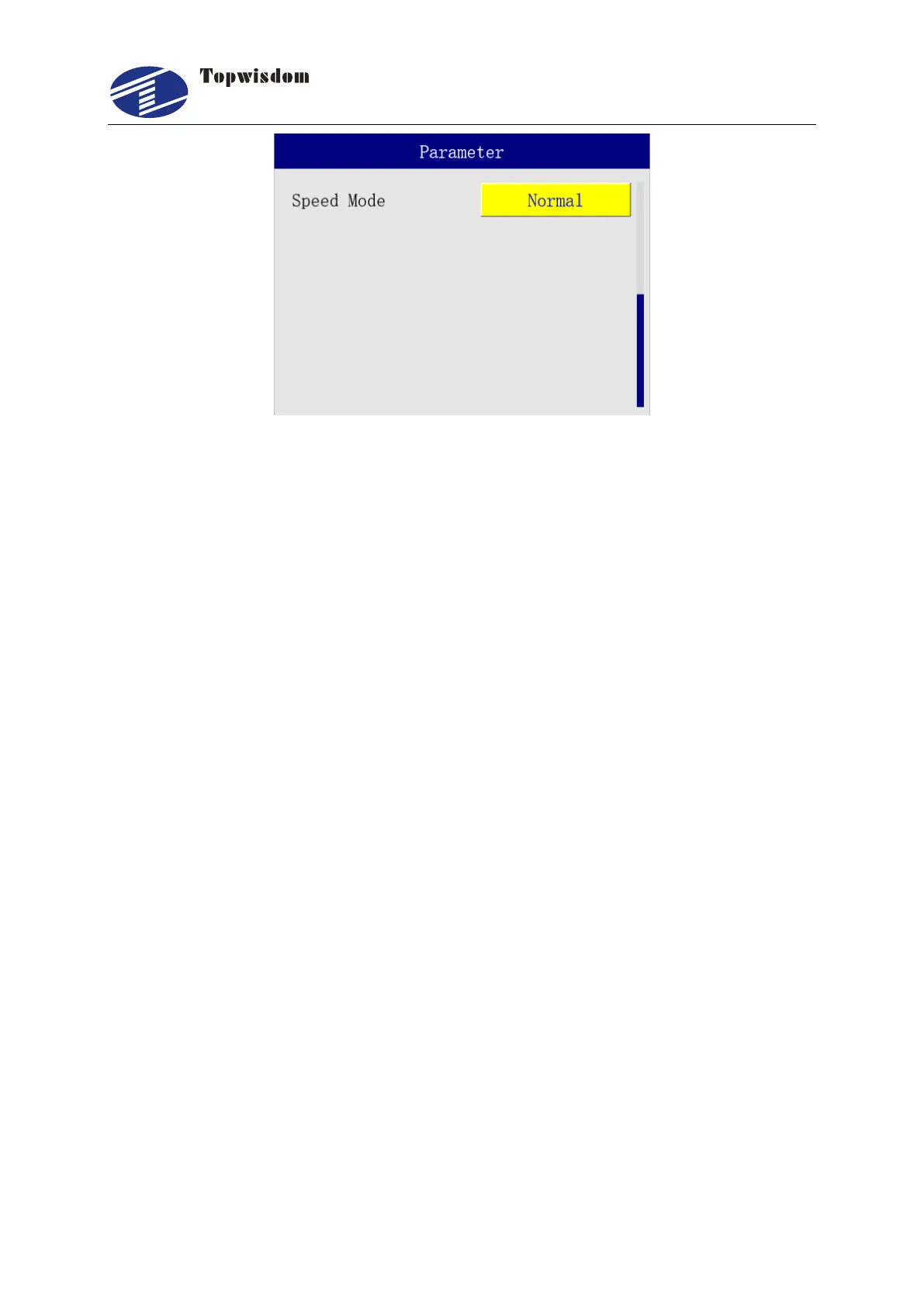
7. Speed Mode: in normal mode, the machine jitter and impact are reduced, and the
processing effect is good, but the processing time increases. In fast mode, the
machine turns fast, jitter and impact increases, but the processing time is short and
the efficiency is high.



 To Next Page