Shenzhen Topwisdom Technology Co., Ltd
26
The left area of the interface displays the file list, and the low right area displays the file
information.
1. Total File: the number of files processed in U disk.
2. Selected File: the currently selected file.
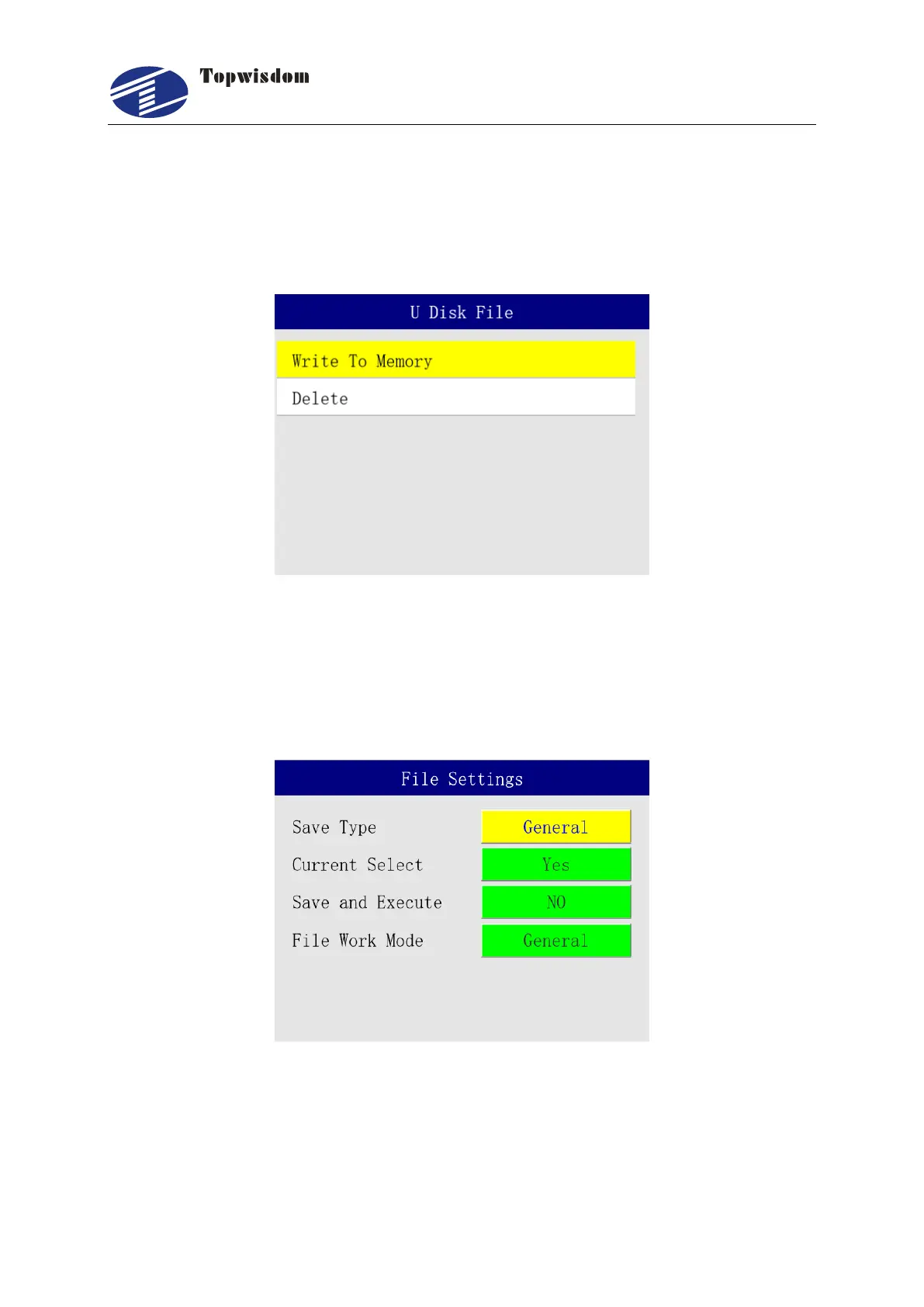
Click "Enter" key to perform the file operation, show as:
1. Write to Memory: copy file from U Disk to control card.
2. Delete: delete the current file.
3.2.10 File Settings
Select "File Settings" to enter , show as:
1. Save Type: General or Temporary. Temporary means the received file is temporary
file. It will be replaced by the new received file. General means the received files
will be saved one by one, not be replaced, like copying from the U disk.
2. Current Select: once a file is finish downloading, it will be select as current file.



 To Next Page