Shenzhen Topwisdom Technology Co., Ltd
45
Cutting instructions:
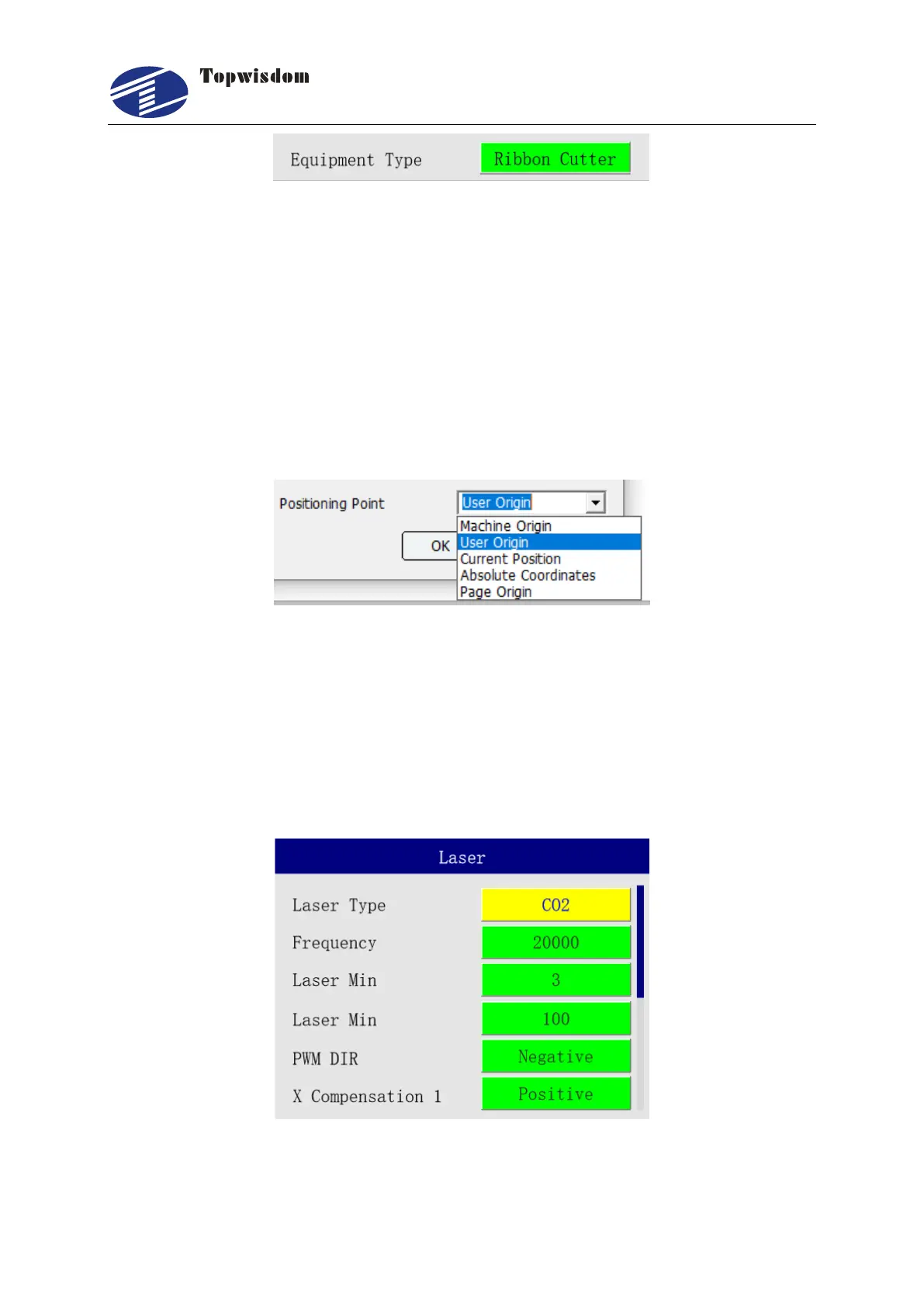
1. The Y-axis will be used as a feed shaft for feed cutting after selecting the ribbon
cutter function.
2. Turn off the power-back-to-origin function on the XY axis.
3. Because the XY axis back to origin function is turned off, the current position
coordinates of the laser head after power-on will automatically be adjusted to half the
size of the XY axis's largest face.
4. Change the processing positioning method on the software to "current position" and
then send the processing graphics to the cutting machine!
5. After cutting, the laser head returns to where the current cut figure is at its maximum
size as the origin position, and then performs the next cut.
3.2.17 Laser Settings
In the Main Menu interface, choose "Laser" to enter, show as:



 To Next Page