Shenzhen Topwisdom Technology Co., Ltd
33
control buttons on the keyboard, you can change the polarity to make them consistent
with each other.
11. Protection: enable or disable detecting the axis limit switch. When it is opened and the
limit switch is on, it will stop the motion.
12. Edge Trigger: Rising or Falling. Depending on the drive settings, it is usually set the
Rising. If the axis moves back and forth, it is always misaligned in one direction, and
reverse the Edge Trigger.
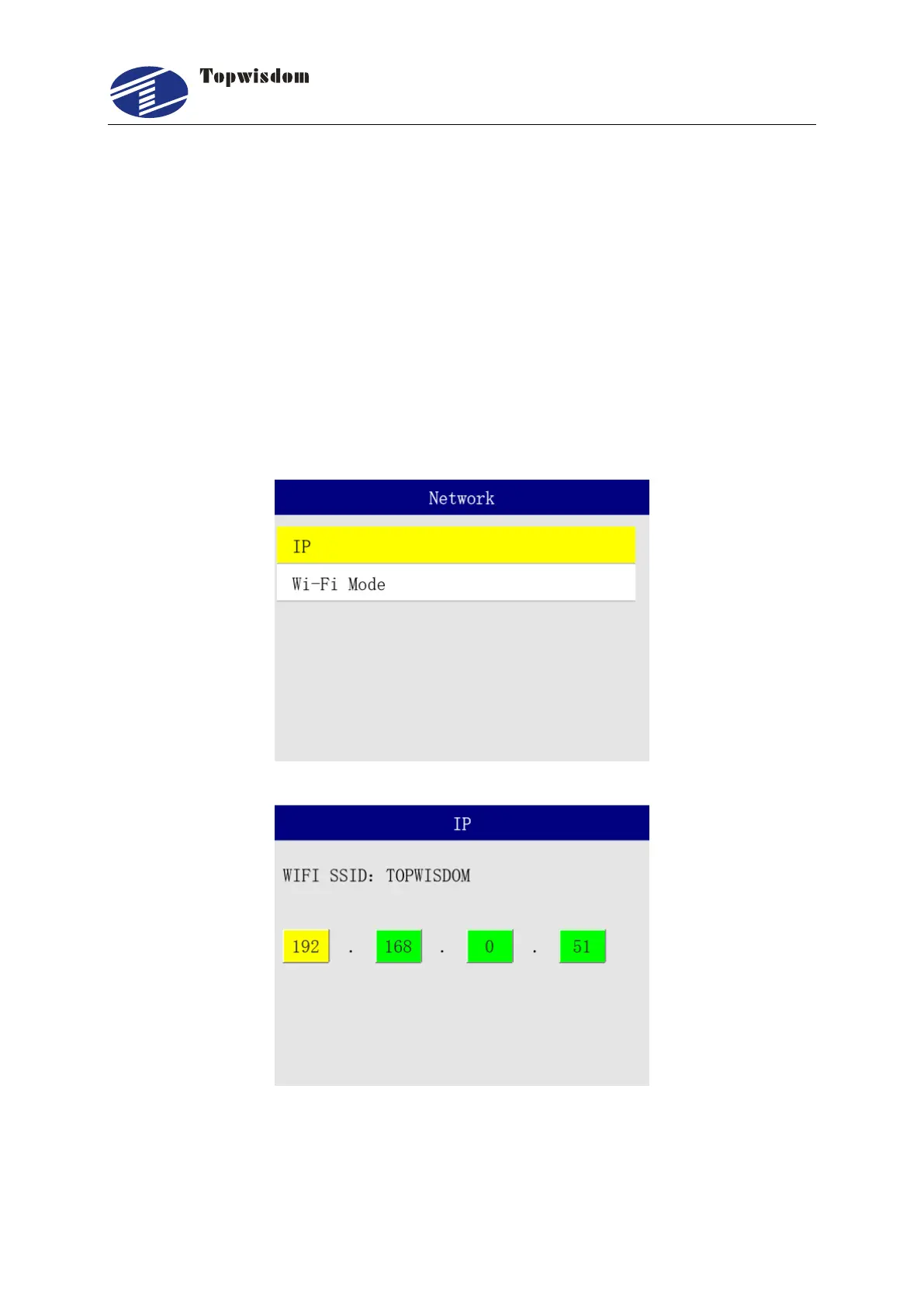
3.2. 14 Network
1. Select "Network " in the menu interface as shown in the following figure:



 To Next Page