Shenzhen Topwisdom Technology Co., Ltd
27
That is, once received, press "Start" to start engraving the current file. Select "No" to
save the received files directly in the system.
3. Save and Execute: once a file is finish downloading it will be executed.
4. File Work Mode: General or Cycle. Cycle means all the files will be executed one
by one in cycle. Otherwise, select "General".
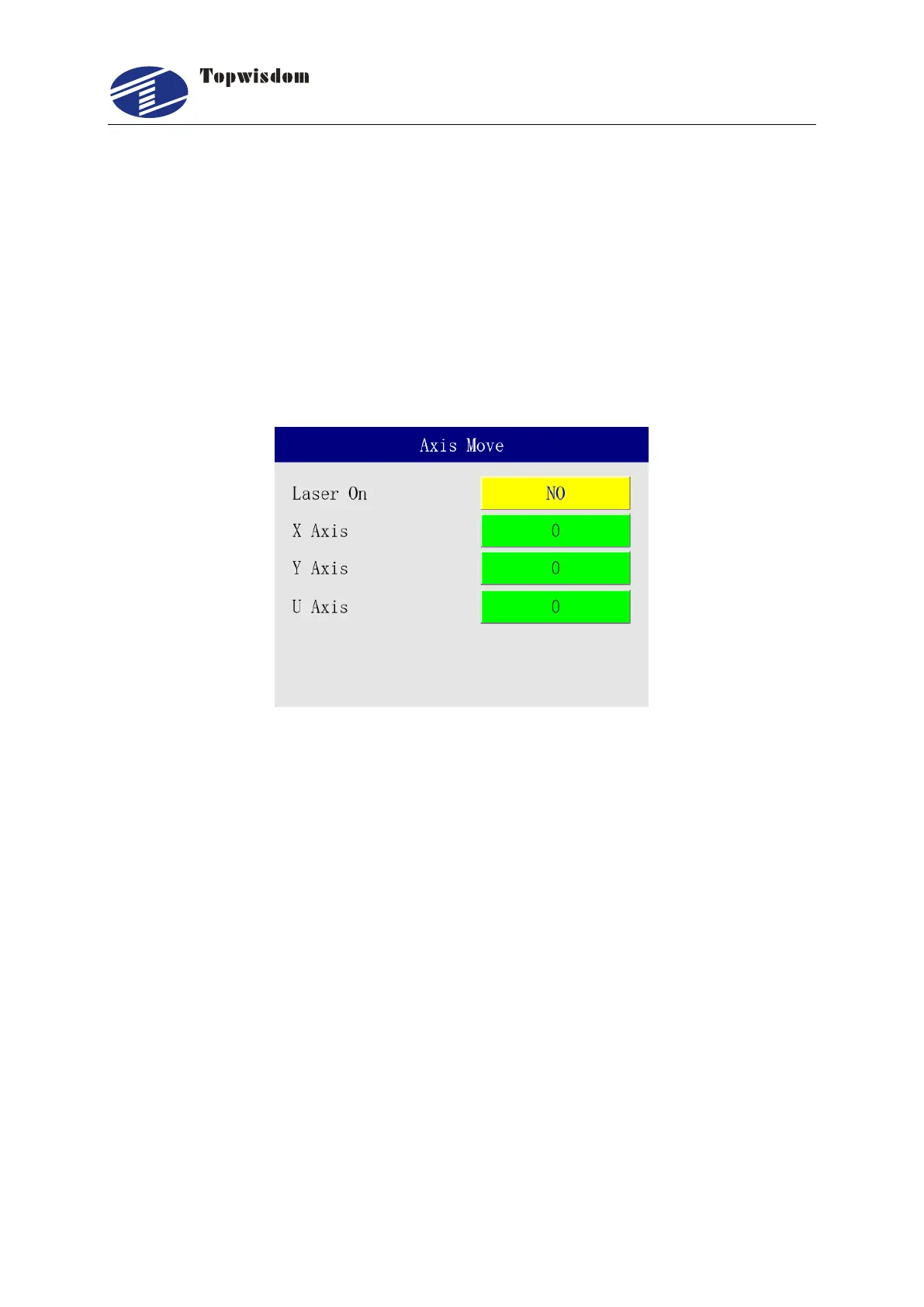
3.2.11 Single Axis Movement Interface
In Menu interface, select "Axis Move", show as:
Press the "Up/Down" key to choose the needed operation:
1. Laser On: select "Yes" to move the single axis with light, and select "No" to not
emit light.
2. X Axis: press "Right/Left" key to move X axis, when it stops, it’ll show the current
coordinate. The other axis operation is similar. Input the coordinate value, and press
enter key can move to setting position. It is able to input the X/Y coordinates
together and press "Enter" to move.
3.2.12 User Settings
In the Menu interface, select the "User", press "Enter" key to go into User Settings Interface
as show below.



 To Next Page